AI Image Studio
Text-to-Image
Text-to-Image
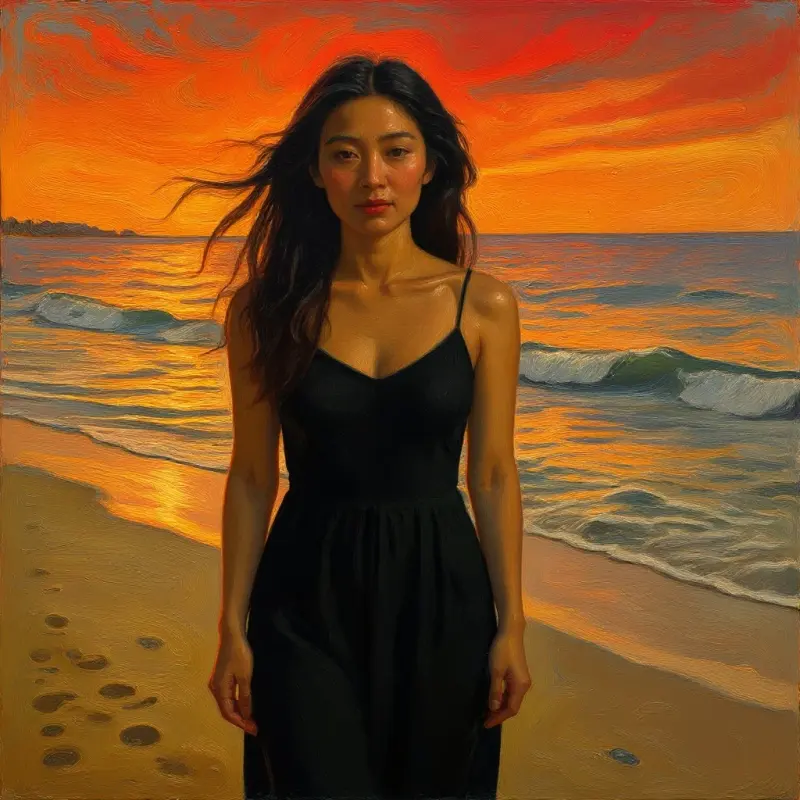
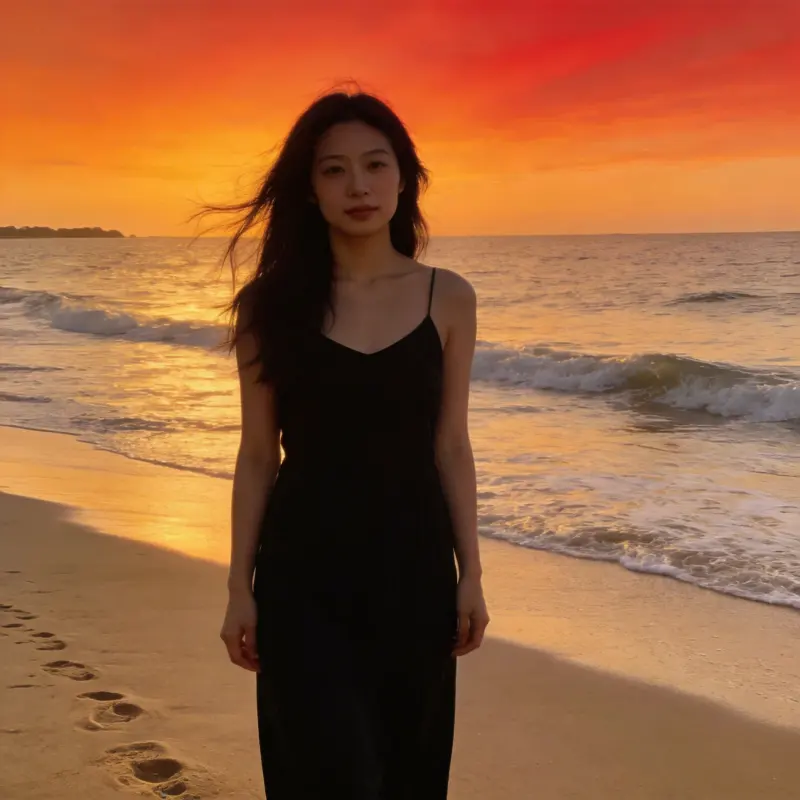
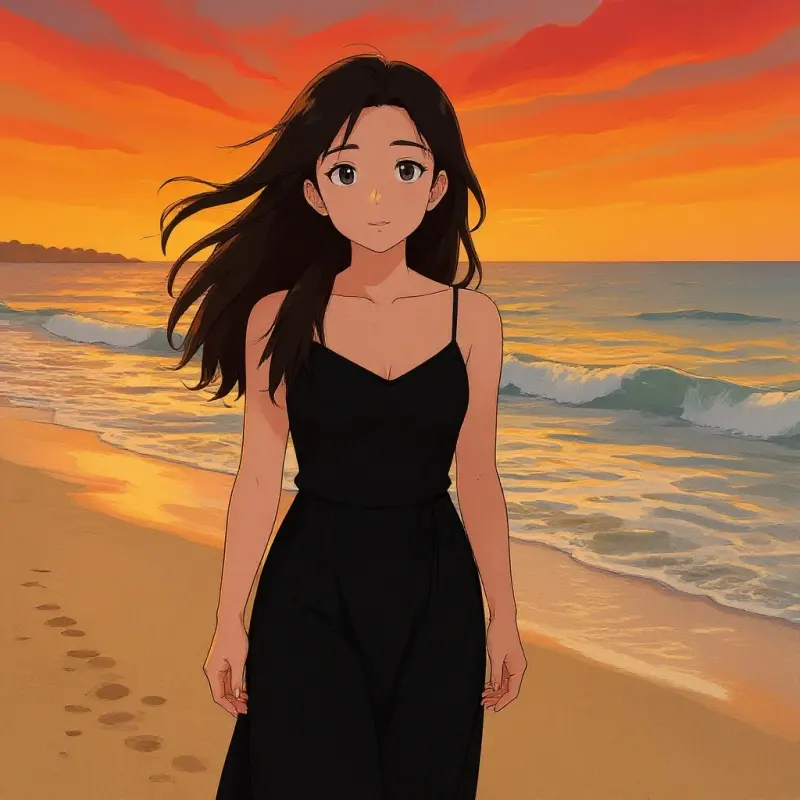
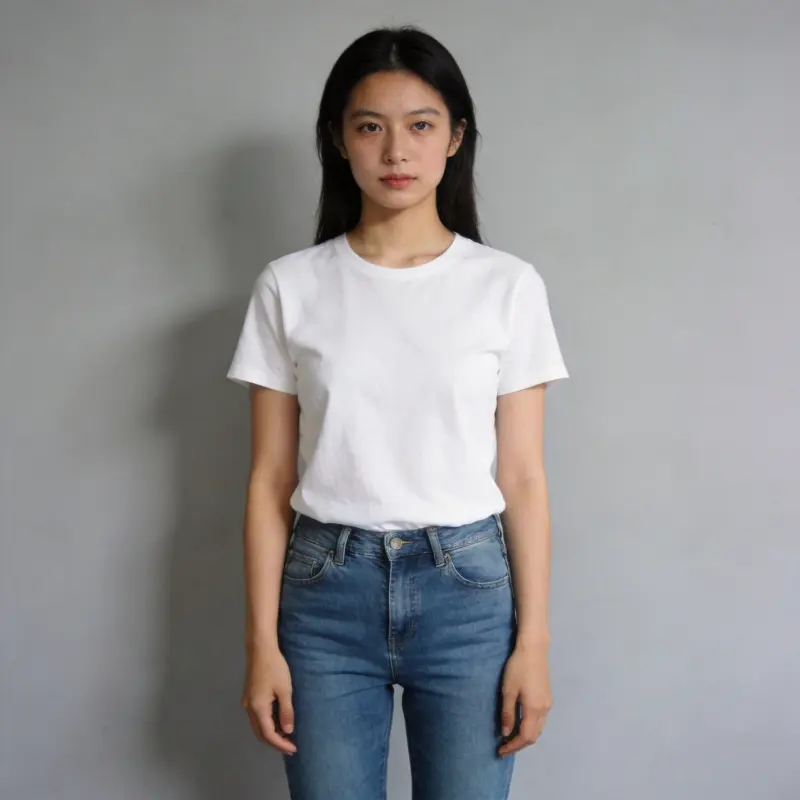
Create portraits, posters, illustrations, and more from a text prompt. Results save to your library.
Describe an image, choose a model and size, and generate it from text. Create portraits, illustrations, posters, or product concepts. Results save to your local library, where you can download them or use them in another tool.
BEGIN WITH AN IDEA
Describe the image you want
Include the subject, setting, and lighting you have in mind.0/2000
Preview
See your original image and the finished result
Your generated image will appear here
Describe what you want to see, then click generate
Text-to-Image FAQ
How do I write a prompt for a great portrait?
Include the subject, outfit, setting, lighting, and style. For example: "A 25-year-old woman in a flowing white dress in a wheat field, natural light, soft warm tones, film photography." Start with a preset if you need an idea, then adjust the details.
Can it generate portraits, landscapes, and illustrations?
You can request portraits, landscapes, illustrations, posters, and other scenes. What the model can generate depends on its capabilities and content restrictions.
Can I get high-resolution output in different aspect ratios?
Yes. Pick a quality tier (standard/high/ultra) and an aspect ratio (1:1 square, 16:9 landscape, 9:16 portrait, 3:4 portrait, 4:3 landscape) right when you generate. For portraits, 3:4 or 9:16 work especially well. You can upscale further with AI Enhancement afterward.
What if I don't like the result? Where are results saved?
Just tweak the description and regenerate. Every result is automatically saved to your local library, ready to download, use as an image-to-image reference, or process further with AI Stylization or Enhancement.
Is the MomentSift AI image generator free to use?
New accounts get free trial credits, so you can generate images right away with no card. After that, each generation costs credits that vary by model and quality tier. Output has no watermark, and every result saves to your local library to download, reuse as an image-to-image reference, or send to AI Enhancement.