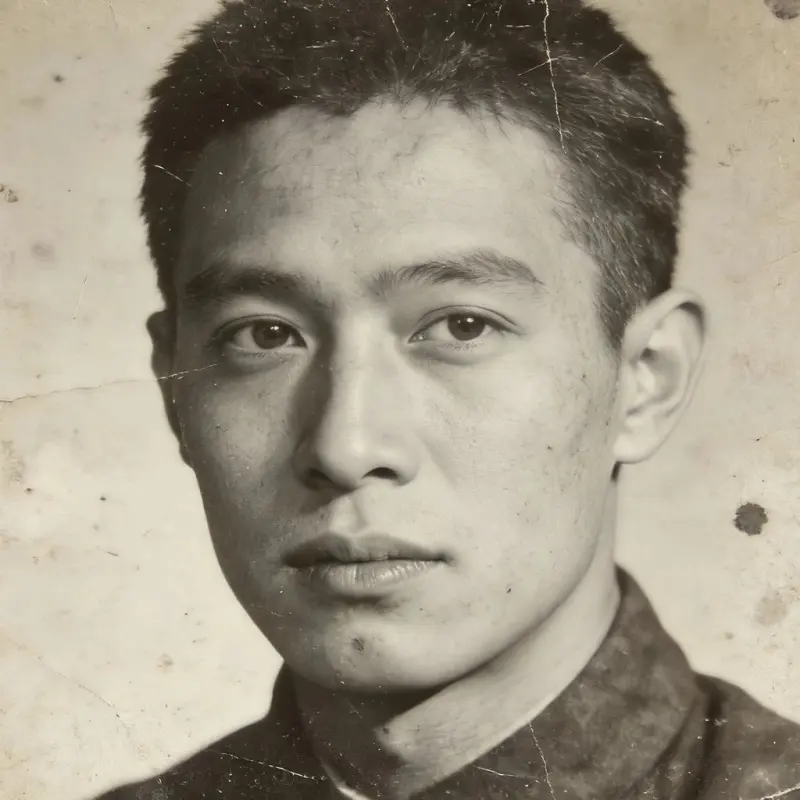
Super-Resolution
Photo Super-Resolution — 4x Upscaling
Upscale a photo by 4x and reduce noise. Try it on portraits, landscapes, or scans, then inspect the result for artifacts.
AI Image Studio
Super-Resolution 4x
Image & settings
Choose an image and adjust the settings
Drag and drop or click to upload
Supports JPG / PNG / WebP / HEIC, up to 20MB
Preview
See your original image and the finished result
Your result will appear here
Upload a photo and click start
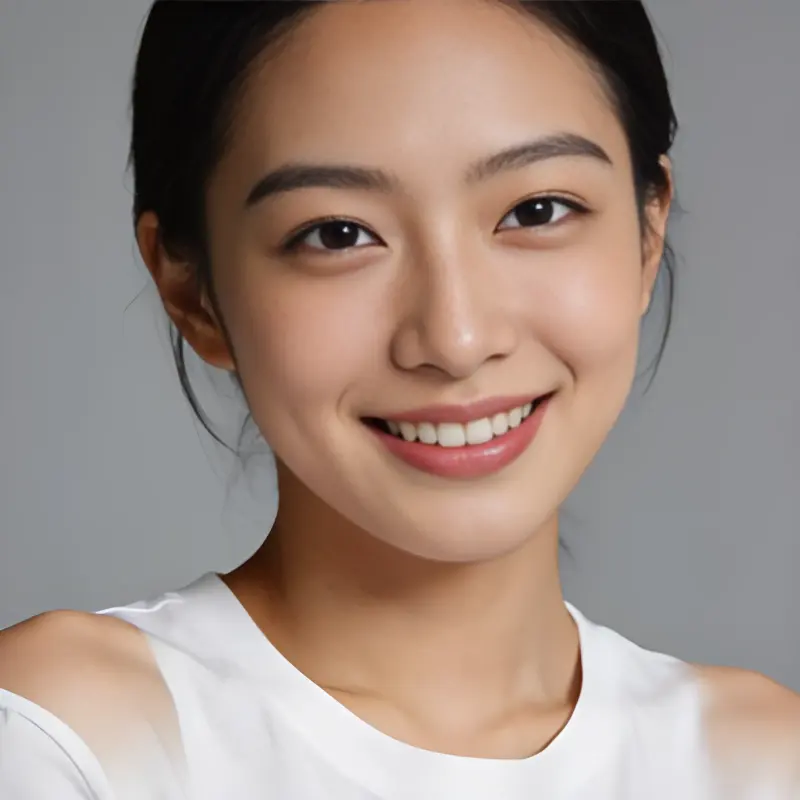
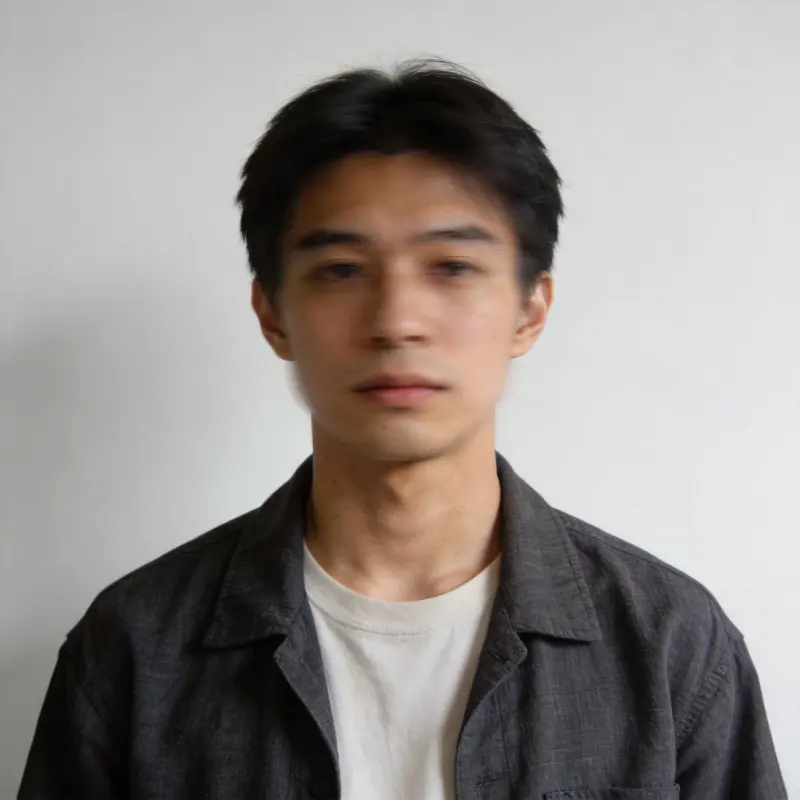
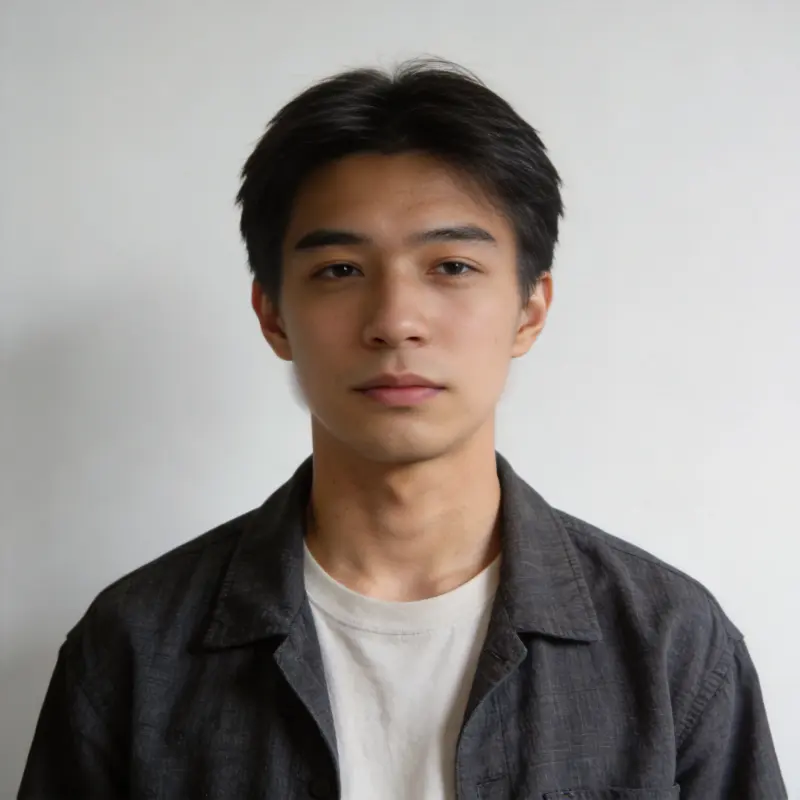
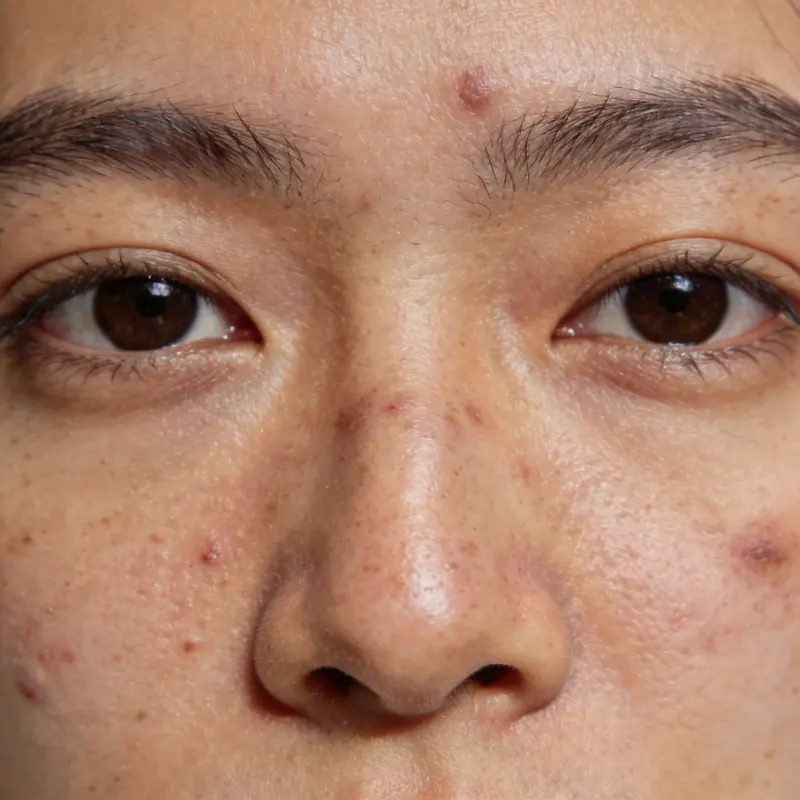
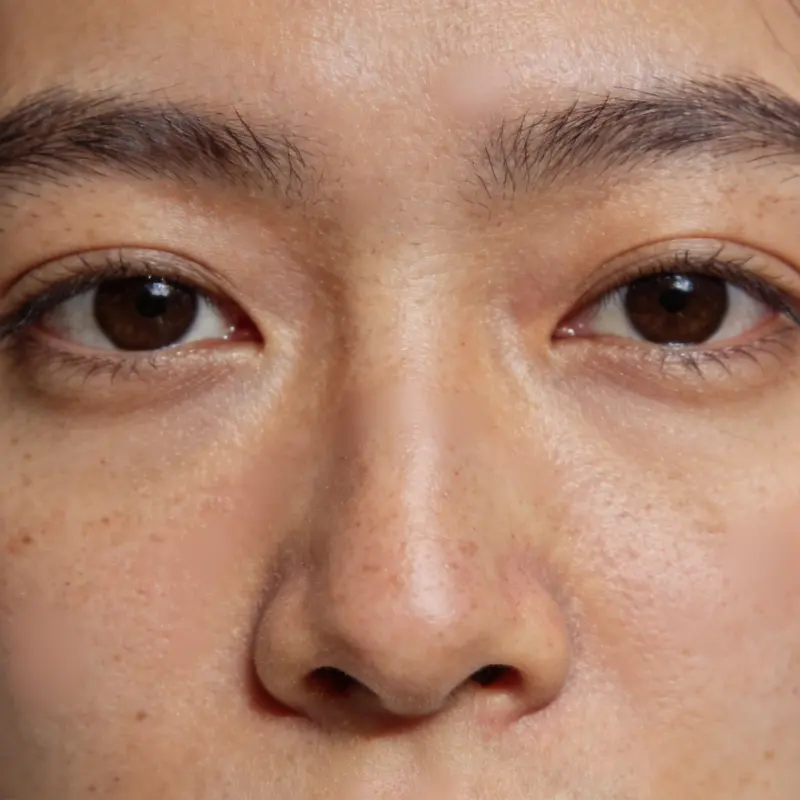
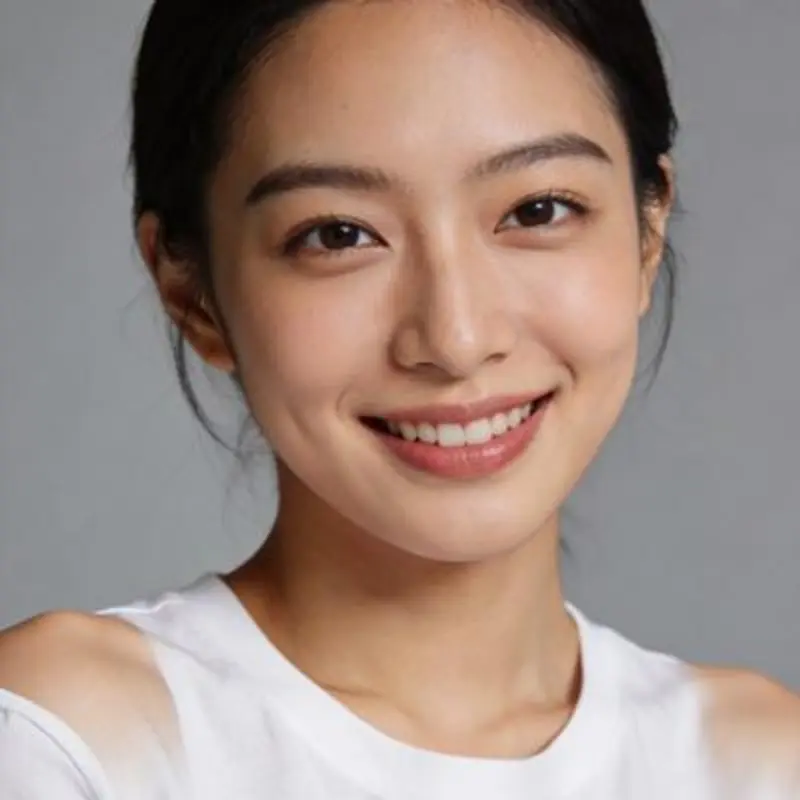 BeforeAfter
Drag the slider to compare before and after
Super-Resolution FAQ
What kinds of photos work best?
Try it on portraits, landscapes, or scans that need more resolution. Results depend on the source: severe blur leaves less detail for the model to work with.
What's the maximum image size?
Image size limits depend on the model. Large images may be resized before processing, so the final dimensions depend on the image sent to the model.
How long does processing take?
Processing time depends on image size, the selected model, and queue length.
Where does the result get saved?
On success, it's automatically saved to your local library, so you can re-download it anytime without reprocessing.
Can I upscale an image for a larger print?
Yes. The 4x upscale adds resolution and reduces noise, giving you more pixels to work with for bigger prints. Start from the sharpest original you have. Very large files are scaled down before processing to fit the model, so a clean mid-size source often prints better than a huge but soft one.
Is this AI image upscaler free to use online?
It runs in your browser with no install, and new accounts get free trial credits to try it. Each upscale then uses credits, since the processing runs in the cloud. It accepts JPEG, PNG, WebP, plus iPhone HEIC and TIFF, and finished results save to your local library for re-download anytime.