Edit Images with Prompts for Clearer AI Results
Use plain-language prompts to remove distractions, adjust backgrounds, refine style, and create controlled changes from selected images.
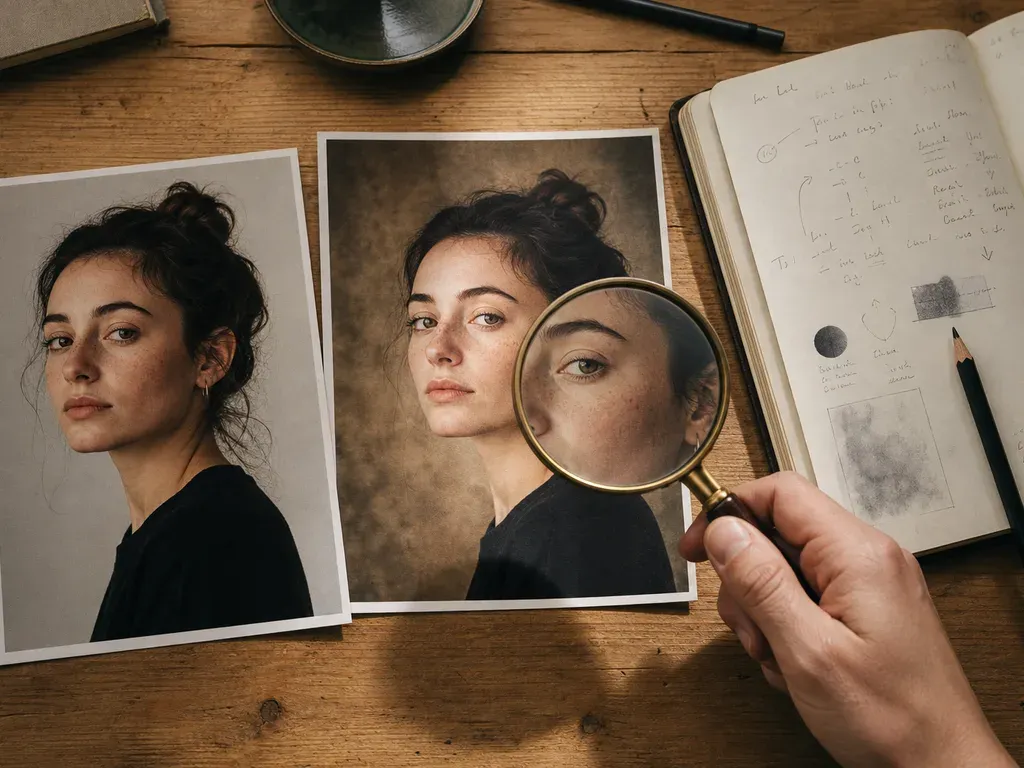
Prompt editing an existing photo works when the instruction separates what must stay from what may change. Name the subject, preserve identity and composition where needed, request one meaningful change, and inspect the result against the source.
Step-by-step process
- 1
Describe the source and the protected parts
State who or what must remain recognizable, including face, pose, product shape, clothing, or text. This gives the edit a boundary before you ask for a new treatment.
- 2
Request one primary change
Ask for a background, light, color, or style change separately. One clear job is easier to compare and less likely to damage unrelated details.
- 3
Add a naturalness constraint
Use concrete limits such as realistic skin texture, unchanged facial identity, consistent light direction, or readable product lettering instead of vague “make it better” language.
- 4
Diagnose a failed result
If the subject changes, tighten the protected-parts instruction. If the scene feels pasted in, describe perspective and light. If text is wrong, keep the original text outside the generative edit when possible.
- 5
Keep reversible versions
Save the source, prompt, and output as separate versions. A useful prompt is one you can refine without losing the previous result.
Common mistakes to avoid
Changing everything at once
Multiple unrelated transformations make it impossible to tell which instruction caused the failure.
Using a style name as the whole prompt
A style label does not specify identity, framing, lighting, or the parts that must stay unchanged.
Trusting a pretty thumbnail
Review hands, eyes, edges, text, and the original story at full size before sharing.
Before you finish
- Protected subject details are named.
- The prompt names one allowed change and every detail that must remain fixed.
- Lighting, perspective, or texture limits are stated.
- The result was compared with the source at full size.
- Source, prompt, and output remain reversible versions.