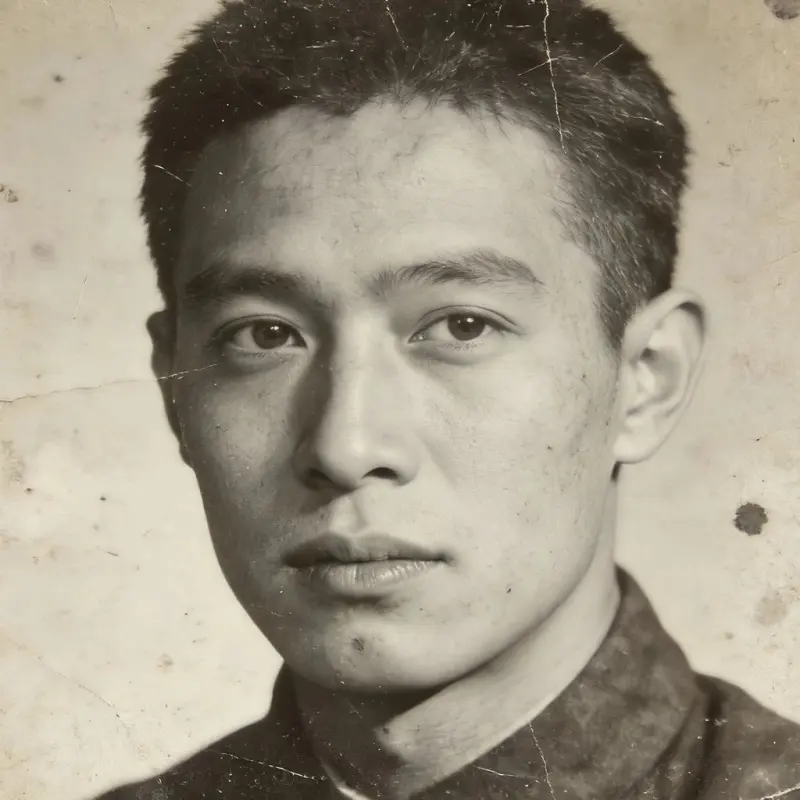
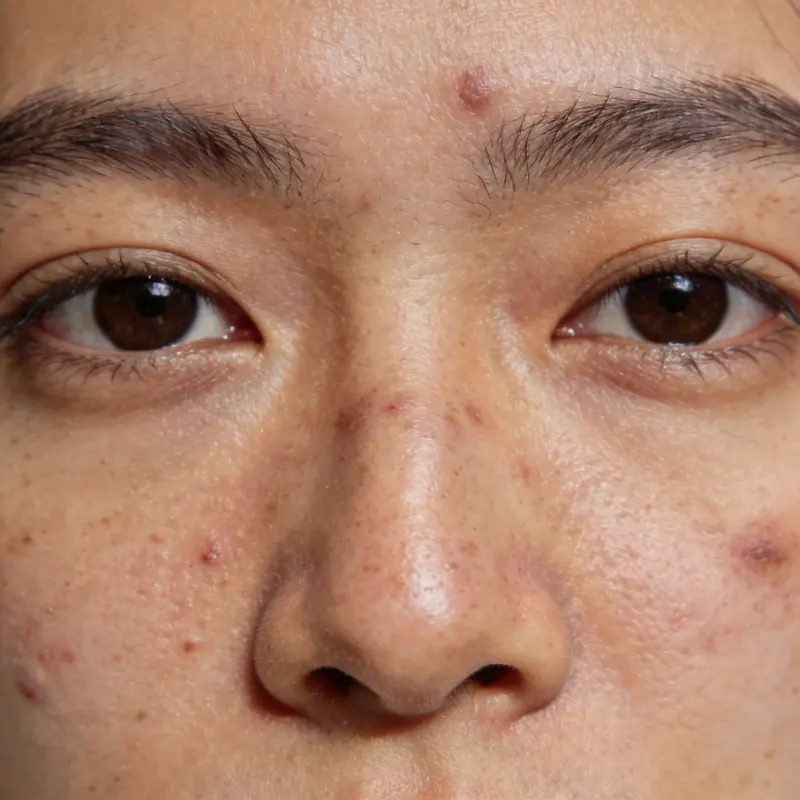
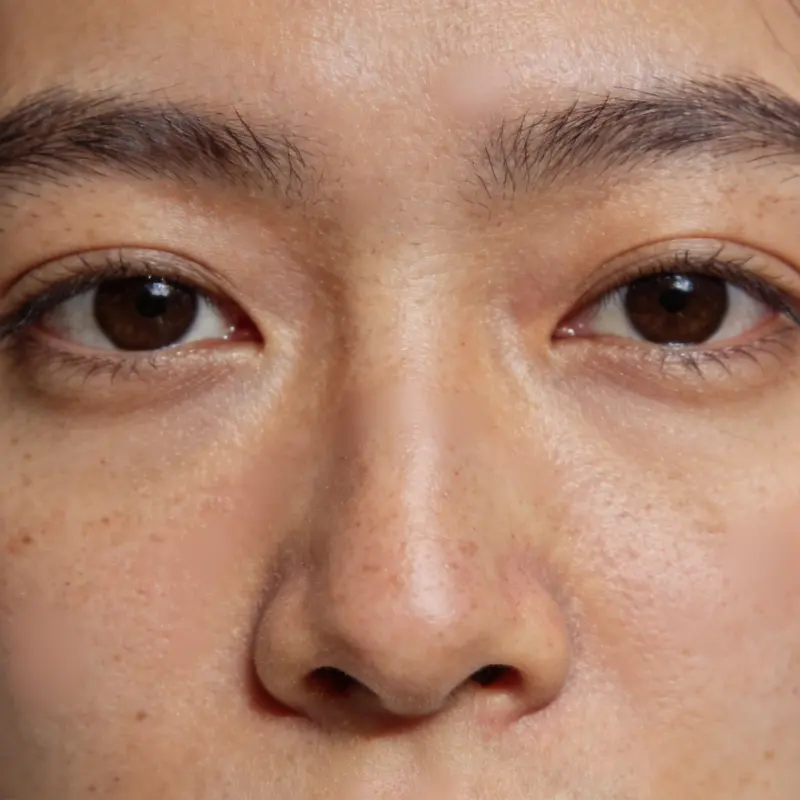
Photo Colorization
AI Black & White Photo Colorization
Add color to black-and-white photos with AI. The model estimates colors from the image; it cannot recover the exact colors of the original scene.
AI Image Studio
Photo Colorization
Image & settings
Choose an image and adjust the settings
Drag and drop or click to upload
Supports JPG / PNG / WebP / HEIC, up to 20MB
Preview
See your original image and the finished result
Your result will appear here
Upload a photo and click start
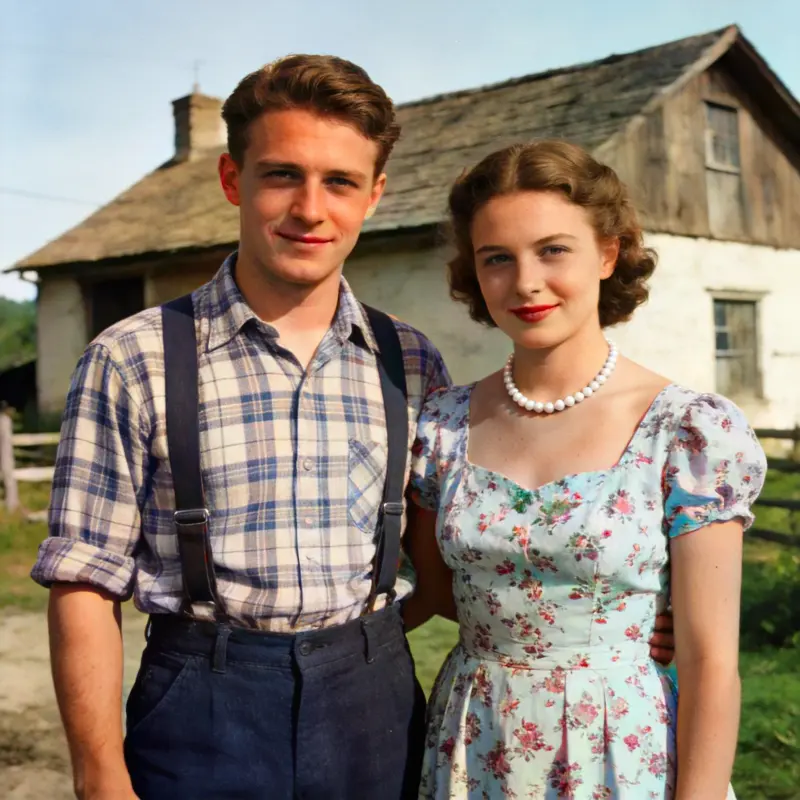
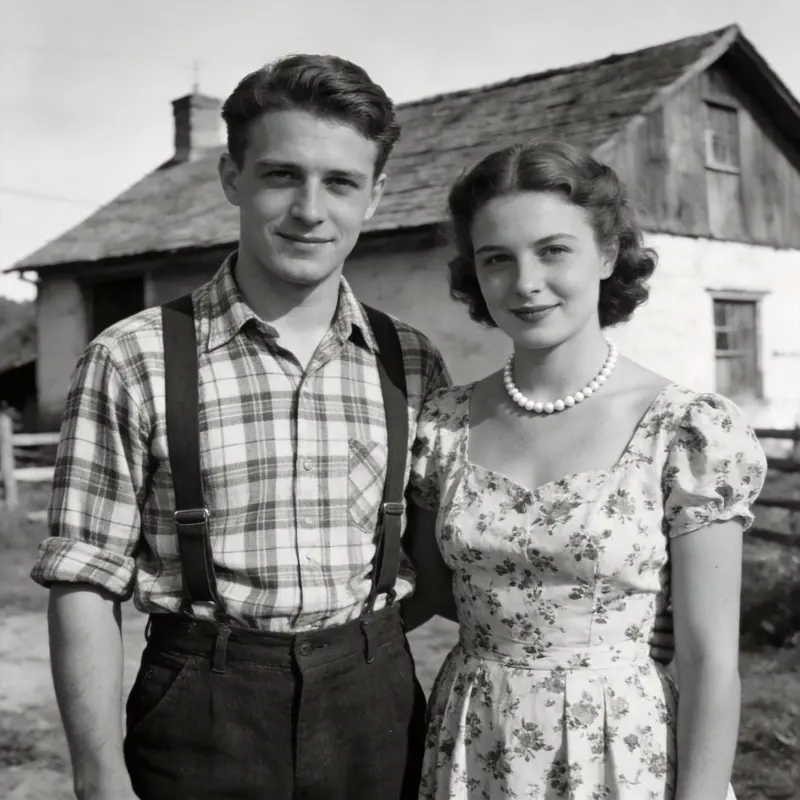 BeforeAfter
Drag the slider to compare before and after
Photo Colorization FAQ
How realistic is the coloring?
AI infers the most likely colors from context — it does very well with skies, plants, and skin tones that follow predictable patterns. For things like clothing with no fixed color, the result is the AI's best educated guess about the historical scene.
Do I need to prep the photo first?
No, just upload it as-is. If the photo also has scratches, run it through Old Photo Restoration first for better colorization results.
Can I colorize a photo that's already in color?
No need — colorization is for black-and-white photos. If a color photo has faded badly, try Super-Resolution or Old Photo Restoration instead.
Can I adjust the colors afterward?
Manual color tuning isn't supported yet — download the result and fine-tune it in any photo editor.
Can I colorize an old black and white family or historical photo online?
Yes. Upload a scan or a clear phone photo of the print. Colorization uses credits, with trial credits for new accounts. The result saves to your local library.
Does colorizing reduce the photo's resolution or quality?
Colorization adds color without intentionally shrinking the image. If the original is small or soft, run Old Photo Restoration first to repair damage, then Super-Resolution to upscale it, so you get color on top of sharper detail instead of color on a blurry base. The original stays untouched in your library.