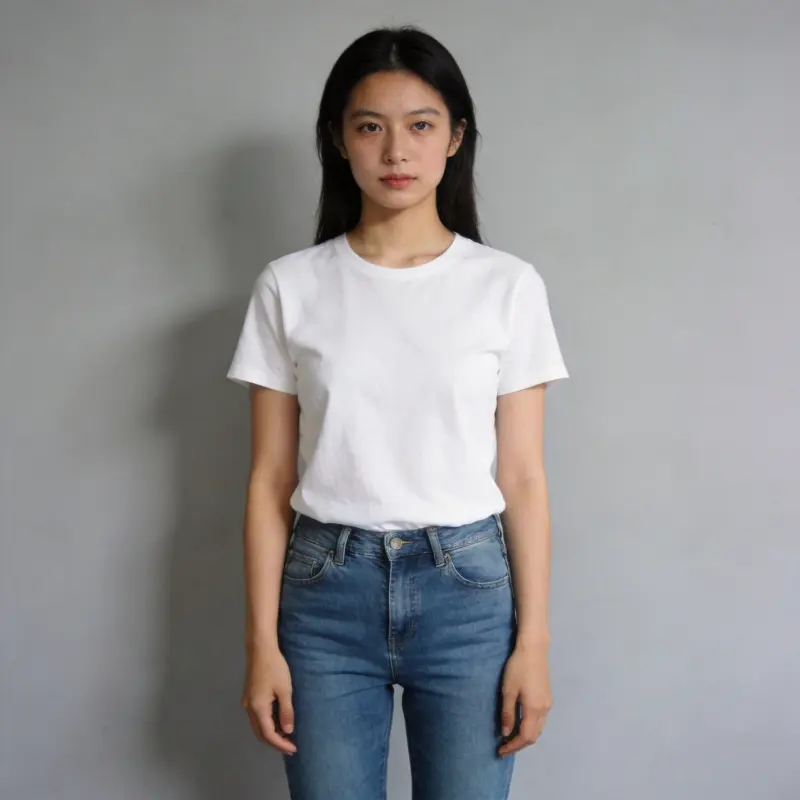
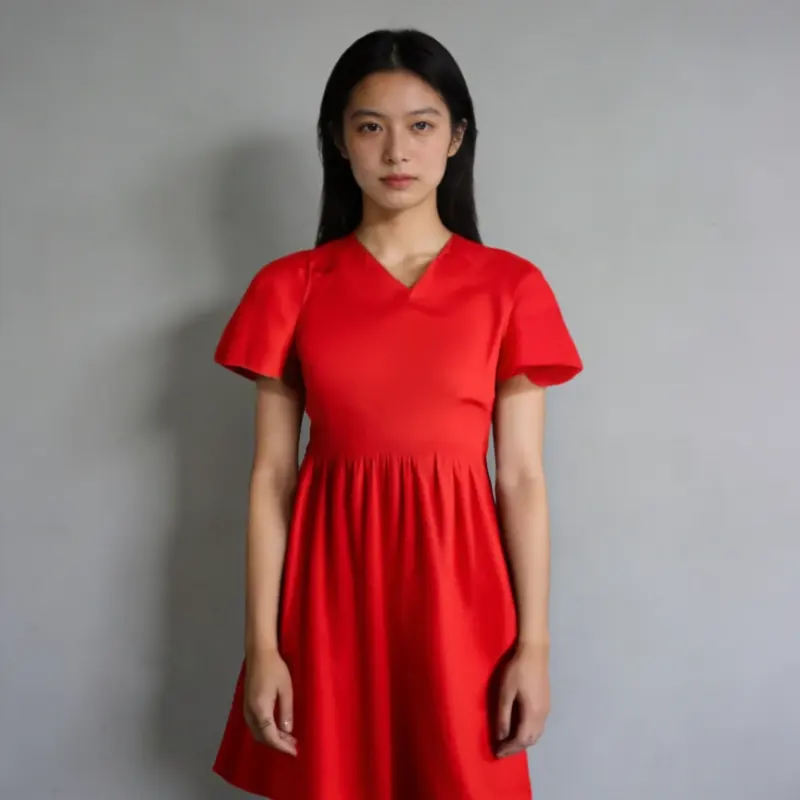
AI Stylization
AI Stylization — Transform Your Photo's Art Style
Upload a photo and choose a style, such as Ghibli-style animation, oil painting, watercolor, or anime.
AI Image Studio
AI Stylization
Image & settings
Choose an image and adjust the settings
Drag and drop or click to upload
Supports JPG / PNG / WebP / HEIC, up to 20MB
Choose an art style
Preview
See your original image and the finished result
Your result will appear here
Upload a photo and click start
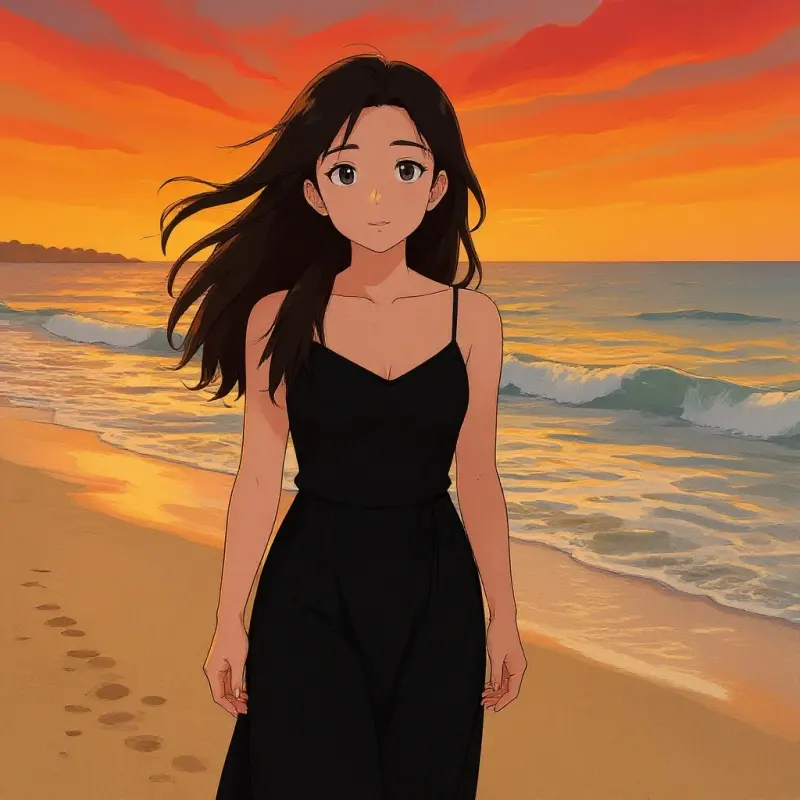
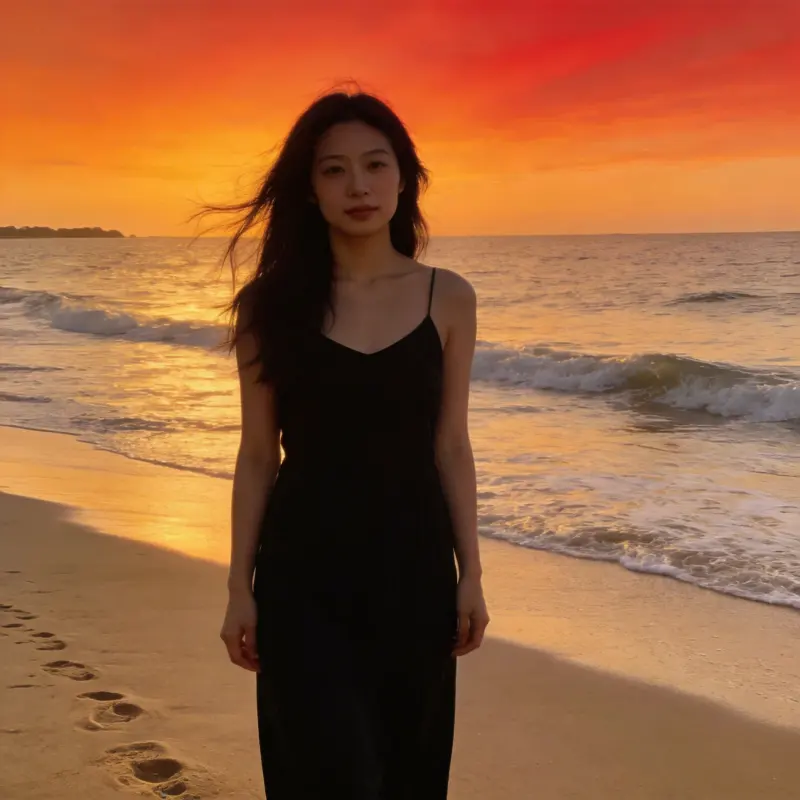 BeforeAfter
Ghibli
 BeforeAfter
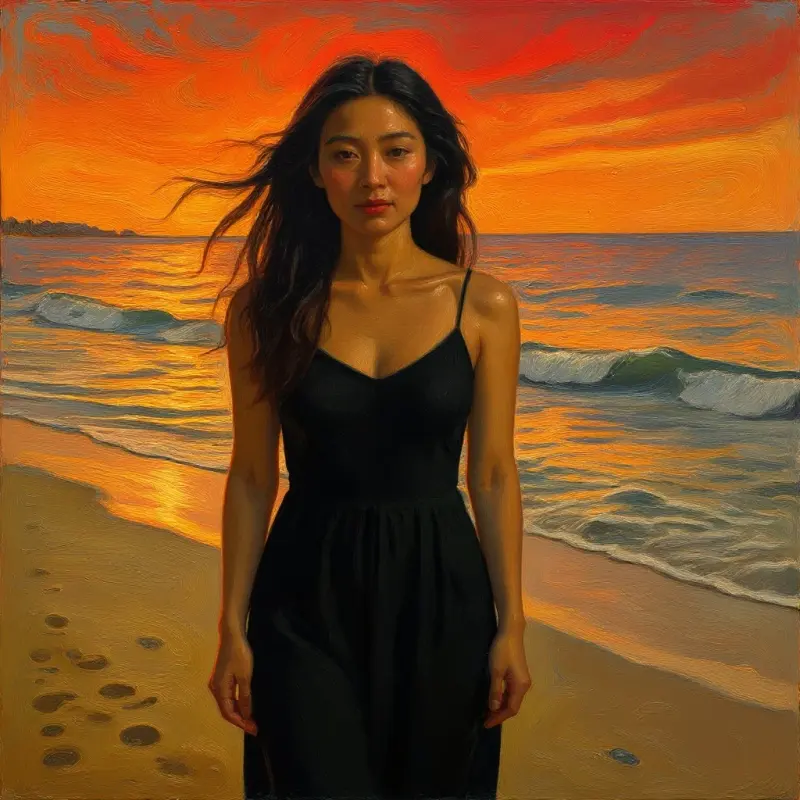
Oil Painting
 BeforeAfter
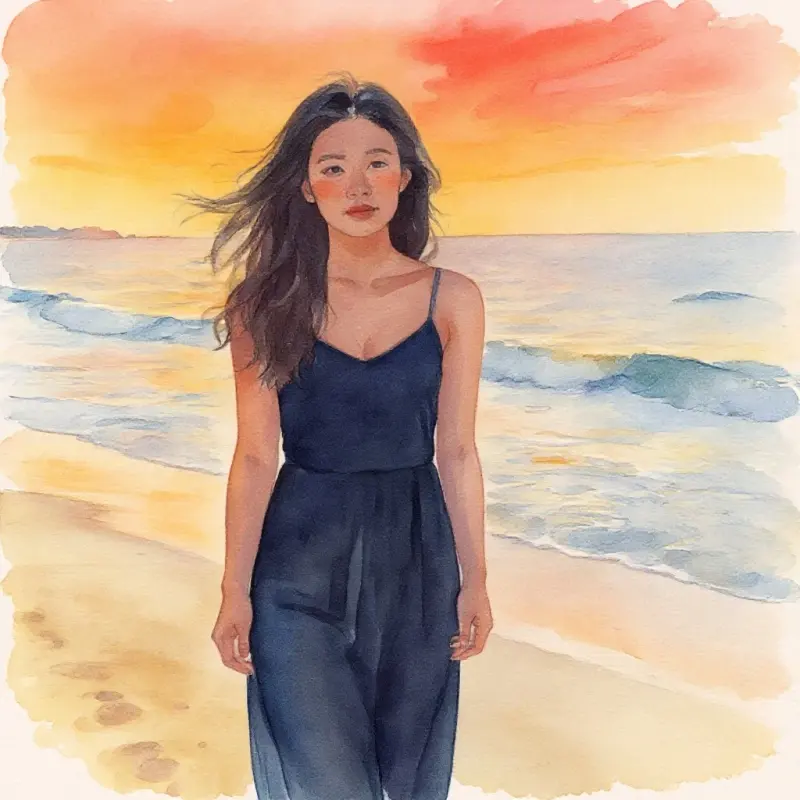
Watercolor
AI Stylization FAQ
What styles are supported?
Ghibli-style animation, oil painting, watercolor, anime, and more — check the tool page for the current list of available styles.
Can I get the original photo back afterward?
Your original stays in your library untouched — the stylized version is a brand-new image, not an overwrite.
Does it work for both portraits and landscapes?
Yes, both work — different styles suit portraits, landscapes, and pets differently, so it's worth trying a few styles to find the best match.
Does stylizing cost credits?
Yes — like other AI enhancement features, it's billed per use; check the page for the exact credit cost.
How do I turn a photo into Ghibli or anime style online?
Upload your photo, pick the Ghibli or Anime preset, and AI repaints it in that style in one step, with no prompt writing. Other presets include oil painting, watercolor, Shinkai-style, and flat illustration. The styled image saves as a new file in your library next to the untouched original.
What kind of photo gives the best stylized result?
A clear, well-lit photo with a readable main subject stylizes best, be it a portrait, landscape, or pet. Busy or very dark images can muddy the effect. Since different presets flatter different subjects, trying two or three styles on the same photo is the quickest way to find the best match.