One tool for your whole selection workflow

From import to export, seamlessly

AI Smart Culling

AI auto-detects blur, closed eyes, bad exposure, color casts, and cropped framing, with a reason for every cut. Pair it with keyboard shortcuts for manual comparison — clear a full shoot in minutes.

Blur detection Closed-eye detection Exposure assessment Color cast detection Cropped-face detection Professional aesthetic scoring Smart person clustering Scene-based grouping AI rejection reasons
All (24)✓ Kept (8)✗ Culled (11)⚠ Pending (5)
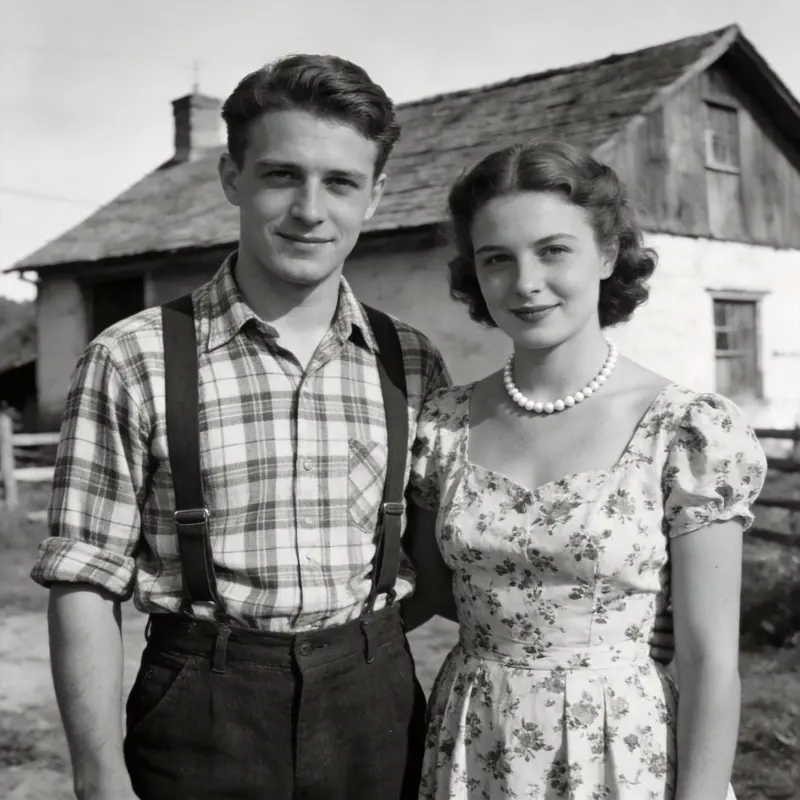
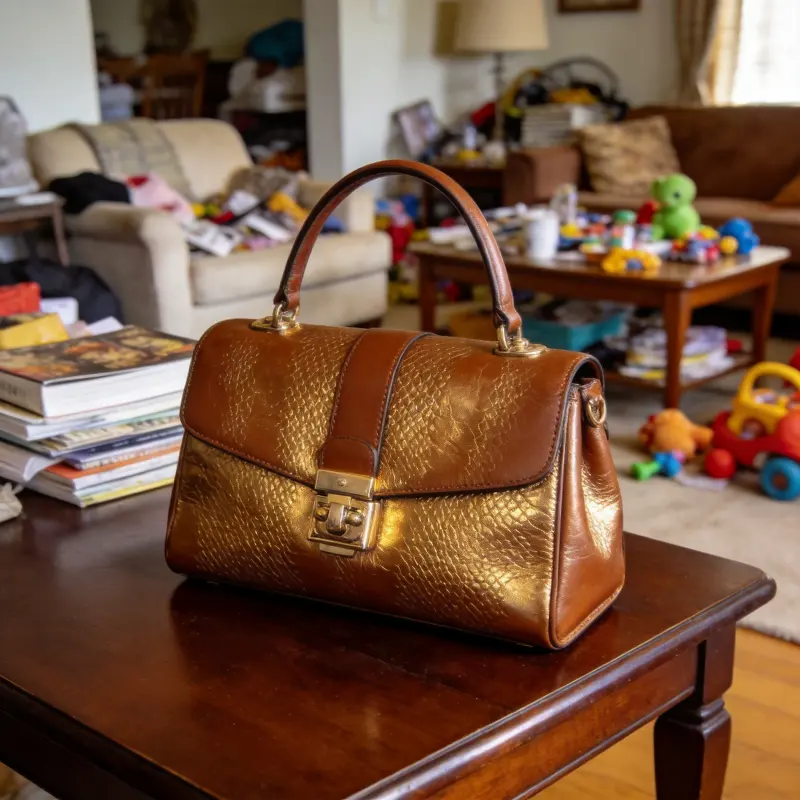
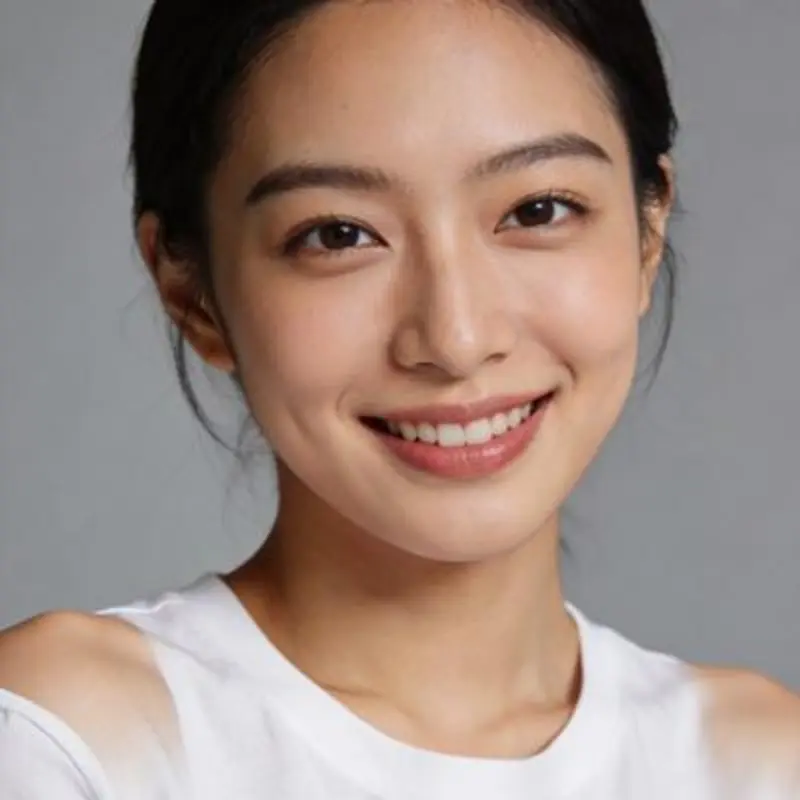
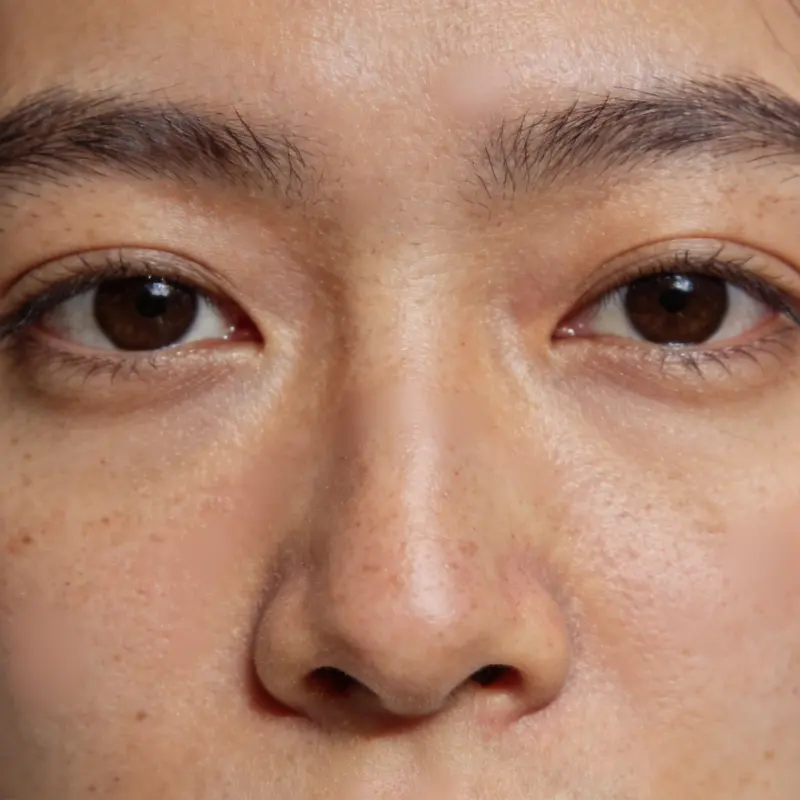
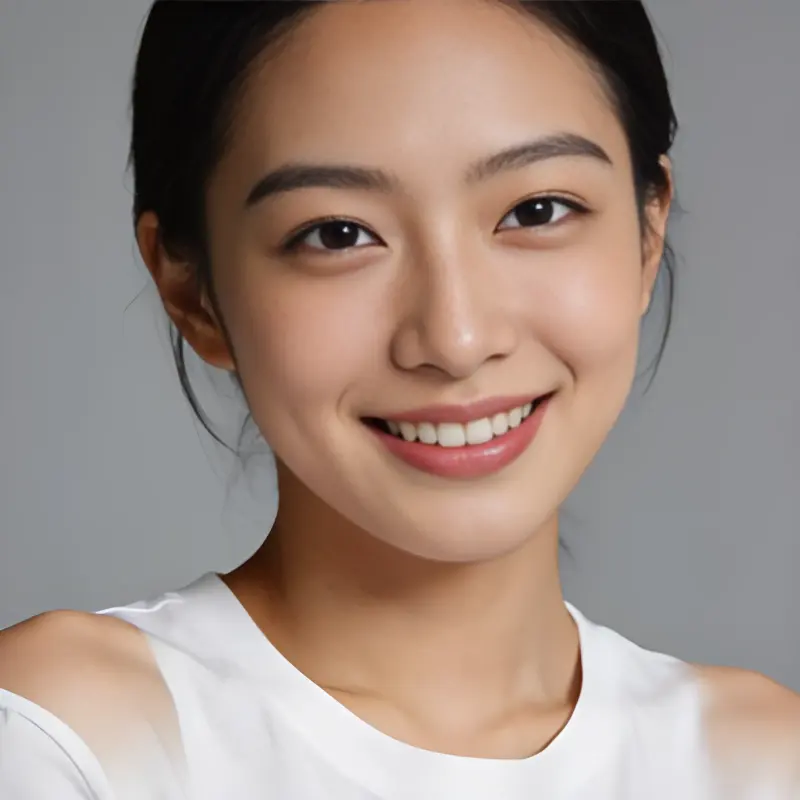
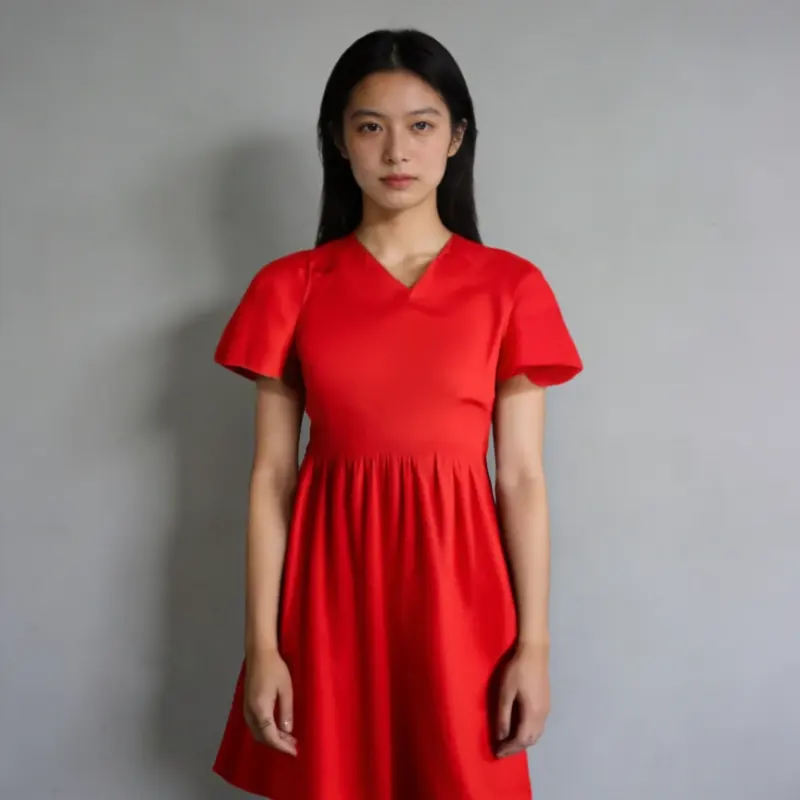
Sample photo scored and sorted by AI photo culling
87
Sample photo scored and sorted by AI photo culling
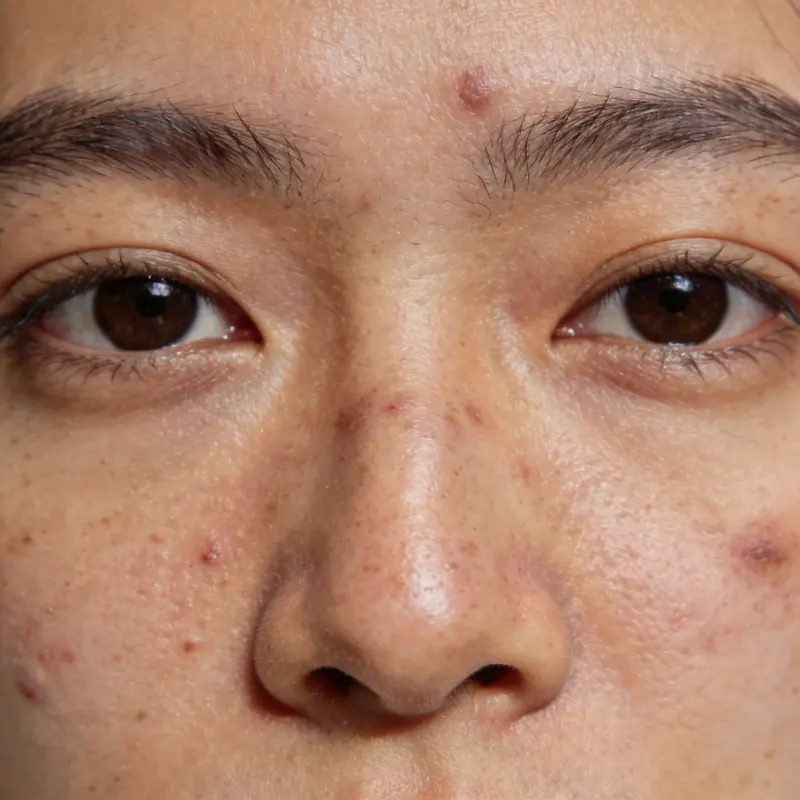
Blurry
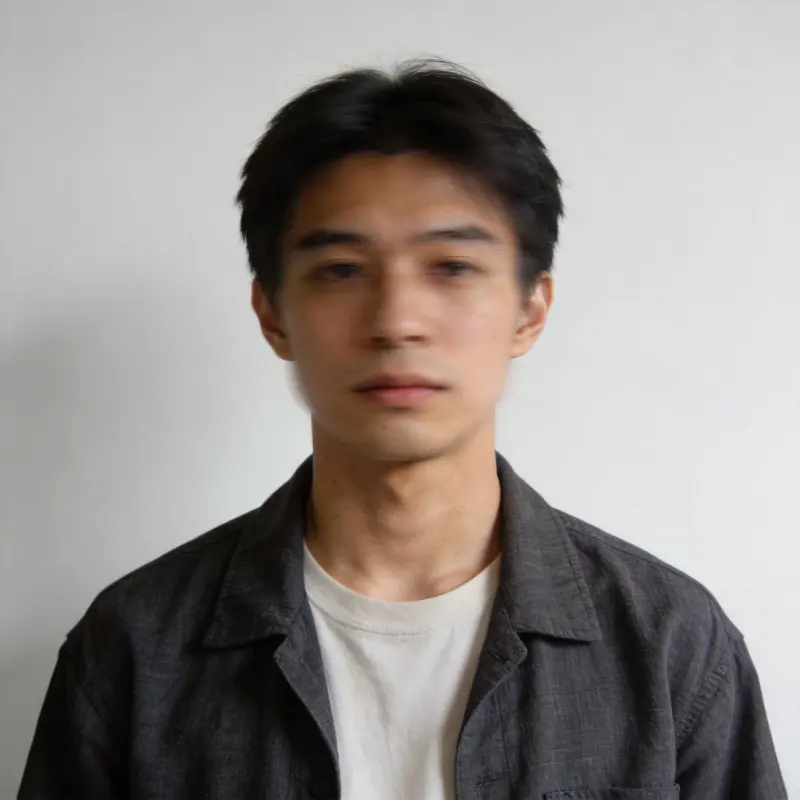
Sample photo scored and sorted by AI photo culling
91
Sample photo scored and sorted by AI photo culling
Closed eyes
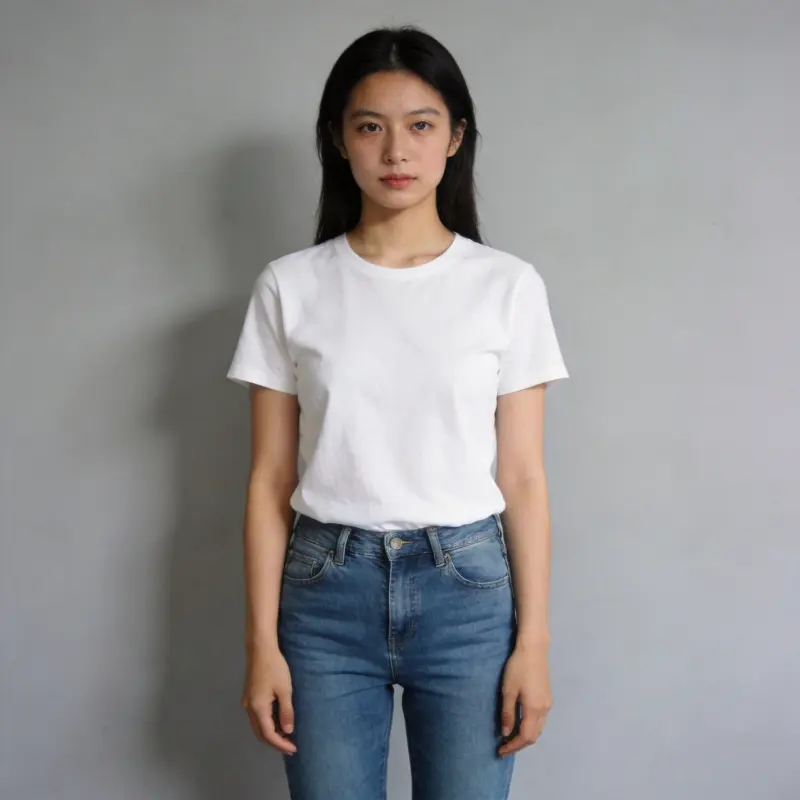
Sample photo scored and sorted by AI photo culling
79
Sample photo scored and sorted by AI photo culling
Overexposed
Sample photo scored and sorted by AI photo culling72
Sample photo scored and sorted by AI photo culling
85
Sample photo scored and sorted by AI photo culling
Color cast
Sample photo scored and sorted by AI photo culling68
Sample photo scored and sorted by AI photo culling
Underexposed
Sample photo scored and sorted by AI photo culling
93

AI Face Grouping

Every photo is automatically grouped by the people in it, so you can jump straight to someone's best shot across an entire shoot — a must-have for wedding and event photographers.

Grouped by person
Person 1

Person 1

8 photos

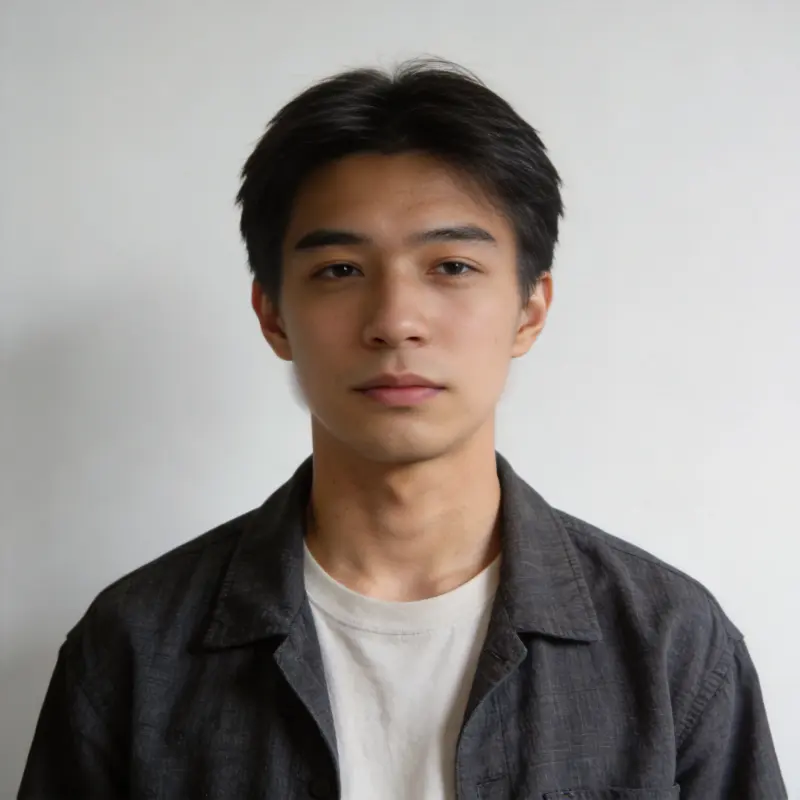
Face thumbnail grouped by AI face recognition
Person 2

Person 2

6 photos

Person 3

Person 3

4 photos

3 people · 18 photos with faces
Face thumbnail grouped by AI face recognition

AI Enhancement

One-click AI enhancement on your picks: 4x upscaling and denoising, face restoration, natural retouching, plus scratch repair and colorization for old photos. Only your selected photos are uploaded — originals never leave your device.

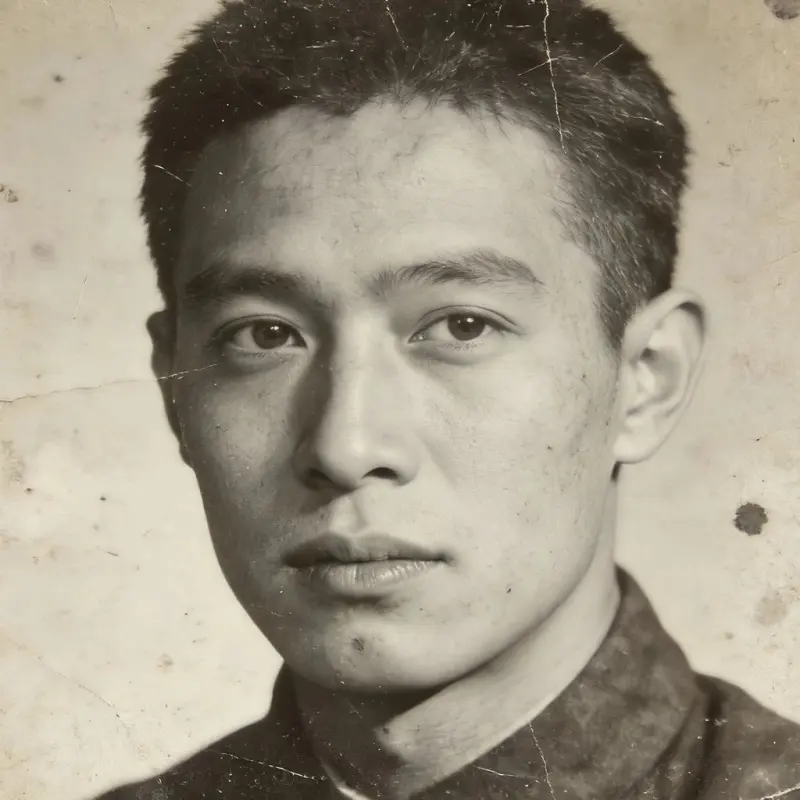
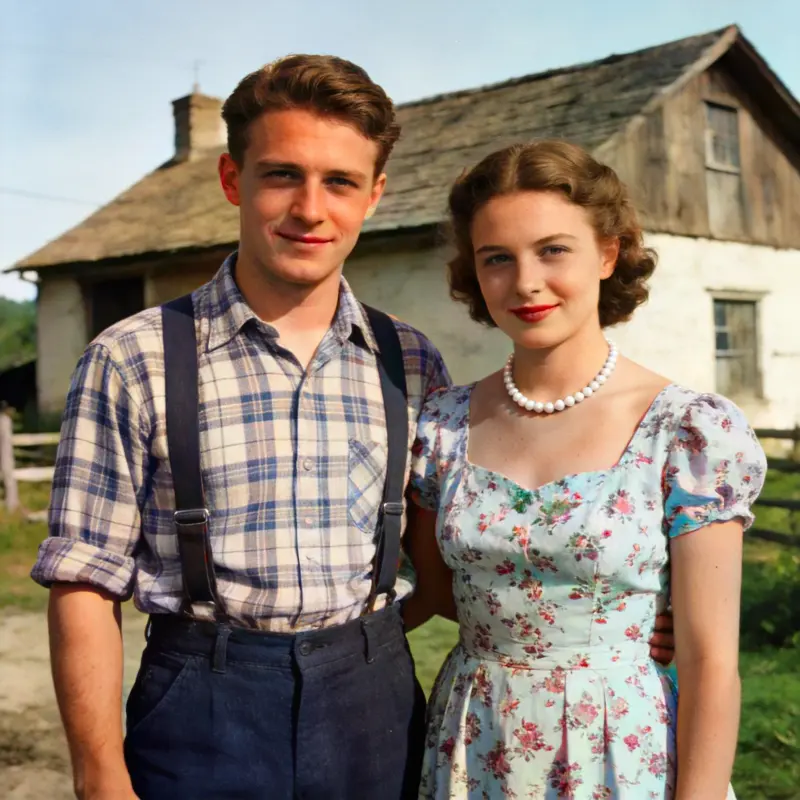
Low-quality photo before AI enhancementBefore
Sharp, clear photo after AI enhancementAfter

AI Text-to-Image / Image-to-Image

Generate 4K images straight from a prompt — portraits, posters, illustrations and more. Or upload a reference photo for style transfer and remixing. Download results or send them straight to AI enhancement.

Text-to-ImageImage-to-Image AI Generate
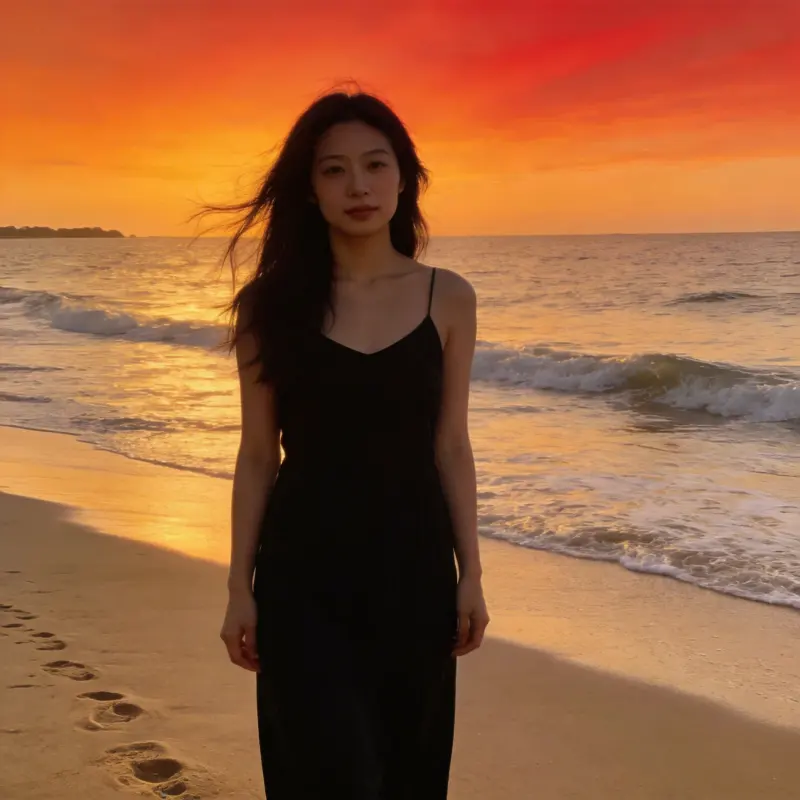
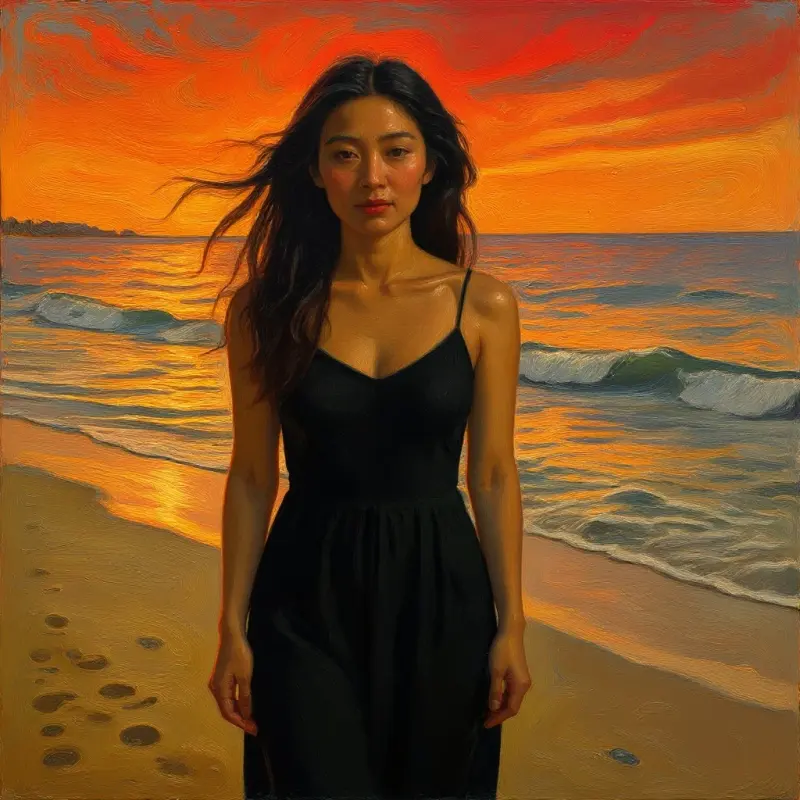
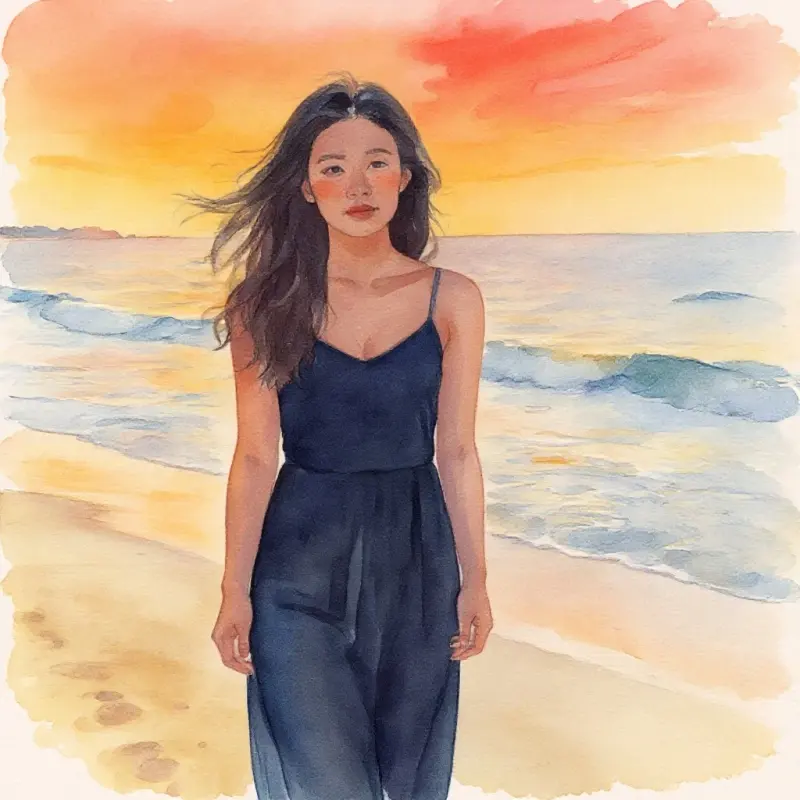
A beachside cafe at sunset, warm tones, cinematic lighting Generate
AI-generated image result
Photos stuck on your phone? Skip the cloud drive

Scan to send — phone photos straight to your computer

Weddings, trips, live events — scan a QR code to send phone shots straight to your computer, no cloud drive involved, and start AI culling the moment they land.

Select photos to send

Phone

Desktop

1

Click "Upload from phone" on desktop to generate a QR code

The QR code is unique to this session — scanning it opens an encrypted channel.

2

Scan with your phone, pick photos, hit start

Supports multi-select JPG / HEIC / PNG — thumbnails arrive first, full-res originals follow, with live transfer progress.

3

AI culling starts the moment the transfer finishes

Photos land on your desktop and AI analysis kicks off automatically — no waiting, no extra steps, just open the popup to see results.

Never stored on a server Local relay transfer Channel destroyed after transfer No app install needed

FAQ

What's the difference between AI culling and manual culling?
AI culling automatically detects blur, closed eyes, and exposure issues and gives a reason for each rejection; manual culling lets you flip through and rate photos quickly with keyboard shortcuts. Combine both and you can clear an entire shoot in minutes.
How accurate is face grouping?
AI automatically recognizes the people in your photos and clusters them — great for quickly finding every photo of someone from a wedding or event with lots of group shots. Accuracy drops a bit for heavy occlusion or profile angles.
Are AI Enhancement and AI Text-to-Image/Image-to-Image the same feature?
No. AI Enhancement applies upscaling, super-resolution, and face restoration to an existing photo; AI Text-to-Image/Image-to-Image generates a brand-new image from a text description or reference image. They're independent features that can be used together.
What formats does bulk export support?
You can pack originals into a ZIP for download or write them directly to a folder, with Lightroom-compatible .xmp rating files generated alongside for a smooth post-processing workflow.