AI Image Studio
Image-to-Image
Image-to-Image
Choose a reference image, describe your changes, and save the new version to your library.
Choose a reference photo and describe what you want to change. Try a different art style, background, or product variation, then save the new image to your local library.
REIMAGINE
Try a new version of your photo
Add a reference image. Describe what to change and what to keep.0/2000
Preview
See your original image and the finished result
Your generated image will appear here
Add a reference image, describe the change, then click generate
Image-to-Image FAQ
What can AI Image-to-Image do?
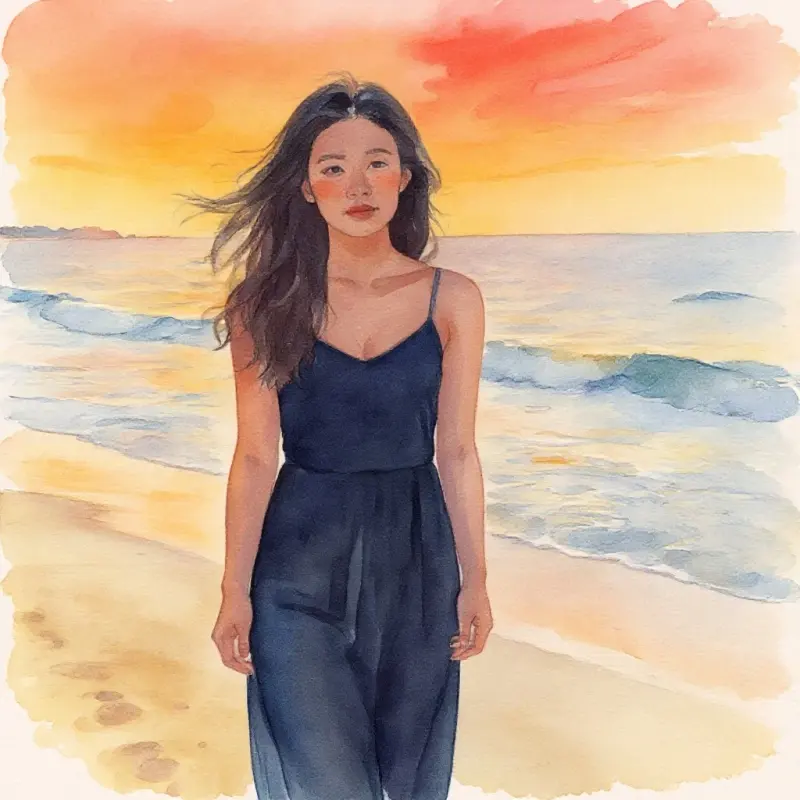
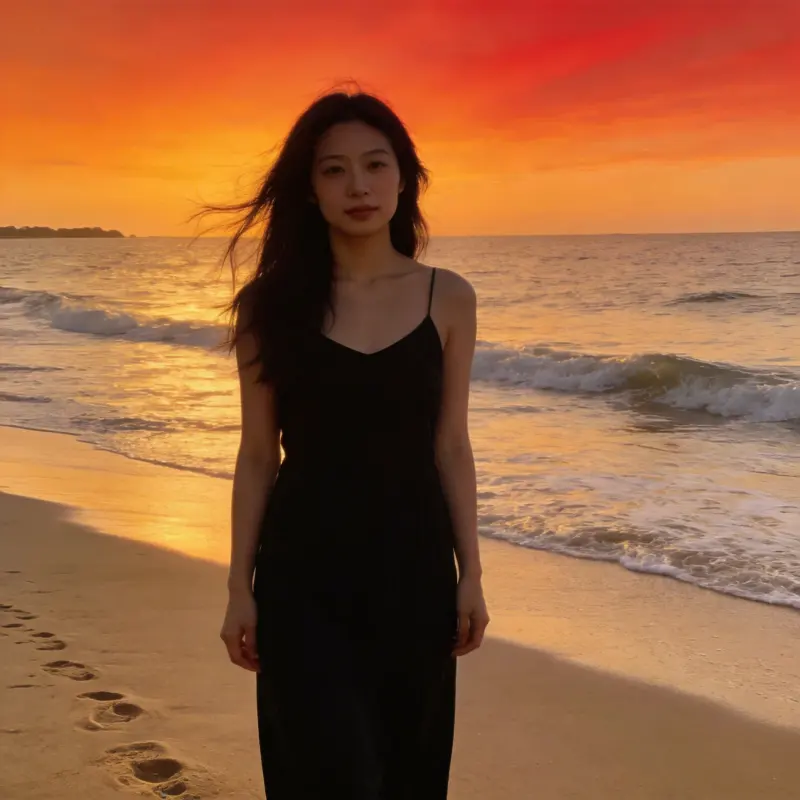
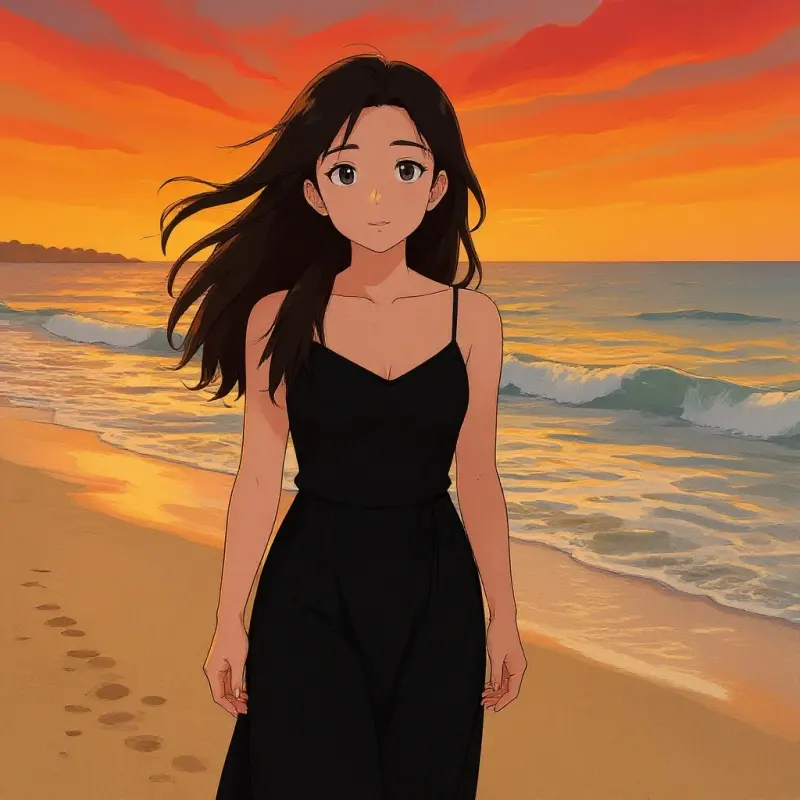
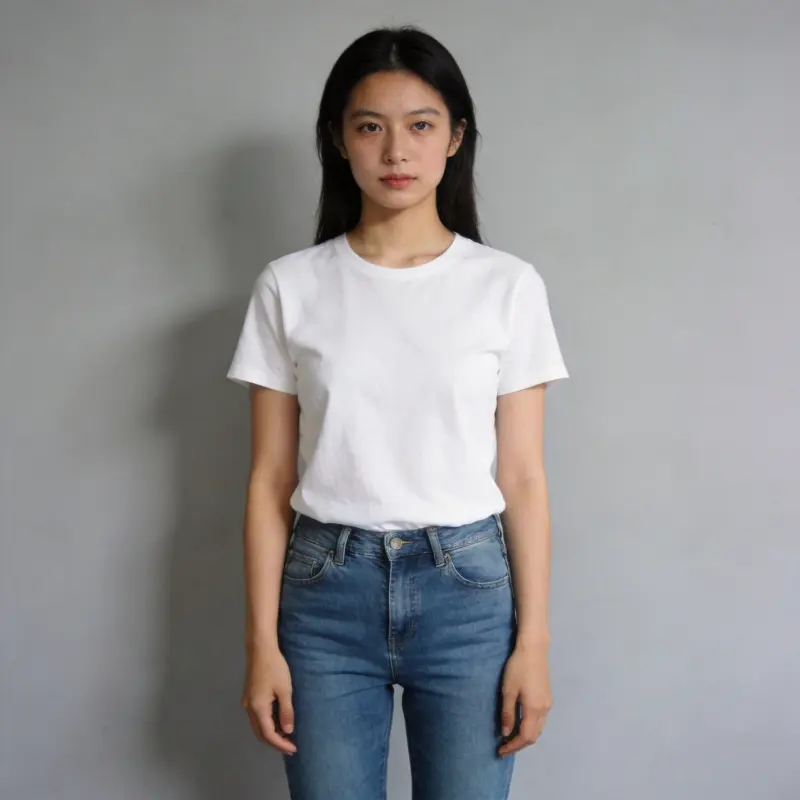
Give it a reference image plus a description, and AI generates a new version. Common uses: style transfer (realistic → watercolor / oil painting / anime), detail edits (new background, hair color, accessories), pose variants of the same person, product photo variants in different colors, and AI avatars (turning a regular photo into illustration style).
Can I pick a reference image straight from my library?
Yes. Your culling picks, AI enhancement results, and previously generated images all land in your local library automatically — just click "Library" to pick one. You can also drag-and-drop or upload a new image (up to 20MB). A clearer reference with a well-defined composition gives better results.
Can it make an AI avatar?
Yes. Upload a clear front-facing or half-body photo, and write a prompt like "cartoon illustration style / oil painting portrait / cyberpunk, keep the facial features," pick a 1:1 square ratio, and the result works great as a profile picture.
What kind of reference image gives poor results?
Very small, blurry, poorly lit, or cluttered images give the model less detail to work with. Start with a clearer reference when possible. Requests are also subject to the selected model's content restrictions.
What image formats and file size can I upload as a reference?
You can upload a JPEG, PNG, or WebP file up to 20MB, or pick any image already in your local library. For the cleanest result, use a sharp reference of at least 512x512. Very small or heavily compressed images give the AI less to read and produce weaker output.
Can I turn a photo into anime or cartoon style with image-to-image?
Yes. Upload the photo and describe the look, for example "anime style, keep the facial features" or "flat cartoon illustration." If you would rather pick a preset than write a prompt, the AI Stylization tool covers Ghibli, anime, oil painting, and watercolor in one click.