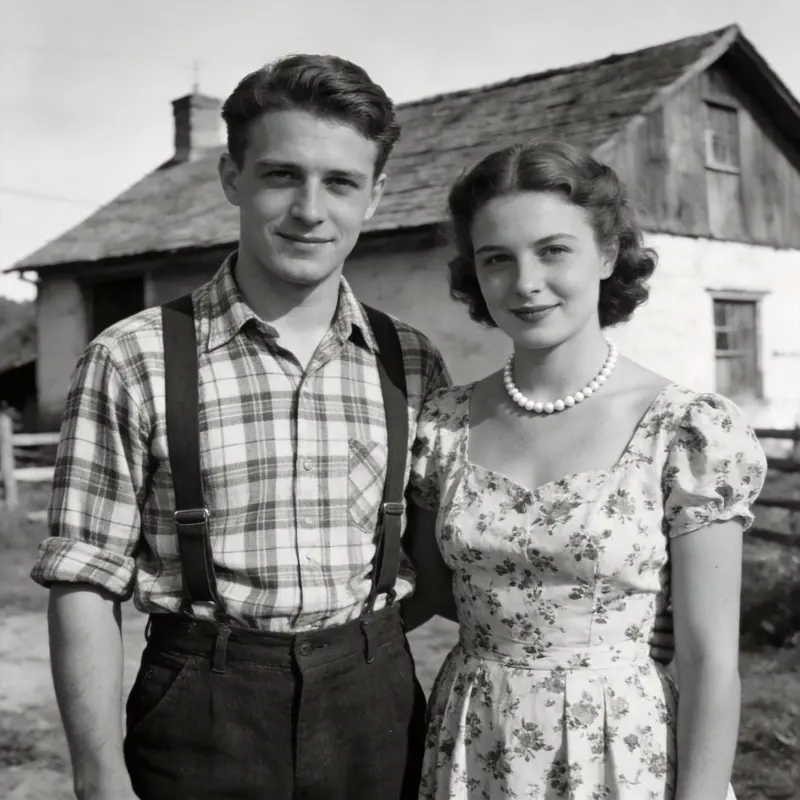
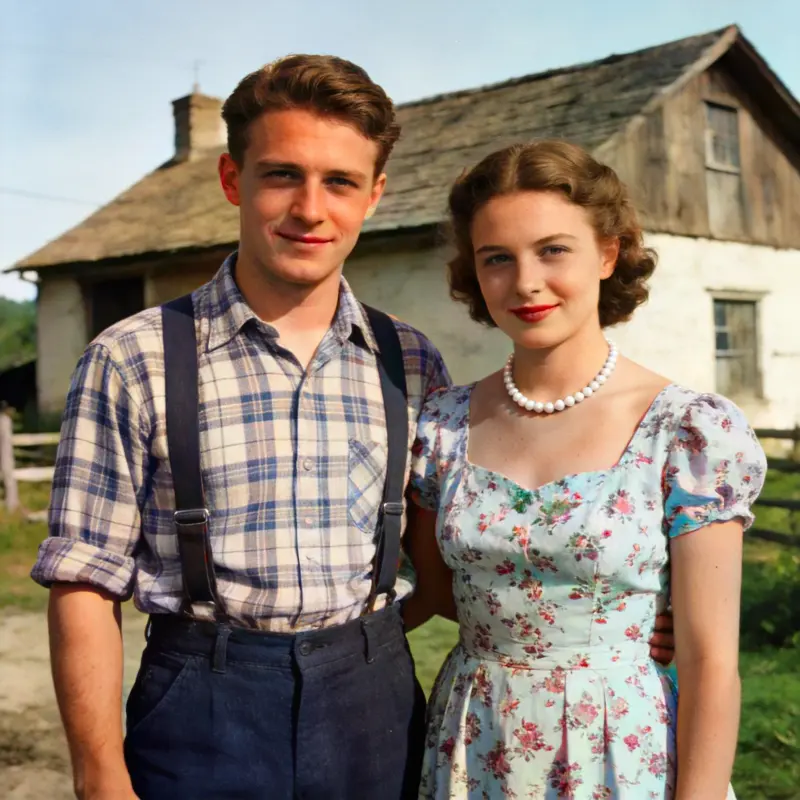
Old Photo Restoration
AI Old Photo Restoration — Repair Scratches and Fading
Repair scratches, creases, stains, and fading in old photos. Keep a copy of the original scan so you can compare the restored details.
AI Image Studio
Old Photo Restoration
Image & settings
Choose an image and adjust the settings
Drag and drop or click to upload
Supports JPG / PNG / WebP / HEIC, up to 20MB
Preview
See your original image and the finished result
Your result will appear here
Upload a photo and click start

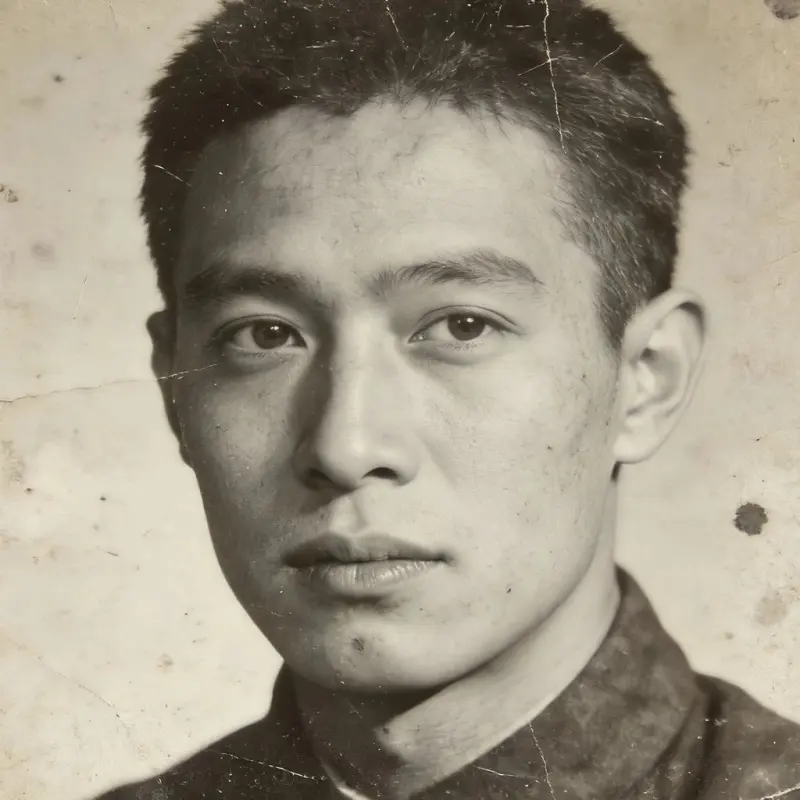 BeforeAfter
Drag the slider to compare before and after
Old Photo Restoration FAQ
What kinds of damage does it handle?
Scratches, creases, stains, fading, and minor tears. For large missing areas, AI fills in a plausible reconstruction, though it may not exactly match the original content.
Do I need to scan the photo first?
A phone photo or scan both work — try to minimize glare and shadows. Scanners usually give cleaner results than phone photos, and higher resolution means finer restoration.
Can I colorize it after restoring?
Yes. Use Photo Colorization on the restored black-and-white image to add estimated colors.
Can I combine this with Super-Resolution?
Yes. We recommend restoring scratches first, then running Super-Resolution on the result for further upscaling.
Can it restore a torn or water-damaged old photograph?
It repairs scratches, creases, stains, and fading well, along with minor tears. For a large torn-away or missing section, AI fills in a plausible reconstruction that may not exactly match the lost content. A higher-resolution scan gives it more surrounding detail to work from than a quick phone snapshot.
Where do the restored photos go, and is the original kept?
It is an AI tool that uses credits, with free trial credits when you sign up. Each restored photo saves automatically to your local library, so you can download it anytime, and your original is never overwritten. The remote working copy used for processing is usually cleared after about 7 days.