Originals never uploaded · Free to try

Thousands of photos stuck on your drive —
still picking through them one by one?

MomentSift sorts out the chaos for you —
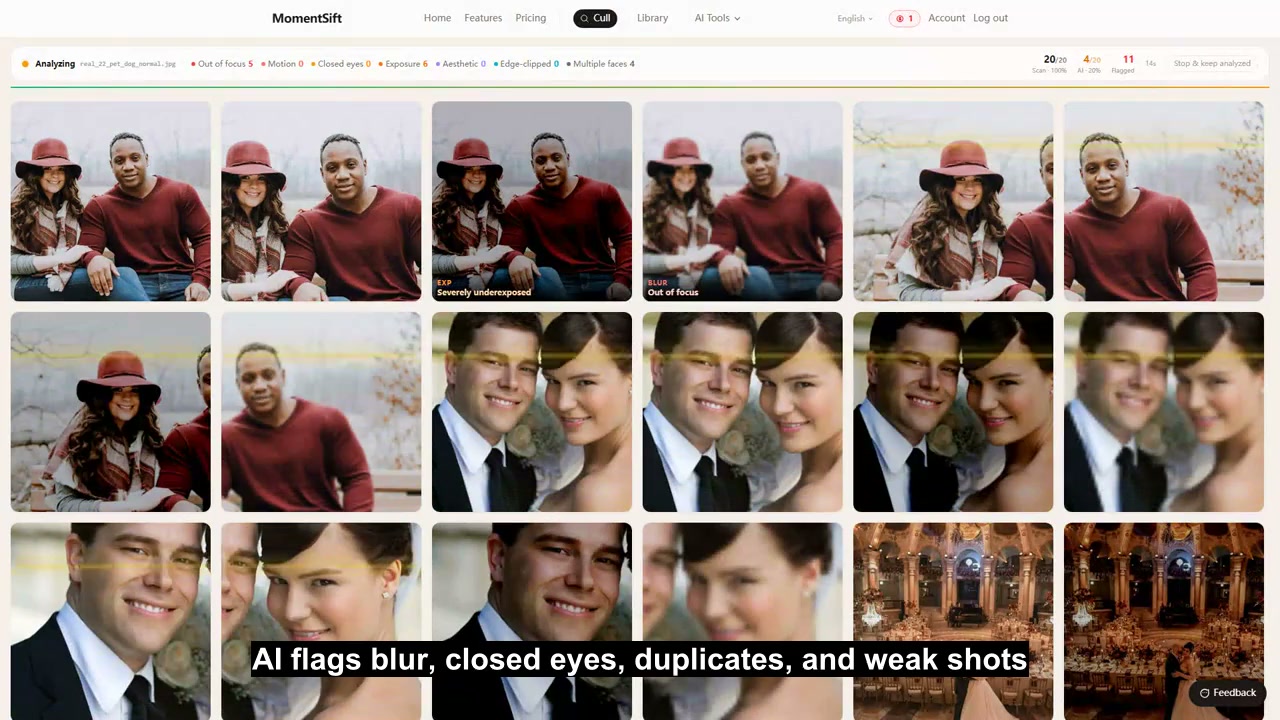
AI automatically ditches the blurry, closed-eye, and duplicate shots, so you can polish and create from the keepers.
Travelers, couples, selfie-takers, new parents, pet owners, photographers — anyone who shoots a lot will find this useful.

Drop in
AI sorts
Manual pick
AI enhance & create
Deliver
FormatsJPGPNGHEICRAWCR2CR3NEFARWRAFDNG
BrandsCanonNikonSonyFujifilmOlympusPanasonicLeicaApple

Not just for photographers — anyone who shoots a lot can use it

6 common scenarios — see which one feels like you

🌍

Travelers & Vloggers

Shoot 5,000 photos on a trip with your phone and camera, and let AI pick the few dozen worth posting — the rest get enhanced for a quality boost, ready for your feed.

Phone-readyHEICOne-click enhance
🤳

Selfie-Takers & Portrait Fans

Shoot hundreds of expressions and angles in one portrait session, and let AI group similar shots and recommend the best one, then enhance facial detail in one click.

Similarity groupingAesthetic scoreFace restoration
👶

New Parents & Family Memories

Tens of thousands of baby photos a year — automatically clear out blurry and closed-eye shots, grouped by month. Old family photos get a 4x restoration too.

Kids photographyGrouped by dateOld photo restoration
🐶

Pet Owners & Cute Moments

Cats and dogs in motion mean hundreds of burst shots — let AI filter out the blurry and closed-eye ones, and pick the cutest for an avatar or a printed mug.

Burst-shot picksMotion blurPet photo album
📸

Wedding & Event Photographers

3,000+ shots from one wedding — AI clears the closed-eye and blurry shots first, then groups by scene for fast comparison. A night's work done in 30 minutes.

Face groupingLightroom-readyProfessional delivery
🎨

Content Creators & Businesses

Slow to pick photos, hard to find the right visual? Pick your best material, then generate matching art with text-to-image or remix it with image-to-image — pick, enhance, and generate in one flow.

AI text-to-imageImage-to-imageCommercial use

From a pile of photos to a finished set in 5 steps

AI handles the grunt work — you just make the final calls and get creative

Step 1

Import your photos

Point straight at the folder on your drive — no need to import or copy anything. Photos stuck on your phone? Scan a QR code to send them over, no cloud drive involved. A whole wedding, a trip, a year of baby photos — open it all at once.

Step 2Core

AI sorts it out automatically

AI runs 8 checks in the background (out of focus, motion blur, blurry faces, closed eyes, over/underexposure, aesthetic score, faces cut off at the edge), groups by scene, and flags the obvious rejects as "suggested cull." No button-clicking required.

Step 3Core

You make the final call

Compare similar shots side by side and decide which to keep with arrow keys or A/D. AI does the grunt work — you only look at the best shots.

Step 4Core

AI enhance + AI create

One click to 4x upscale, restore faces, or retouch your picks. You can also generate commercial visuals from text or remix with a reference image — picking through final output, all inside MomentSift.

Step 5

Deliver in one click

Pack originals into a ZIP or write to a folder, with Lightroom XMP rating files generated alongside — your picks show up with a 5-star green label, ready for post-processing.

Enhance right after picking — no need to switch apps

Start AI processing on your picks in one click — flexible enough for any scenario

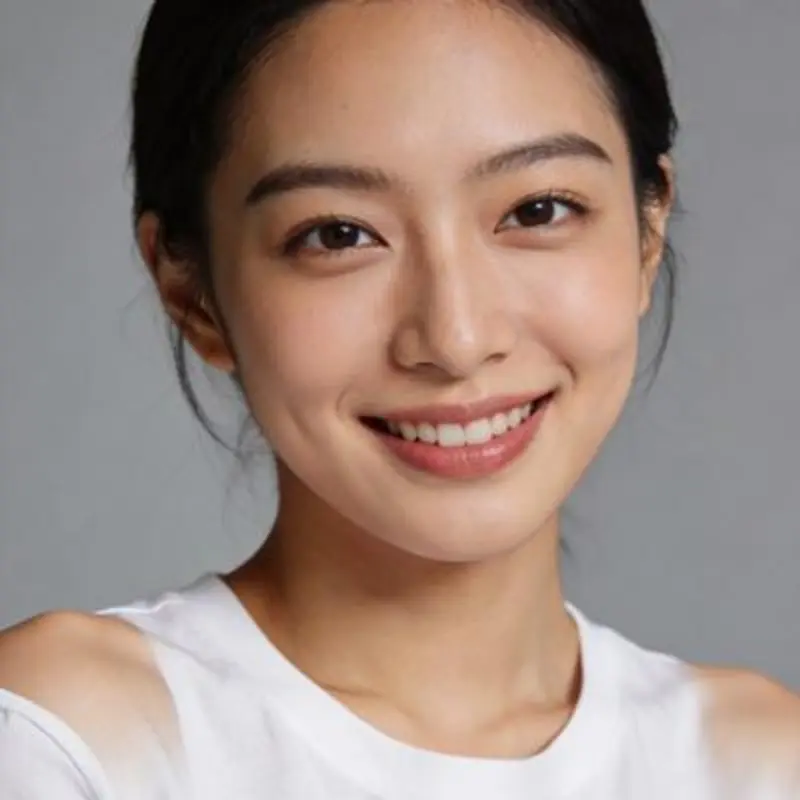
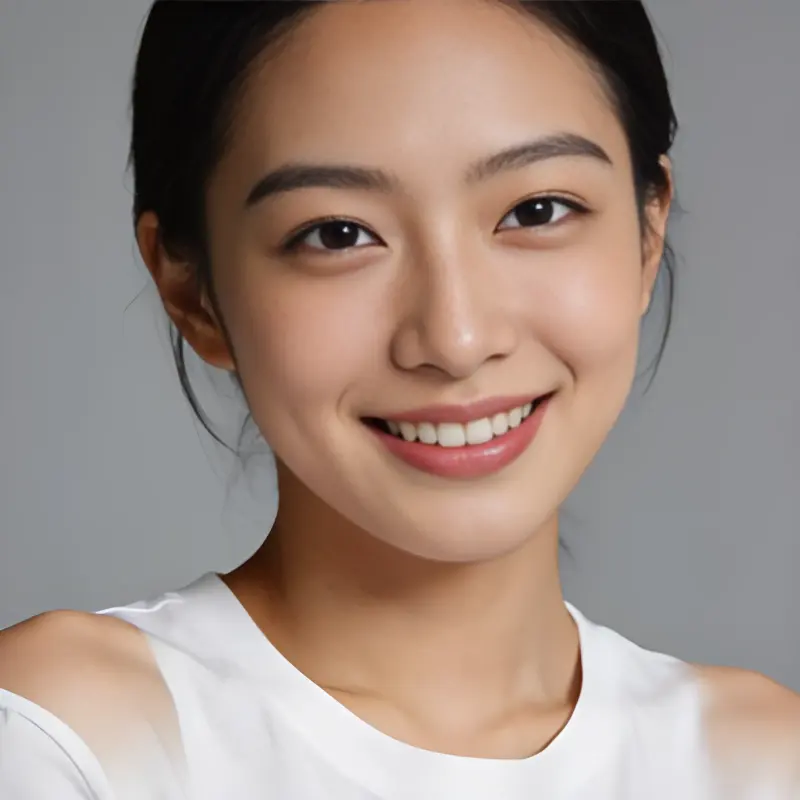
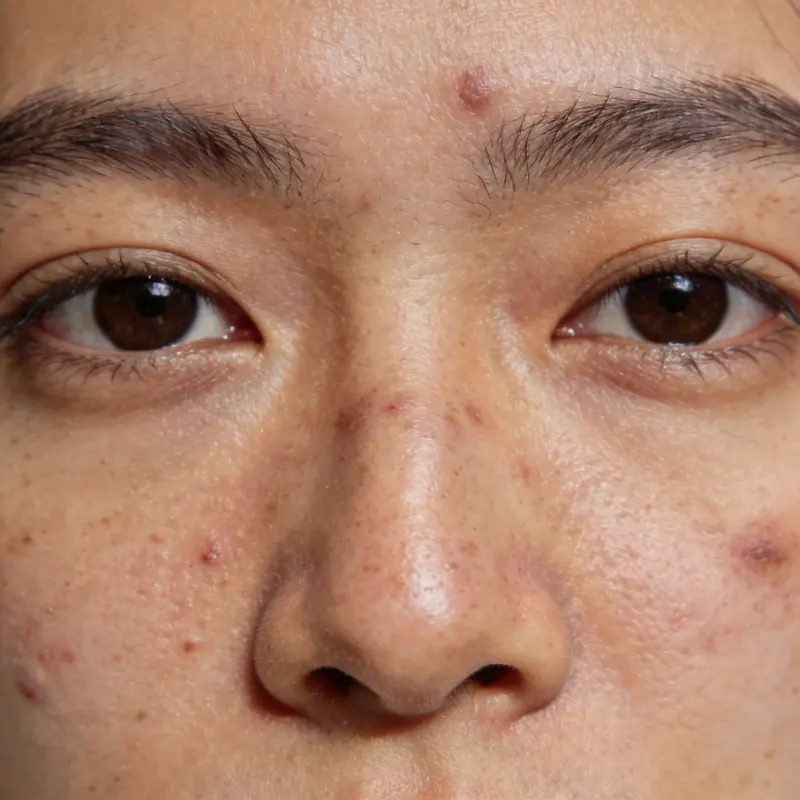
Denoise & 4x UpscalePhoto before processingBefore
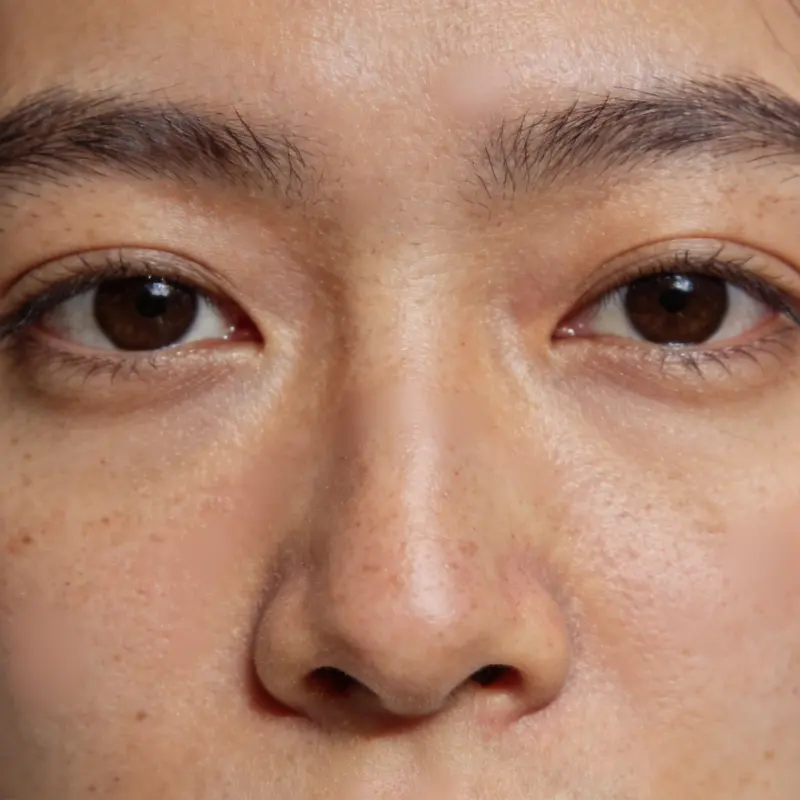
Denoise & 4x UpscalePhoto after processingAfter

Denoise & 4x Upscale

Recommended for any photo — smart denoising plus a 4x resolution boost, with every detail brought out.

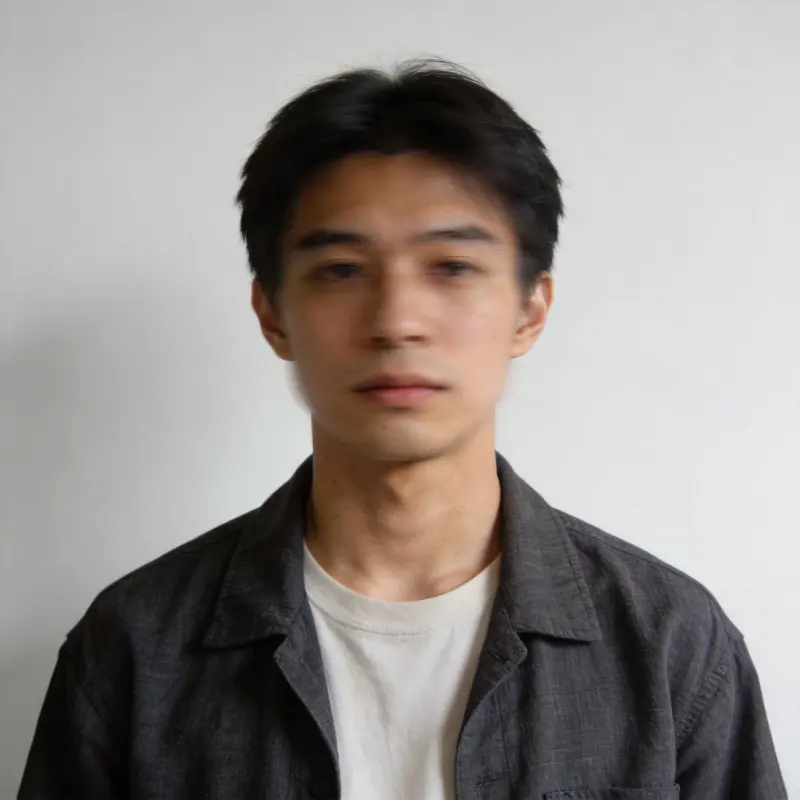
Face RestorationPhoto before processingBefore
Face RestorationPhoto after processingAfter

Face Restoration

Purpose-built for blurry or damaged faces — automatically restores facial detail, a must for portrait photography.

Natural Portrait RetouchingPhoto before processingBefore
Natural Portrait RetouchingPhoto after processingAfter

Natural Portrait Retouching

Enhances skin tone and facial detail while staying natural — great for portraits and wedding photography.

The finished set is yours, and so are your originals

No third-party software required to deliver — local-first the whole way

Bulk Export Originals

Pack your picks' original files into a local folder or a ZIP in one click, organized by person or scene if you like.

Lightroom Rating Sync

Export .xmp files — your picks show up with a 5-star green label automatically, ready for Lightroom post-processing.

Originals Never Uploaded

Basic detection runs locally; AI analysis only uploads a preview image and discards it right after. Your full-resolution originals stay on your drive — never uploaded.

Originals Only Upload for Enhancement

Only the content needed for AI Enhancement or Text-to-Image gets uploaded. Remote files are typically cleared after 7 days; successful results are saved to your local library.

FAQ

What is MomentSift?
MomentSift is an AI culling + enhancement + creation platform: AI first automatically picks the best shots out of a large batch (spotting blur, closed eyes, exposure issues, near-duplicate compositions, and more), then you can enhance them, restore old photos, or generate new images from text or a reference — all without switching apps.
Is it completely free?
Sign up and get free credits right away to try culling and enhancement. Culling quota and AI enhancement/generation are billed per use with credits — for heavy use, subscribe to a plan or buy a one-time credit pack. See the pricing page for details.
Do my photos get uploaded to a server?
Basic detection (blur, closed eyes, exposure, etc.) runs entirely in your browser — originals stay on your device and are never uploaded. Deeper AI analysis only uploads a compressed preview for evaluation and discards it right after; AI Enhancement and generation features need to upload images to the cloud for processing, with results saved to your local library.
What photo formats are supported?
Common formats like JPG, PNG, and HEIC, plus RAW formats (CR2, CR3, NEF, ARW, RAF, DNG, ORF, RW2) — covering Canon, Nikon, Sony, Fujifilm, Olympus, Panasonic, Leica, Apple, and other major camera brands.
Could AI cull the wrong photos?
AI provides a reason for each rejection and a reference score (blur, closed eyes, exposure, composition, and more), but you make the final call on what stays — nothing gets deleted automatically, and you can adjust anytime.
Do I need to install any software?
No — just open it in a browser, on desktop or mobile. You can also scan a QR code to quickly send phone photos to your computer for processing.
Where is my MomentSift library stored?
Your MomentSift library is stored in the current browser on your device. It is not automatically uploaded to the cloud and is not the same as your phone's photo album. If you clear browser site data, switch browsers, or your mobile system frees storage, local library items may no longer be available. For important photos, download them to your device or back them up separately.
Which browser should I use for large photo batches?
For large folders, RAW files, and hundreds or thousands of photos, we recommend using a desktop browser such as Chrome or Edge. Desktop browsers usually provide more memory, more stable folder access, and more reliable local storage. Mobile browsers are better for small batches, reviewing results, or downloading selected images.

From a pile of photos to a finished set — try it today

Start for free, no install needed, works right in your browser