What to Do With Thousands of Digital Photos
When the archive feels impossible, make four decisions in order: protect, classify, choose, and give the keepers a destination.
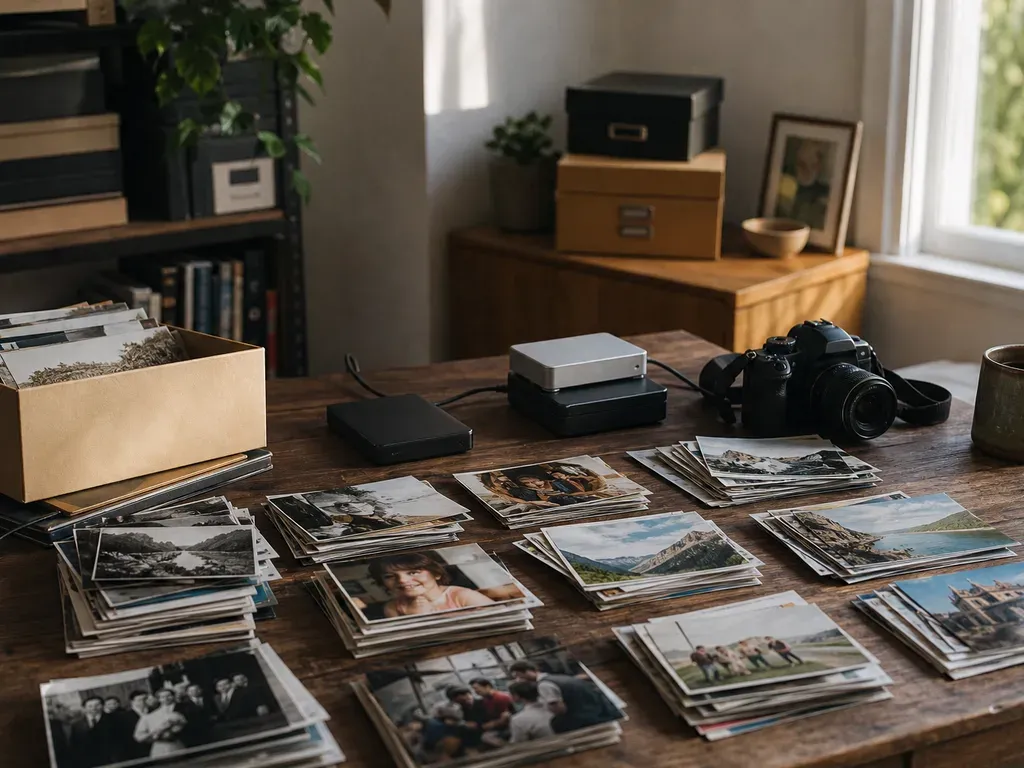
Protect the originals first, decide what the archive is for, remove obvious waste, review similar shots, then organize and back up the keepers. Do not turn editing every file into the first step.
Step-by-step process
- 1
Start by deciding what each photo is for
Protect the originals first, decide what the archive is for, remove obvious waste, review similar shots, then organize and back up the keepers. Do not turn editing every file into the first step. A huge digital library creates decision fatigue before it creates a storage problem. Before renaming folders or choosing software, decide whether each group is meant for sharing, family history, reference, or temporary use. The right standard is different for each purpose.
- 2
Make four buckets before you start editing
Protect the originals first, decide what the archive is for, remove obvious waste, review similar shots, then organize and back up the keepers. Do not turn editing every file into the first step. Keep the buckets simple enough to use while looking at real files. MomentSift is most useful in the review of keepers and repeated shots; it does not replace your backup or storage system.
- 3
Give each bucket a destination
Protect the originals first, decide what the archive is for, remove obvious waste, review similar shots, then organize and back up the keepers. Do not turn editing every file into the first step. Send keepers to an album, print set, delivery folder, or creative project. Keep memories in the protected archive, move reference material to a separate library, and delete rejects only after the backup is verified. Edit only when there is a clear use.
- 4
Choose an archive goal
Separate family memories, client work, and reusable creative material so each group has a sensible standard for keeping and naming.
- 5
Create an output
Send the final keepers to an album, backup, print set, or creative workflow instead of leaving the review as an unfinished list.
Common mistakes and recovery
Editing too early
Improving a photo before deciding to keep it spends time on a file that may be rejected.
Deleting before a backup
Keep an untouched backup before any irreversible cleanup.
One rule for every memory
Technical quality matters, but unique emotional evidence deserves a deliberate exception.
Before you finish
- Originals have a separate backup.
- The archive goal is written down.
- Similar shots were reviewed as groups.
- Keepers have a clear destination.
- Only useful or meaningful files move into editing.