Travel photos

Travel Photo Culling: Sort Vacation Photos Faster

Turn a messy vacation camera roll into a smaller keeper set for albums, sharing, printing, family memories, and creator posts.

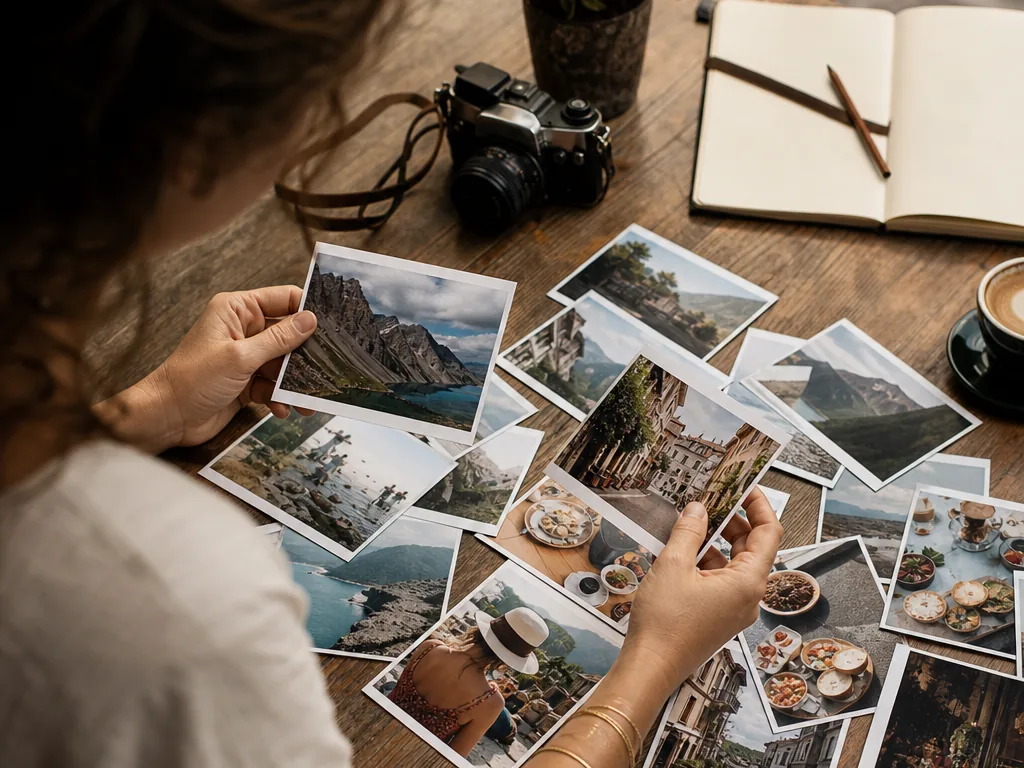
Traveler sorting vacation prints into a concise travel photo story
Outcome

Turn a holiday camera roll into a small story set: keep the strongest people, places, details, and transitions without forcing every scene into the same technical standard.

How the workflow works

  1. 01

    Start with the trip dump

    Review one day, location, or device batch at a time. Keeping context visible makes it easier to recognize moments that belong together.

  2. 02

    Remove obvious noise

    Reject accidental pockets, motion blur, closed eyes, and repeated screenshots before judging which imperfect memories deserve an exception.

  3. 03

    Compare by story role

    Within similar groups, keep a place-setter, a people moment, and a useful detail only when each adds something different to the trip narrative.

  4. 04

    Make the output usable

    Create a small album, share set, print shortlist, or editing queue. A finished destination is what turns culling into a real travel workflow.

A strong fit when

  • You have a large phone or camera trip folder with repeated views.
  • You want a human-reviewed shortlist for an album, post, or print set.

Consider another workflow when

  • You need a full geotag database or travel catalog replacement.
  • You want every frame ranked without considering the story of the trip.

Finish the travel album instead of leaving it buried

Start from your trip folder, group similar shots, and find the photos worth sharing.

Related pages

Frequently asked questions

How do I sort hundreds of travel photos quickly?
Use an AI-assisted workflow: group similar shots, remove blurry or repetitive photos, shortlist the strongest images, then organize the final set by story or destination.
Can MomentSift help with vacation photo albums?
Yes. It can help narrow a large trip folder into the best images for albums, photo books, social posts, printing, and family sharing.
Should I keep every travel photo?
Usually no. Keeping the strongest photos makes your trip easier to revisit and share while originals can still be archived separately.
Can AI identify the best travel photos?
AI can help with quality and similarity, but your memory matters too. Some emotionally important photos are worth keeping even if imperfect.
Should I enhance travel photos before sorting them?
Usually no. Sort first, then enhance or upscale the smaller set of travel photos you actually plan to share or print.
Is this useful for travel creators?
Yes. It helps creators find usable shots for posts, thumbnails, carousel covers, campaign deliverables, and travel recap content.