Skin Retouching
AI Skin Retouching — Smooth Fine Lines and Even Skin Tone
Soften fine lines and even out skin tone in portraits. Compare the result with your original to make sure the texture still looks right.
AI Image Studio
Skin Retouching
Image & settings
Choose an image and adjust the settings
Drag and drop or click to upload
Supports JPG / PNG / WebP / HEIC, up to 20MB
Preview
See your original image and the finished result
Your result will appear here
Upload a photo and click start
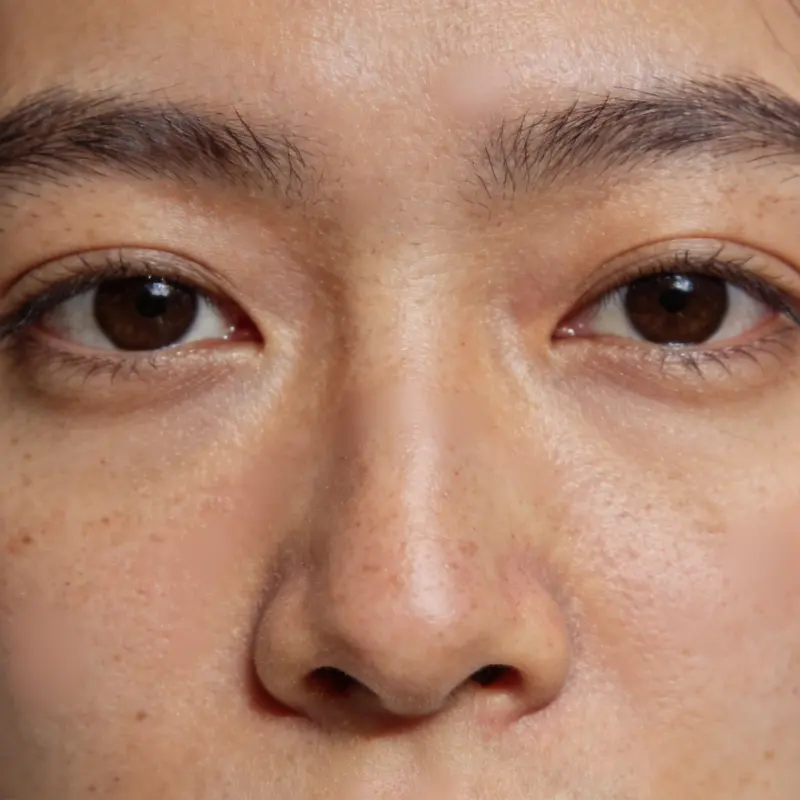
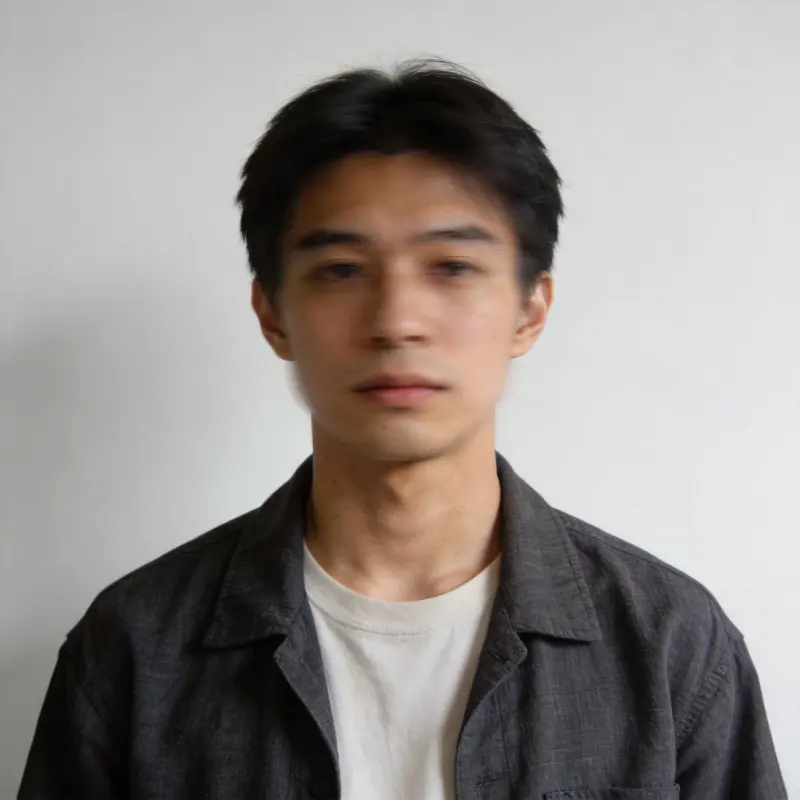
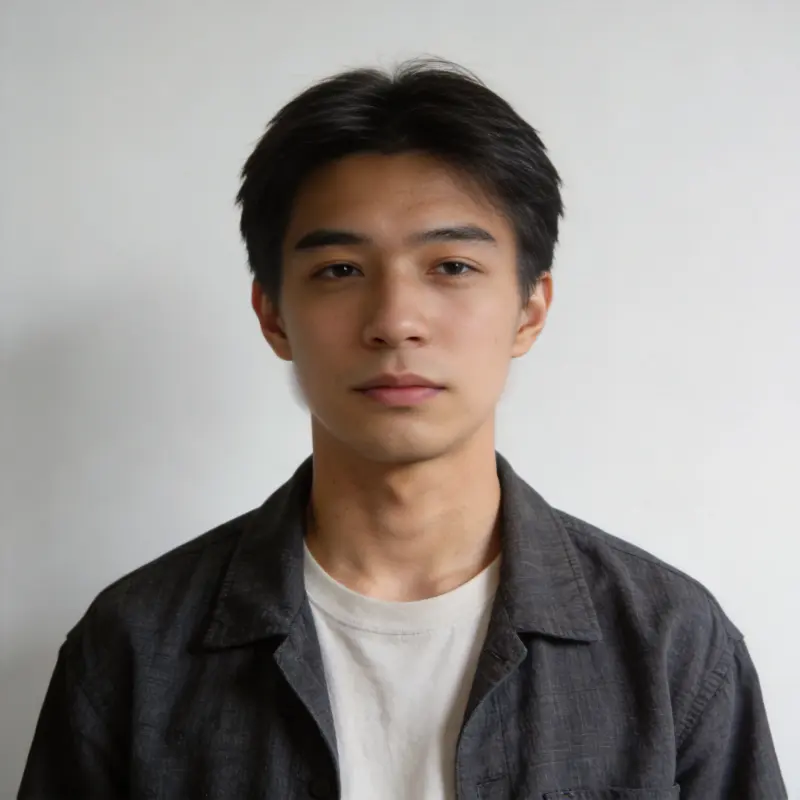
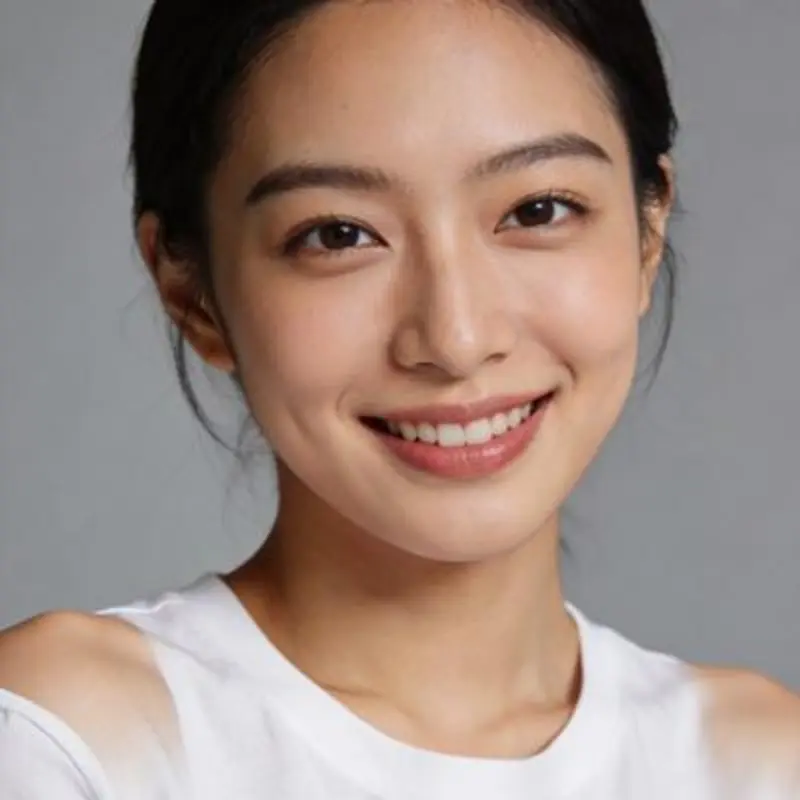
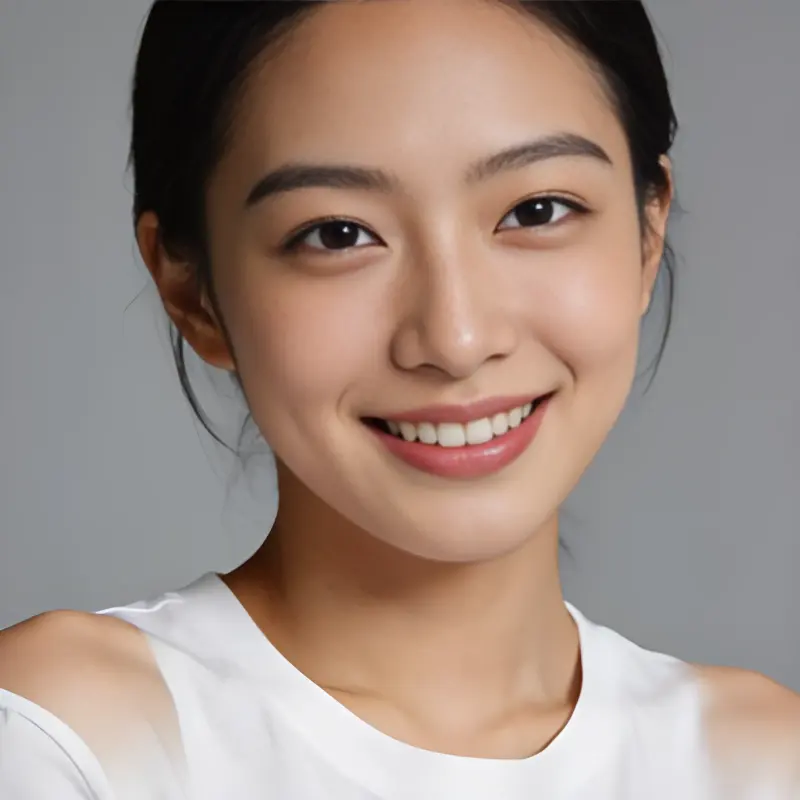
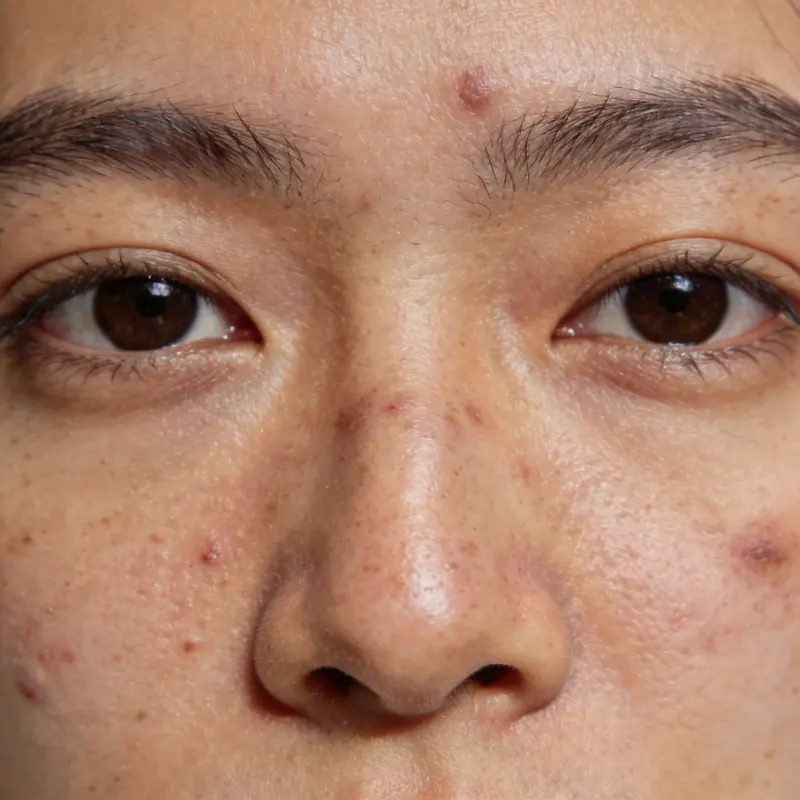 BeforeAfter
Drag the slider to compare before and after
Portrait Retouching FAQ
Skin Retouching or Face Restoration — which do I need?
Skin Retouching refines skin texture (smooths fine lines, evens tone) on photos that are already clear — great for everyday touch-ups. Face Restoration is for faces that are badly blurred or damaged. If your photo is sharp and you just want better-looking skin, use Retouching; if the face itself is blurry or damaged, use Face Restoration.
Will it make skin look fake or plastic?
Retouching aims to keep skin texture while smoothing fine lines and uneven tone. Check the result at full size, since some photos may look too smooth.
Does it only touch up skin?
The tool targets facial skin. Check the background and clothing as well, since AI processing can alter other details.
Can I smooth skin in a portrait without it looking airbrushed?
The tool aims to soften fine lines while retaining skin texture. Start with a sharp photo and inspect the result at full size to check for over-smoothing.
Does skin retouching cost credits, and does it keep my original photo?
It is an AI feature billed per use, and new accounts start with free trial credits. The retouched version saves as a new image in your local library, so your original portrait stays exactly as it was, ready for a side-by-side comparison or a fresh attempt with different settings.