AI Outfit Change
AI Outfit Change — Upload a Garment, See a Realistic Try-On
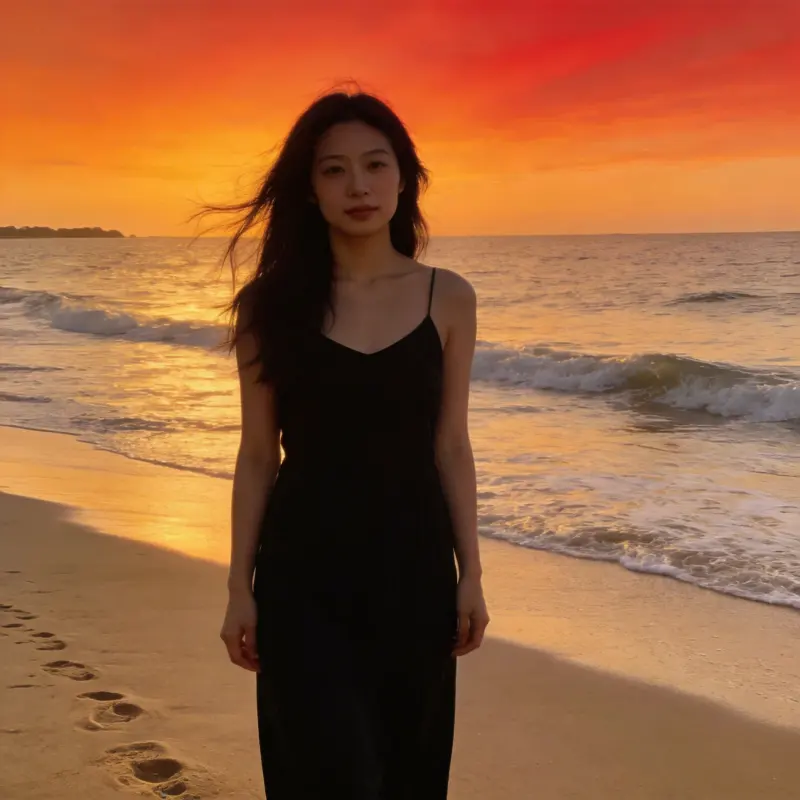
Upload a photo of a person and a garment reference to generate a virtual try-on. A clear product photo or screenshot works as the reference. Check the result for changes to the face, fit, and pose.
AI Image Studio
AI Outfit Change
Image & settings
Choose an image and adjust the settings
Drag and drop or click to upload
Supports JPG / PNG / WebP / HEIC, up to 20MB
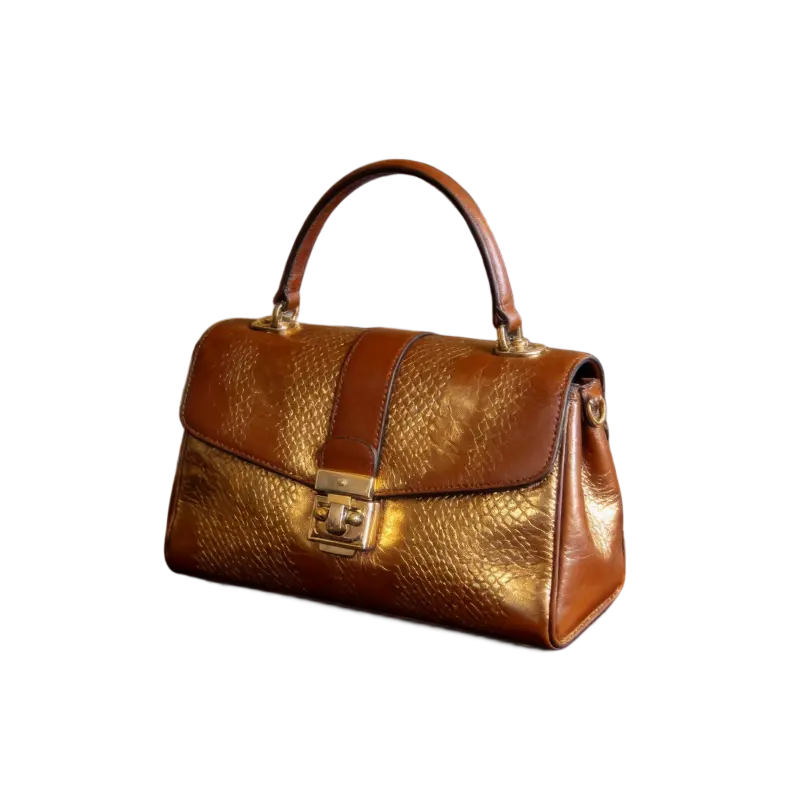
Upload the target garment photo
Click to upload a garment reference photo
Garment type
Preview
See your original image and the finished result
Your result will appear here
Upload a photo and click start
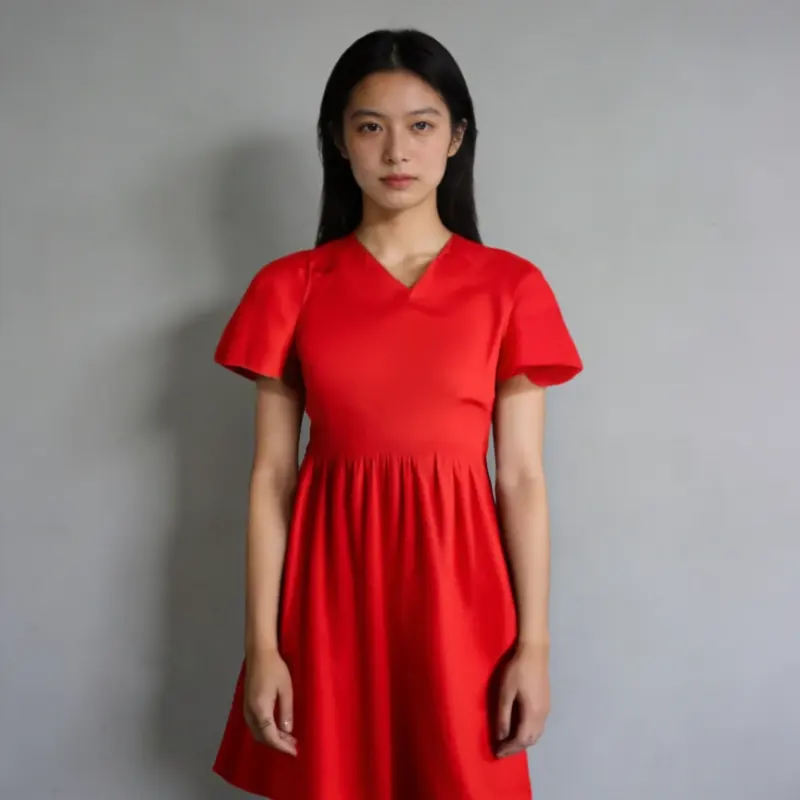
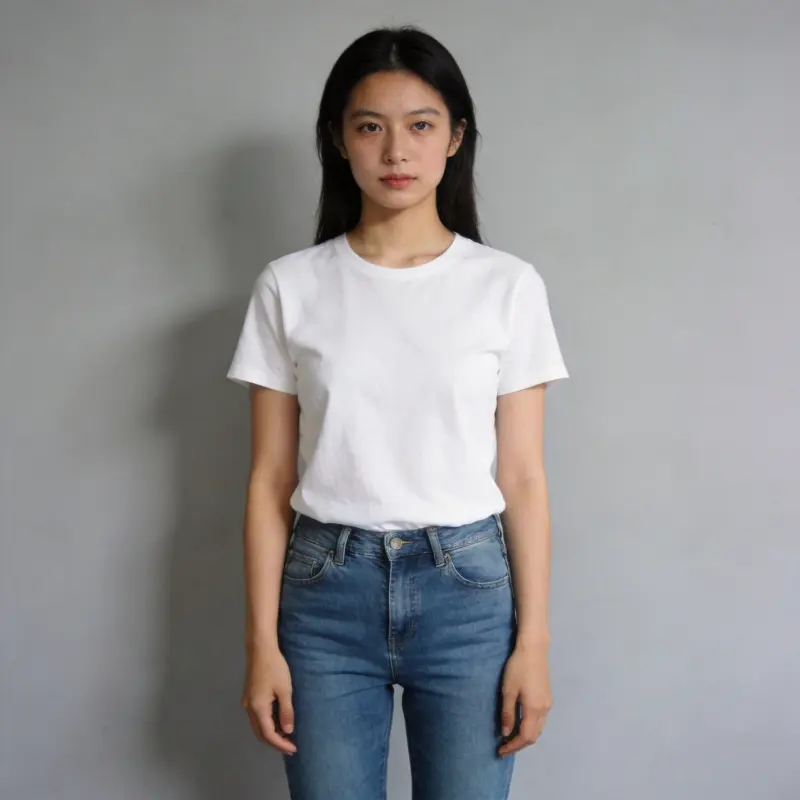 BeforeAfter
Drag the slider to compare before and after
AI Outfit Change FAQ
What kind of garment reference photo works best?
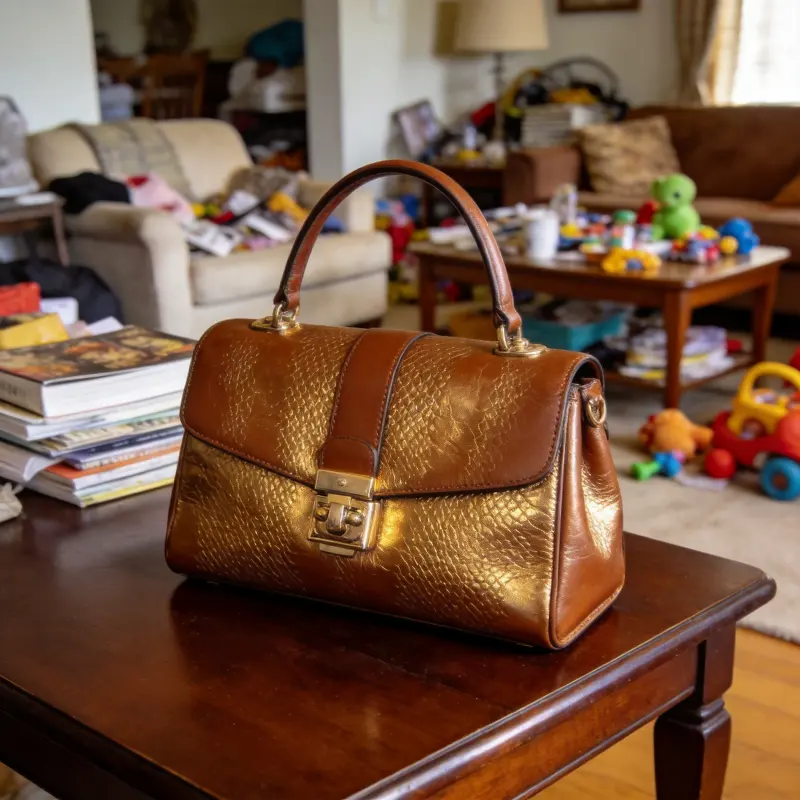
E-commerce product photos are the most reliable: plain or simple background, the full garment visible, shot straight-on or at a slight angle. Real-life photos work too, but a busy background or heavy occlusion can make it harder for AI to read the garment's shape.
Will the person's face or body shape change?
The tool aims to preserve the person's face, proportions, and pose, but generated details can change. Compare the result with the original before using it.
Which garment category should I pick?
Choose "Dresses/Suits" for dresses, full outfits, or matching sets; "Tops" for shirts and jackets; or "Bottoms" for pants and skirts. Match the category to the garment in your reference.
What kind of person photo works best?
Half-body or full-body shots with the clothing area clearly visible work best. Even lighting and a simple background give cleaner results; heavy accessories or occlusion can affect the composite quality.
Can I try on multiple outfits?
Yes — each run uses its own credits. Upload the same person photo and submit it again with a different garment reference to compare looks.
Is there an online virtual try-on tool to see clothes on yourself?
Yes. You can try it with the free trial credits a new account receives, and each try-on then costs credits since it runs in the cloud. Upload a clear half- or full-body photo of yourself plus a garment image, and AI fits the outfit on while keeping your face and pose. Results save to your library.
Can I try on clothes from a screenshot of an online store?
Yes. A screenshot of an e-commerce product photo works well as the garment reference, especially when the item is shown in full and straight-on against a plain background. Pick the matching garment category, top, bottom, or dress/outfit, so AI fits it to the right part of the body.