AI Background Removal
AI Background Removal — Create a Transparent PNG
Remove a photo's background and export the subject as a transparent PNG. Use it for portraits, products, or pets, then check fine edges such as hair before downloading.
AI Image Studio
Background Removal
Image & settings
Choose an image and adjust the settings
Drag and drop or click to upload
Supports JPG / PNG / WebP / HEIC, up to 20MB
Preview
See your original image and the finished result
Your result will appear here
Upload a photo and click start
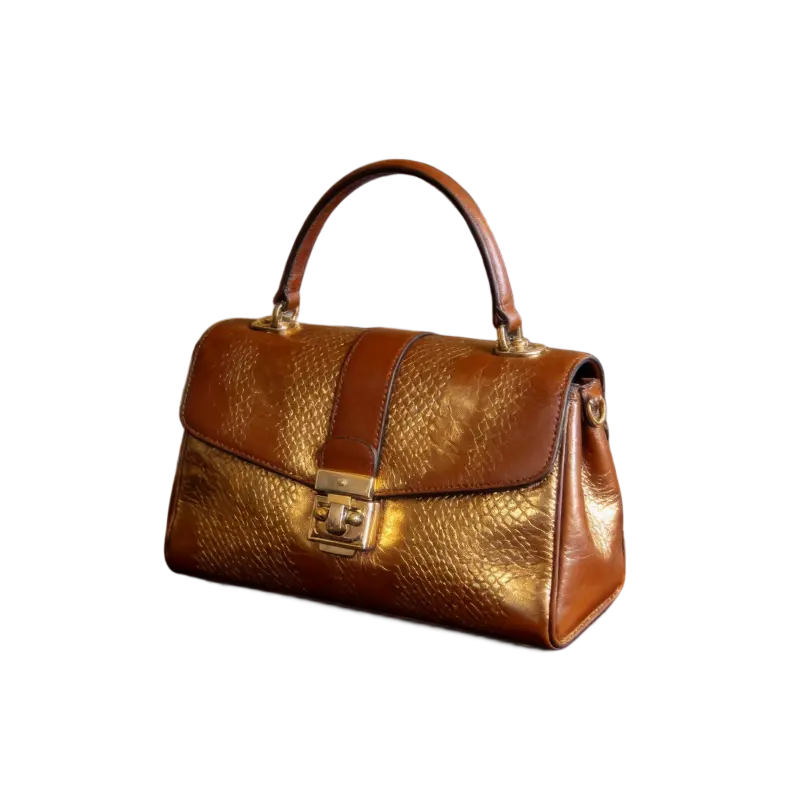
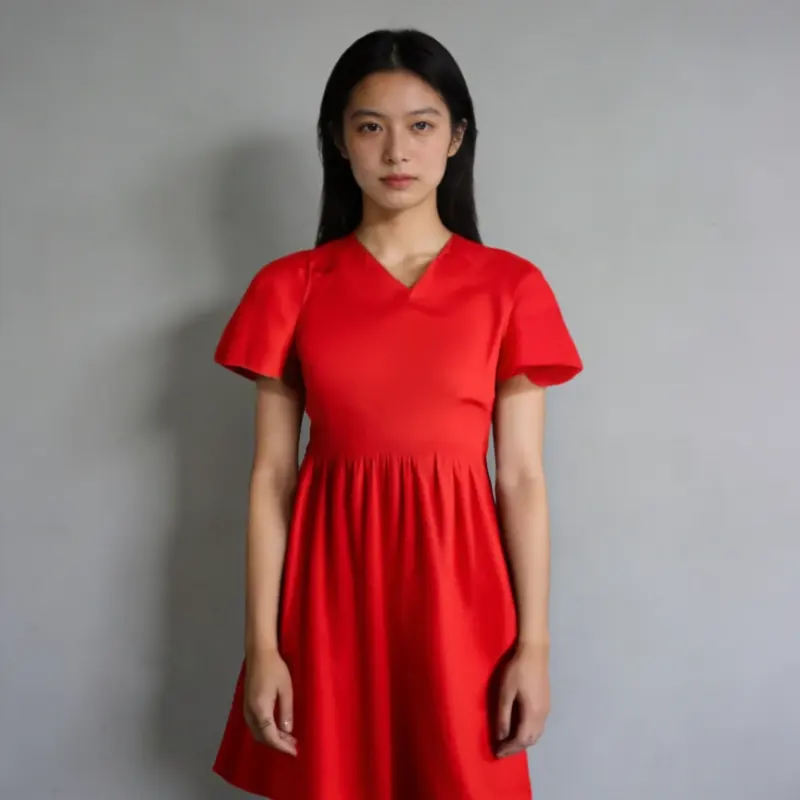
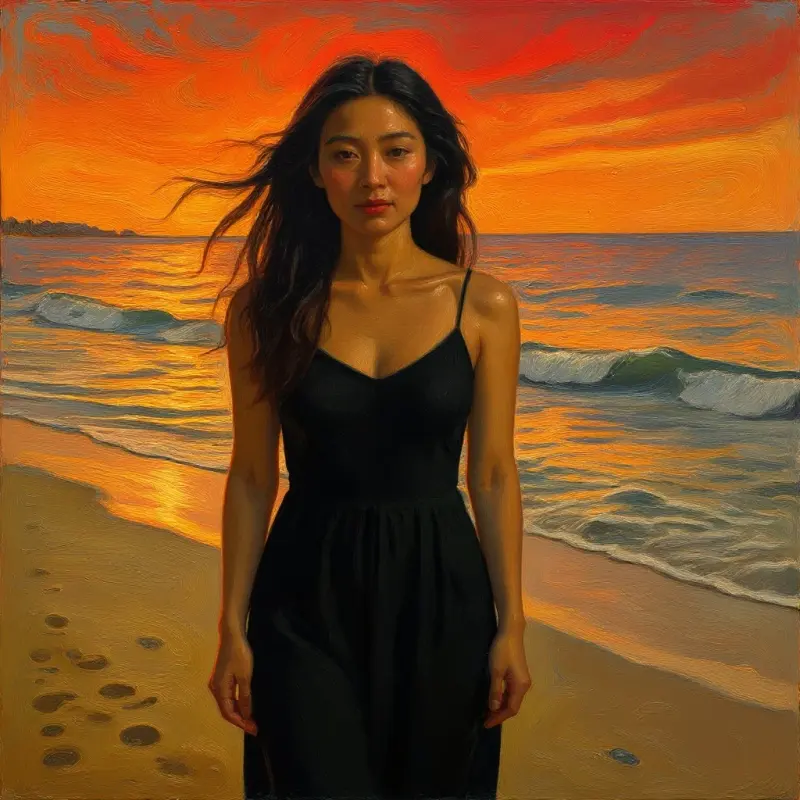
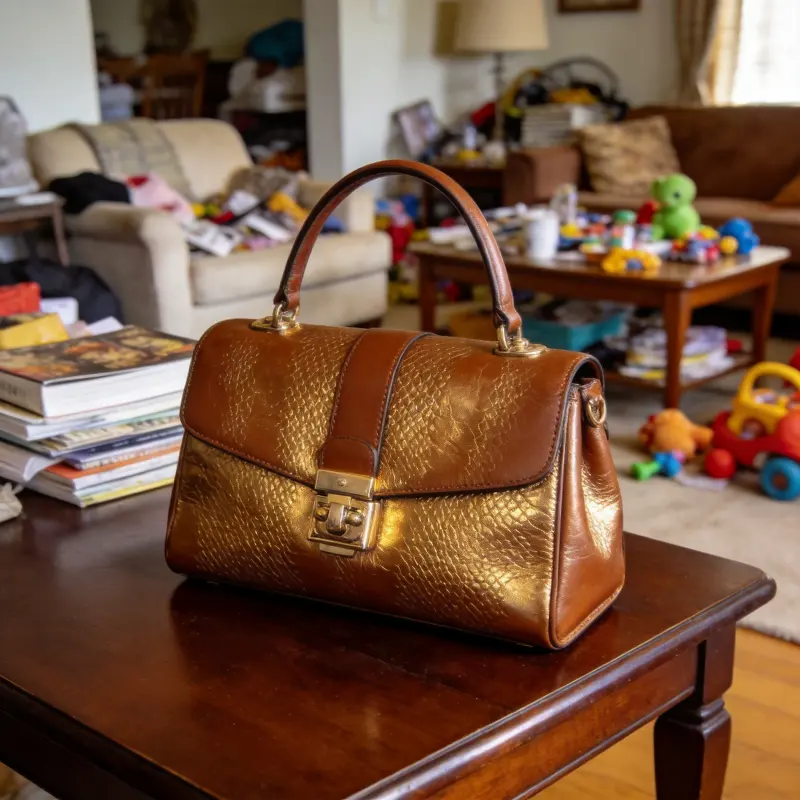 BeforeAfter
Drag the slider to compare before and after
Background Removal FAQ
What kinds of subjects does it work on?
People, products, animals, food, vehicles, furniture — most common subjects work well. Results are best with clean, well-defined edges, and fine details like hair are handled nicely too.
What format does it export?
A transparent PNG, ready to drop straight into design tools, composites, or e-commerce listings.
Does it still work with a busy background?
AI does its best to isolate the subject, but if the subject's color is very close to the background, you may see minor edge errors. For best results, shoot with good lighting and clear contrast against the background.
Can I add a new background afterward?
This tool outputs a transparent PNG — to add a new background, layer it in a design tool like Figma, Canva, or Photoshop.
Is the background remover free, and does it leave a watermark?
Background removal is an AI tool, so it uses credits and needs a free account, though new accounts get trial credits to start. The exported transparent PNG has no watermark, and the cutout saves to your local library automatically, so you can re-download it later without spending credits again.
Can it remove the background from a product photo for an online store?
Yes. Product shots are one of its strongest cases, since items usually have clean, well-defined edges. It outputs a transparent PNG you can place on a white or branded backdrop for Shopify, Amazon, or Etsy listings. Even lighting and good contrast against the original background give the sharpest cutout.