What Is Photo Culling?
Photo culling means reviewing a set of images and choosing which frames are worth keeping for the next step. In photography, that decision is separate from editing or deleting the originals.
By MomentSift
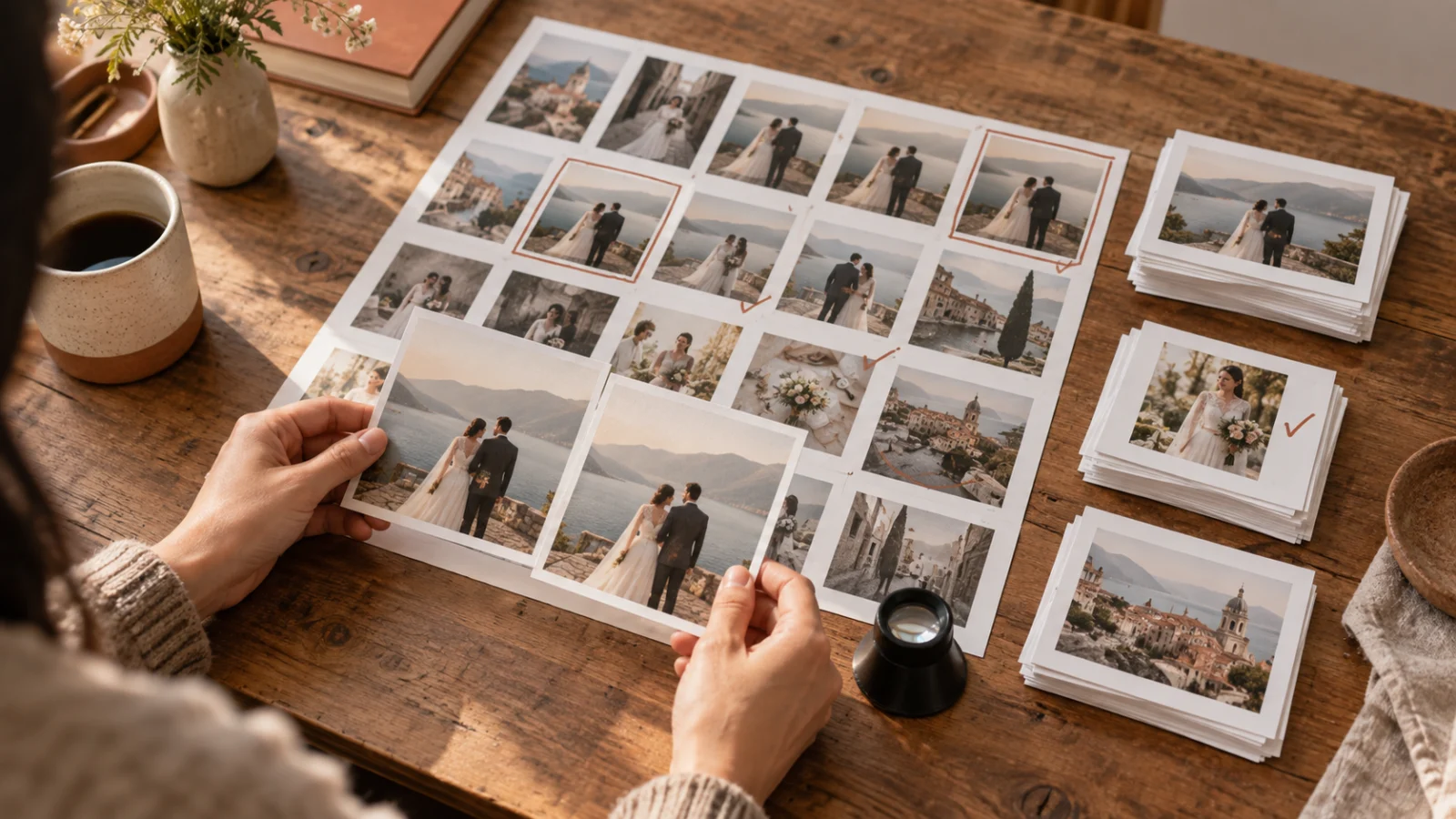
Photo culling is choosing the photos that move forward
After a shoot, you may have several frames of the same expression, a burst where one person blinked, and a few images that matter despite imperfect light. Culling is the review that turns that set into a smaller group of keepers. The keepers might be edited, delivered to a client, shared with family, or placed in an archive.
It is not the same as deleting every photo you do not select. A photographer can mark a frame as rejected for this delivery and still retain the original. The point is to decide what belongs in the current result before spending time on each image.
What does culling mean in a real photo set?
Imagine six portraits taken seconds apart. Four have nearly the same pose. In one, the eyes are closed; in another, the expression feels natural but the focus is slightly soft. A useful first pass flags the obvious miss. A second pass compares the remaining faces, framing, and focus side by side. You might keep one clean portrait and one less polished frame if it captures a different interaction.
The exact number to keep comes from the job. A profile picture may need one final image. A wedding gallery needs enough variety to cover people and moments without repeating the same scene. Culling is a decision about purpose as well as technical quality.
How to cull photos without making every decision at once
Start with a copy or a reversible review system so a first-pass decision does not erase the only original. Then separate obvious technical misses from photos that simply need a closer look. Compare near-duplicates within their own sequence instead of jumping across an entire folder. Finally, review the shortlist as a set: does it include the important people, changes of scene, and useful alternatives?
Keep an uncertain photo in a review group if its meaning is not clear yet. A sharp image of the wrong moment is not automatically more valuable than a slightly imperfect image of the right one. For a detailed three-pass routine, use the separate fast-culling guide linked below.
- Flag clear misses, such as accidental frames or unusable focus.
- Compare similar images together for expression, framing, and sharpness.
- Check the final set for missing people or moments before editing.
Culling, editing, and deleting are three different decisions
Culling decides which photographs deserve attention. Editing changes how a chosen photograph looks—its crop, color, exposure, or other details. Deleting removes a file. You can cull first, edit only the selected images, and postpone deletion until your backup and delivery needs are clear.
Keeping those decisions separate prevents a weak first impression from becoming an irreversible loss. It also avoids polishing five nearly identical frames before deciding which one the final gallery actually needs.
What can AI help with when culling photographs?
A tool can group similar frames and surface possible blur, closed eyes, or exposure problems. Those signals help narrow the review, but they cannot know every reason a photo matters. A client may need a particular guest in the gallery; a family may prefer an imperfect but irreplaceable expression.
Use automated suggestions as a first pass and confirm the keepers yourself. Whether you use flags in an editor or a dedicated culling tool, check the exported selection before relying on it for a delivery or long-term archive.
Use the meaning of culling to set a clear finish line
Photo culling is finished when the selected set serves its purpose and the unresolved photos have a place for later review. You do not need a perfect numerical score for every frame. You need a manageable set you can edit, share, or deliver without losing the moments that made the shoot worth keeping.