AI photo organizer

AI Photo Organizer for Large, Messy Photo Libraries

Use AI to group similar photos, separate keepers from repeats, protect meaningful memories, and move selected images into enhancement, restoration, or creation tools.
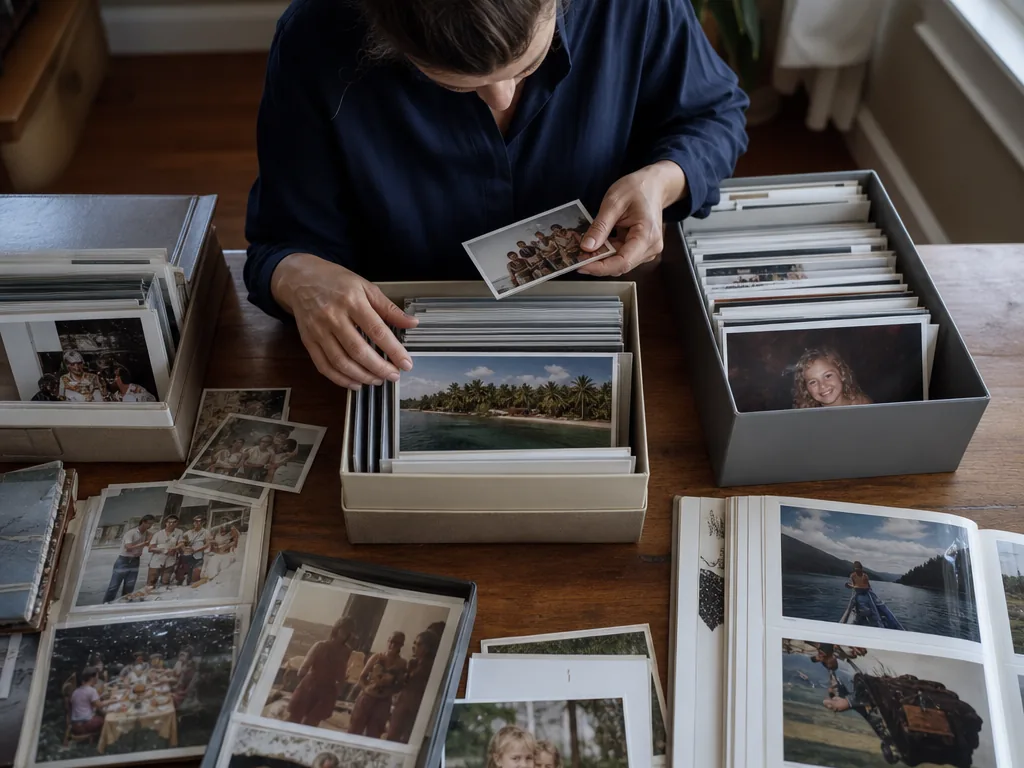
AI photo organizer grouping and selecting images from a large library
Primary keyword
AI photo organizer
Related
AI photo organization
Related
organize photos with AI
Related
photo organizer app
Problem

Most photo libraries are not messy because of folders. They are messy because of decisions.

A folder can contain ten versions of the same moment, blurry frames, screenshots, exports, and photos that matter emotionally even if they are imperfect. An AI photo organizer should help reduce the decision load, not blindly delete memories.

That is why a useful organizer should combine machine signals with human review. AI can spot patterns, but the user still knows which people, places, and moments matter.

Capabilities

Organization starts with grouping and selection

MomentSift organizes the review process around similar groups, weak-image signals, and user-controlled selections.

  • Group similar shots and repeated compositions.
  • Surface blur, exposure, closed-eye, and weak-frame signals.
  • Let users keep sentimental photos even when AI marks them imperfect.
  • Move selected images into library, download, enhancement, or AI creation flows.
Organization logic

A better organizer separates photos by decision type

Large libraries are easier to review when each photo has a clear next decision. MomentSift is designed around that idea: compare repeated shots, review technical warnings, preserve emotional exceptions, and send selected images to the next task.

  • Compare: similar photos, bursts, repeated poses, and near-duplicates.
  • Review: blur, exposure, closed eyes, awkward frames, and weak candidates.
  • Preserve: photos with emotional value even when they are technically imperfect.
  • Act: enhance, restore, remove backgrounds, generate variations, download, or share.
Fit

Useful for personal libraries and practical creative work

The workflow fits vacations, family albums, weddings, pets, creator shoots, product photos, events, and any folder where there are more photos than attention.

Storage expectation

AI organization is not the same as permanent backup

MomentSift helps with review, selection, and follow-up AI tasks. It is not meant to replace your long-term backup system. For important memories, keep your normal cloud drive, hard drive, or photo backup process, then use MomentSift to make the library easier to work with.

Organize photos by decisions, not just folders

Use AI grouping and review to find the photos worth keeping.

Related pages

Frequently asked questions

What does an AI photo organizer do?
It helps group, review, and select photos faster by using AI signals such as similarity, blur, exposure, and faces.
Will MomentSift automatically delete photos?
No. It helps organize and review photos while keeping final decisions in your hands.
Can I use it for family photos?
Yes. It is useful for family, travel, pet, wedding, event, and everyday photo folders.
Is this different from cloud storage?
Yes. Cloud storage keeps files. MomentSift helps decide which photos deserve attention and what to do next.
Can AI organize photos by people or scenes?
AI can help identify similarities, faces, and scene patterns, but MomentSift focuses on reviewable groups and user-controlled selection rather than hiding decisions inside a black box.
Should I use an AI organizer before editing?
Yes, especially for large folders. Organizing and culling first helps you avoid spending edit time or AI credits on photos you will not keep.