Image-to-Image
Upload a reference image or pick one from your library, add a description for style transfer or remixing, results saved straight to your library
AI Image-to-Image — reference image + description = style transfer, remixing, AI avatars. Upload an image or pick one from your library, describe the change you want, and AI generates a new version. Great for style transfer, detail edits, product photo variants, and AI avatars. Results are saved straight to your library.
Add a reference image
Drag & drop / Upload / Pick from library
0/2000
Your generated image will appear here
Add a reference image, describe the change, then click generate
Image-to-Image FAQ
What can AI Image-to-Image do?
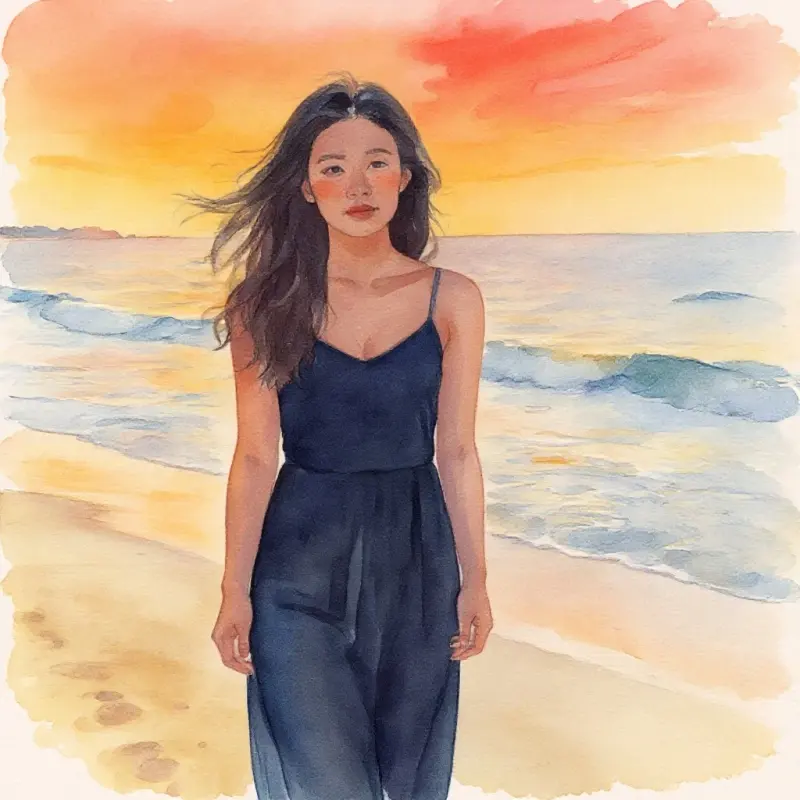
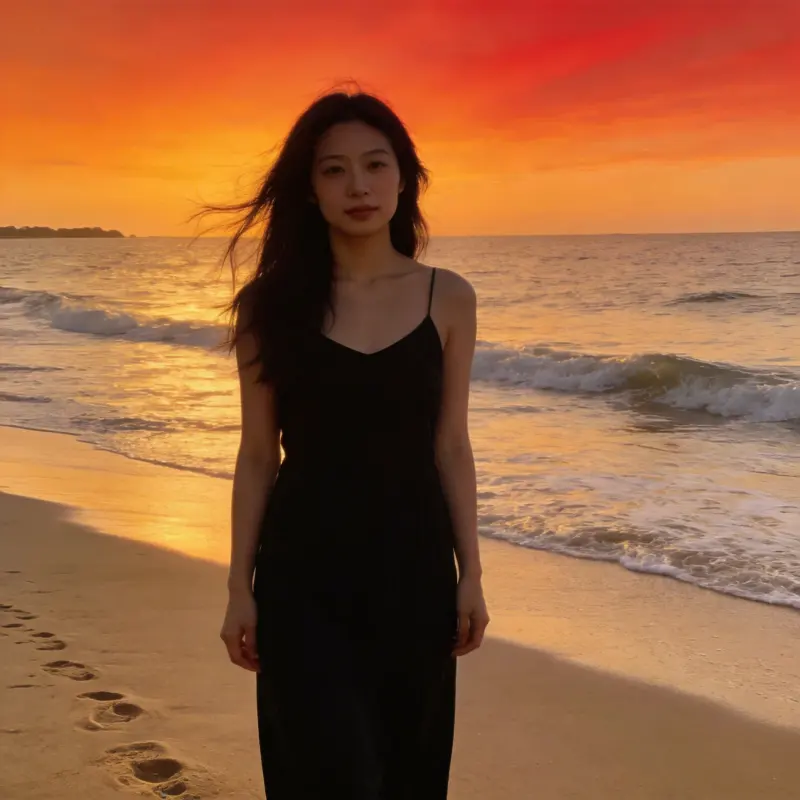
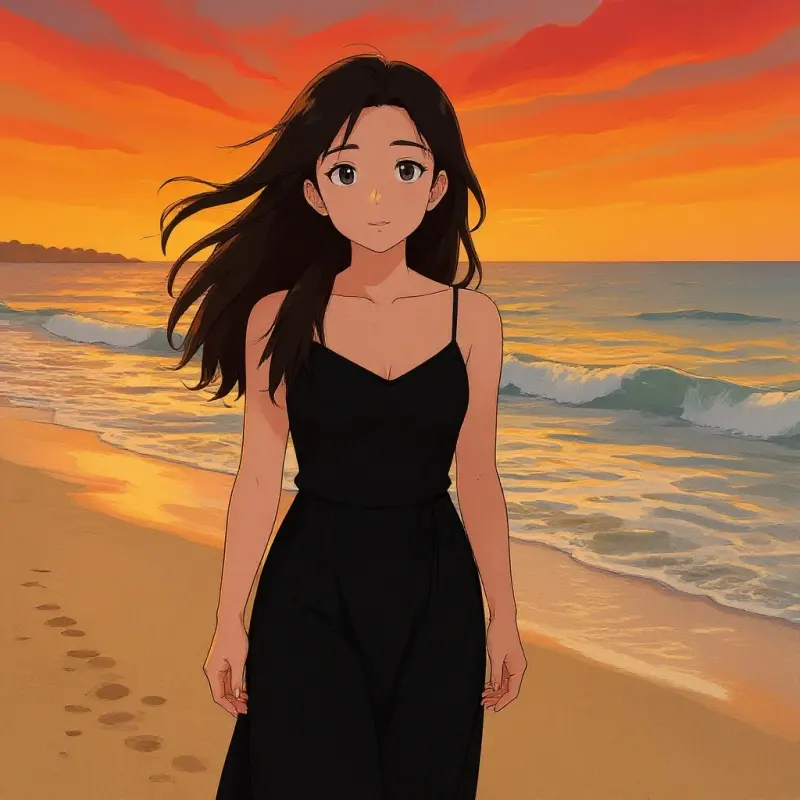
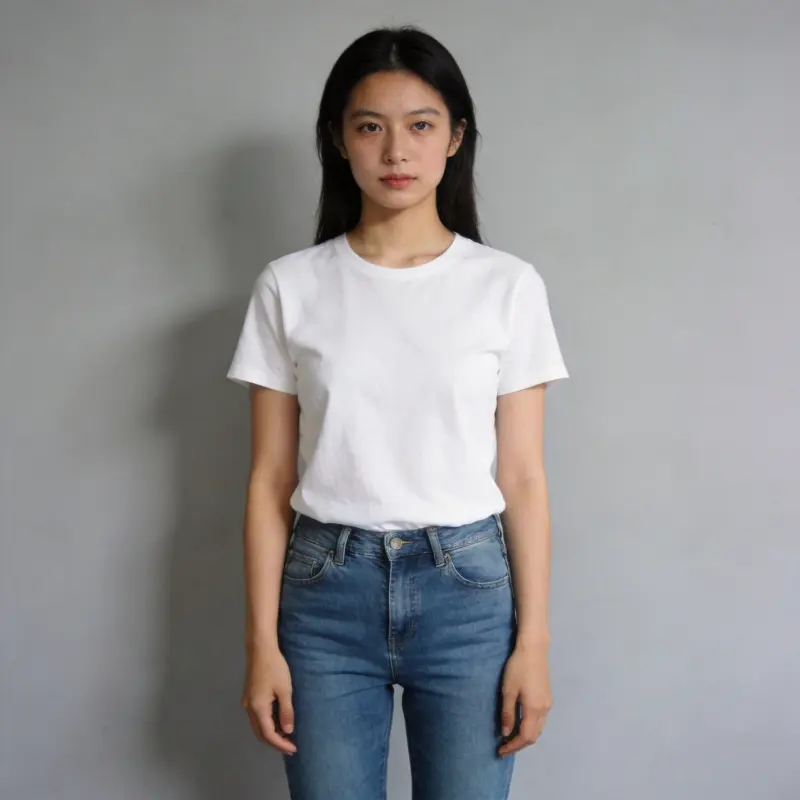
Give it a reference image plus a description, and AI generates a new version. Common uses: style transfer (realistic → watercolor / oil painting / anime), detail edits (new background, hair color, accessories), pose variants of the same person, product photo variants in different colors, and AI avatars (turning a regular photo into illustration style).
Can I pick a reference image straight from my library?
Yes. Your culling picks, AI enhancement results, and previously generated images all land in your local library automatically — just click "Library" to pick one. You can also drag-and-drop or upload a new image (up to 20MB). A clearer reference with a well-defined composition gives better results.
Can it make an AI avatar?
Yes. Upload a clear front-facing or half-body photo, and write a prompt like "cartoon illustration style / oil painting portrait / cyberpunk, keep the facial features," pick a 1:1 square ratio, and the result works great as a profile picture.
What kind of reference image gives poor results?
Low resolution (under 512×512), heavily blurred, badly lit, or cluttered images make it hard for AI to read the subject and give worse results. Try running it through AI Enhancement's 4x upscaling first. Also, celebrity likenesses, copyrighted characters, and other restricted content will be automatically rejected.
What image formats and file size can I upload as a reference?
You can upload a JPEG, PNG, or WebP file up to 20MB, or pick any image already in your local library. For the cleanest result, use a sharp reference of at least 512x512. Very small or heavily compressed images give the AI less to read and produce weaker output.
Can I turn a photo into anime or cartoon style with image-to-image?
Yes. Upload the photo and describe the look, for example "anime style, keep the facial features" or "flat cartoon illustration." If you would rather pick a preset than write a prompt, the AI Stylization tool covers Ghibli, anime, oil painting, and watercolor in one click.