AI Image Culling for Photos, Screenshots, and Visual Assets
Review large image folders faster by grouping near-duplicates, flagging weak files, and turning visual clutter into a shortlist you can actually judge.
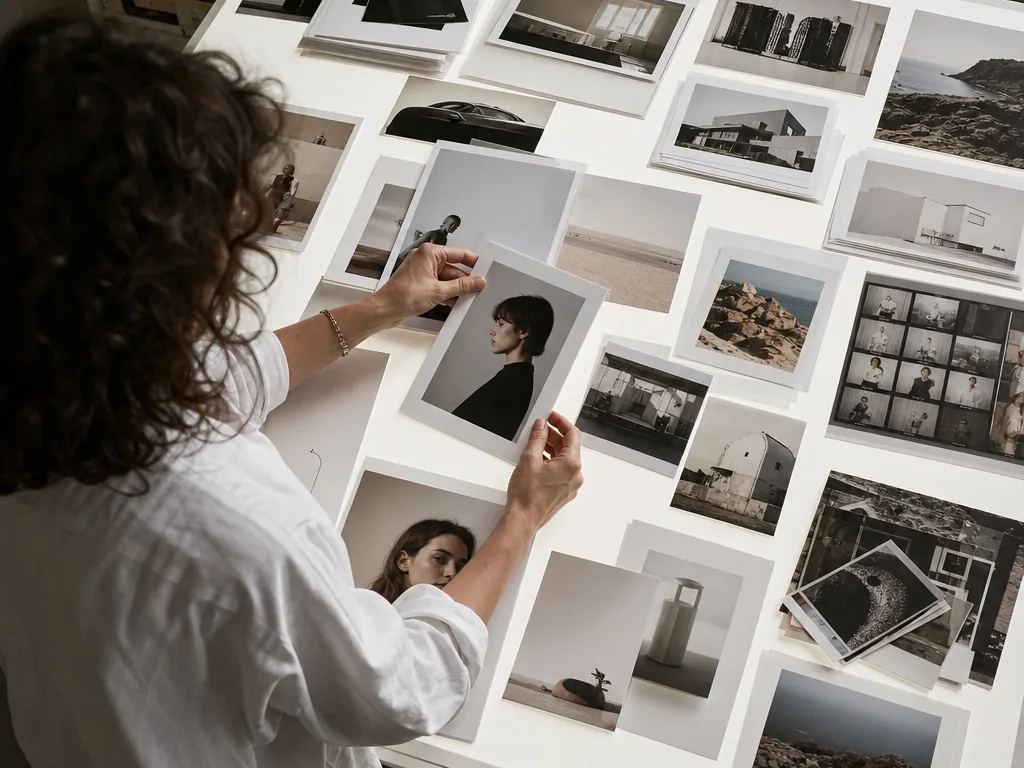
Use AI image culling to reduce a mixed visual folder with grouping and quality signals, then make the final keep decision yourself before editing or publishing.
How it works
- 01
Choose a related set of images
Separate one event, product set, or asset collection from unrelated files. Culling works better when the batch has a shared decision context.
- 02
Let the system group and flag
Use near-duplicate groups and weak-image signals to surface repetition, blur, closed eyes, or obvious exposure problems. Treat flags as review cues, not automatic deletion.
- 03
Compare similar images together
Choose keepers by subject, expression, composition, and intended use. A technically imperfect documentary frame may still deserve to stay.
- 04
Send only confirmed images forward
Move confirmed keepers into enhancement, editing, generation, or delivery. Keep rejected or uncertain files separate until the project is closed.
Good for
- You are reviewing screenshots, product images, event photos, or mixed visual assets in batches.
- You want AI to narrow visual review while retaining a human decision and a reversible archive.
Not the right fit if
- You need pixel-level retouching or design composition rather than selection.
- You want silent deletion with no group review or recovery path.