Upscale Images with AI for Bigger, Cleaner Results
Increase usable resolution for selected photos, prints, presentations, product visuals, creator assets, and personal archives.
By MomentSift
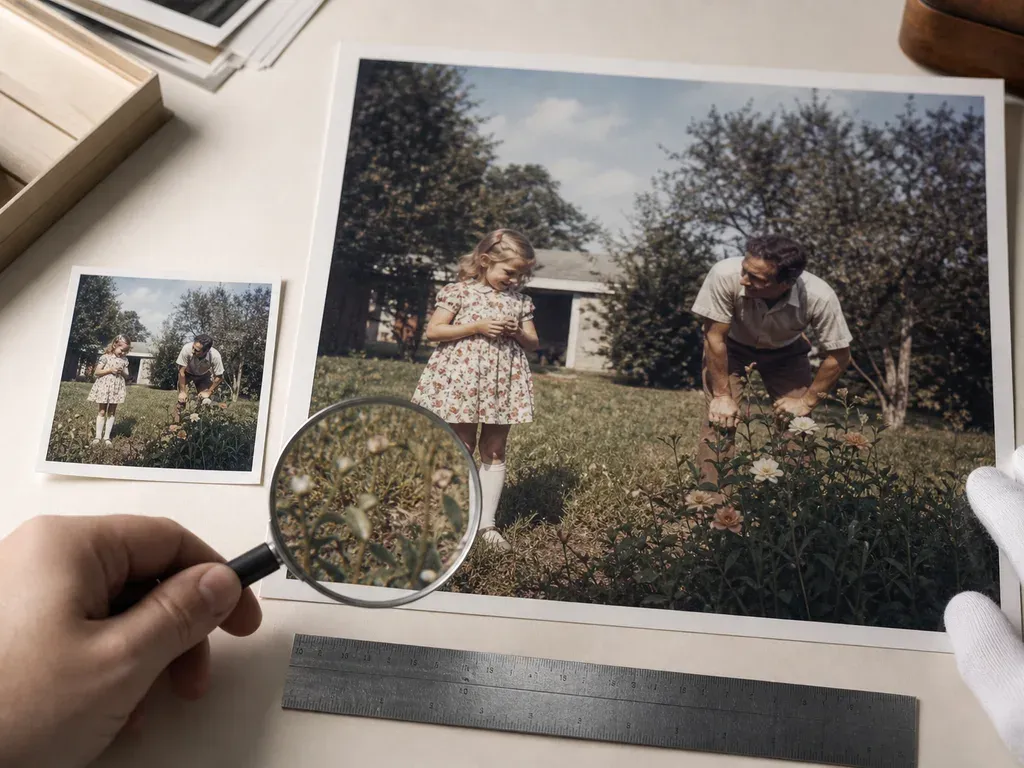
Upscaling can enlarge a useful photo, but it cannot recreate missing evidence reliably. Pick the clearest source first, decide the final output size, then inspect faces, text, and fine edges after enlargement.
Step-by-step process
- 1
Choose the best available source
Prefer the sharpest original with the least compression. If several frames show the same moment, cull them before upscaling so you do not spend effort on a weaker duplicate.
- 2
Set the destination before the scale
A print, profile image, product card, and archive have different size targets. Start from the destination rather than choosing the largest multiplier by default.
- 3
Protect important detail
Faces, small text, jewelry, hair, and product labels need careful review. The model may make an area look clearer while also inventing a detail that was not present.
- 4
Compare at output size
Check the enlarged file at the size people will actually see it. A result that looks artificial at 200% may be acceptable for a small web card, while a print needs stricter inspection.
- 5
Keep the original beside the result
Save the enlarged file as a new version. The original remains the reference if you later need a different crop, model, or print size.
Common mistakes to avoid
Upscaling a blurry source
More pixels do not restore motion detail that was never captured. Select a sharper frame or accept that the image has a limit.
Using the largest scale automatically
Oversized files can add processing time and artifacts without improving the final use. Match the scale to the output.
Skipping text and face review
Invented letters or altered facial details are easy to miss in a general thumbnail. Inspect them separately.
Before you finish
- The clearest available source was selected.
- The final destination and size are known.
- Faces, text, and fine edges were inspected.
- The result was judged at its real viewing size.
- The original file remains available for comparison.