AI photo culling

AI Photo Culling for Real-Life Photo Overload

Turn a huge folder into a calmer shortlist. MomentSift groups similar photos, flags weak frames, explains common issues, and keeps the final choice in your hands.

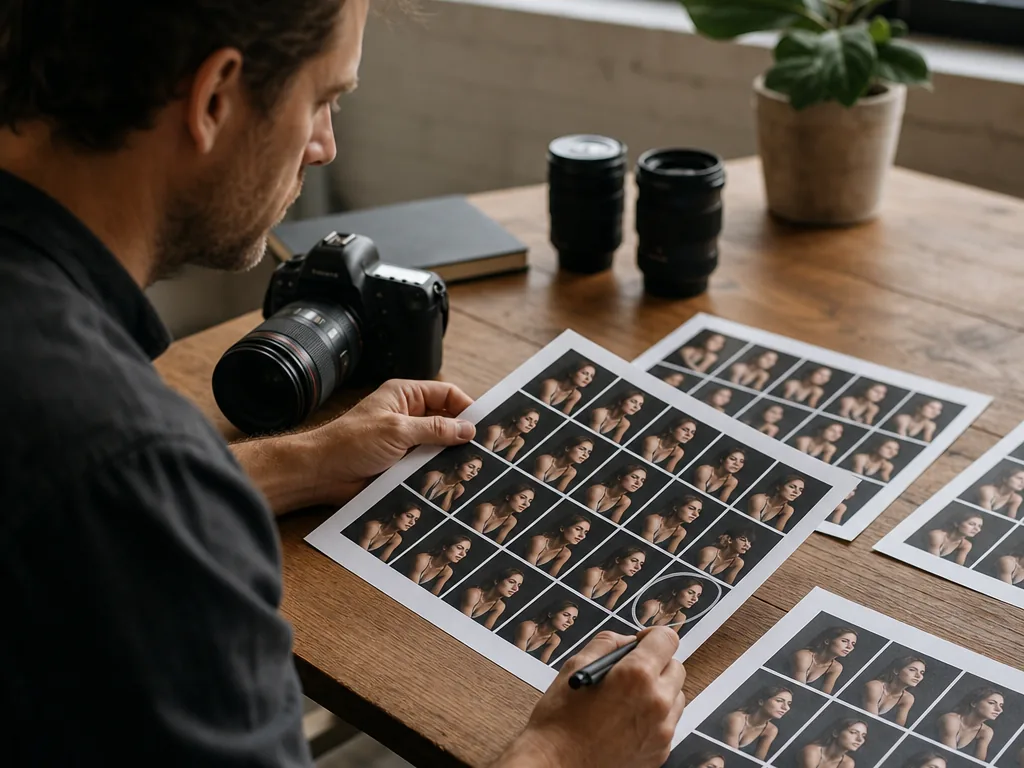
Photographer comparing contact sheets to select the best photos from a large batch
Outcome

Use AI culling as a two-stage decision: reduce a large folder to comparable groups, then choose the final keeper with context, expression, story, and intended use in mind.

How the workflow works

  1. 01

    Create a meaningful batch

    Start with one event, day, or shoot rather than mixing unrelated folders. Consistent context makes similar-shot grouping easier to review.

  2. 02

    Let signals remove repetition

    Use grouping and weak-photo signals to surface blur, closed eyes, accidental frames, and near-duplicates. Treat these as review shortcuts, not automatic deletion commands.

  3. 03

    Switch to selector mode

    Within each similar group, compare the finalists at the same crop. Pick the frame with the clearest expression or story, and keep an alternate only when it has a different use.

  4. 04

    Hand off only keepers

    Send the confirmed set to enhancement, creation, export, or an album. Separating culling from editing prevents time being spent on photos that will not move forward.

A strong fit when

  • You need to reduce large batches before a human final decision.
  • You want similar-shot comparison and a clear handoff to later image work.

Consider another workflow when

  • You need a fully automatic archive deletion policy.
  • You need a RAW catalog, metadata migration, or offline ingest replacement.

Start with a cleaner photo shortlist

Use AI for the first pass, compare the strongest candidates, and keep the final decision human.

Related pages

Frequently asked questions

What is AI photo culling?
AI photo culling uses artificial intelligence to help review a batch of photos, group similar images, flag weaker shots, and surface stronger candidates faster.
Can AI choose my final photos for me?
MomentSift can suggest strong picks, but the best workflow is AI-assisted, not fully automatic. You make the final creative decision.
Is AI photo culling only for professional photographers?
No. It is helpful for travelers, families, creators, couples, pet owners, event hosts, and anyone with too many similar photos.
Will it delete my photos automatically?
No. MomentSift helps you review, compare, and select. You stay in control before removing, exporting, or editing anything.
Should I edit photos before or after culling?
Cull first when the folder is messy. That way you spend enhancement, restoration, and editing time only on the photos that are actually worth keeping.
What kinds of photo batches work best?
AI culling is especially useful for bursts, portraits, travel folders, group shots, weddings, events, family albums, pets, and any set with many near-duplicates.