Free AI Image Generator From Text: What to Expect
Check any free credits and download limits before generating. Then write a specific prompt, compare a few variations, and inspect the downloaded image.
By MomentSift
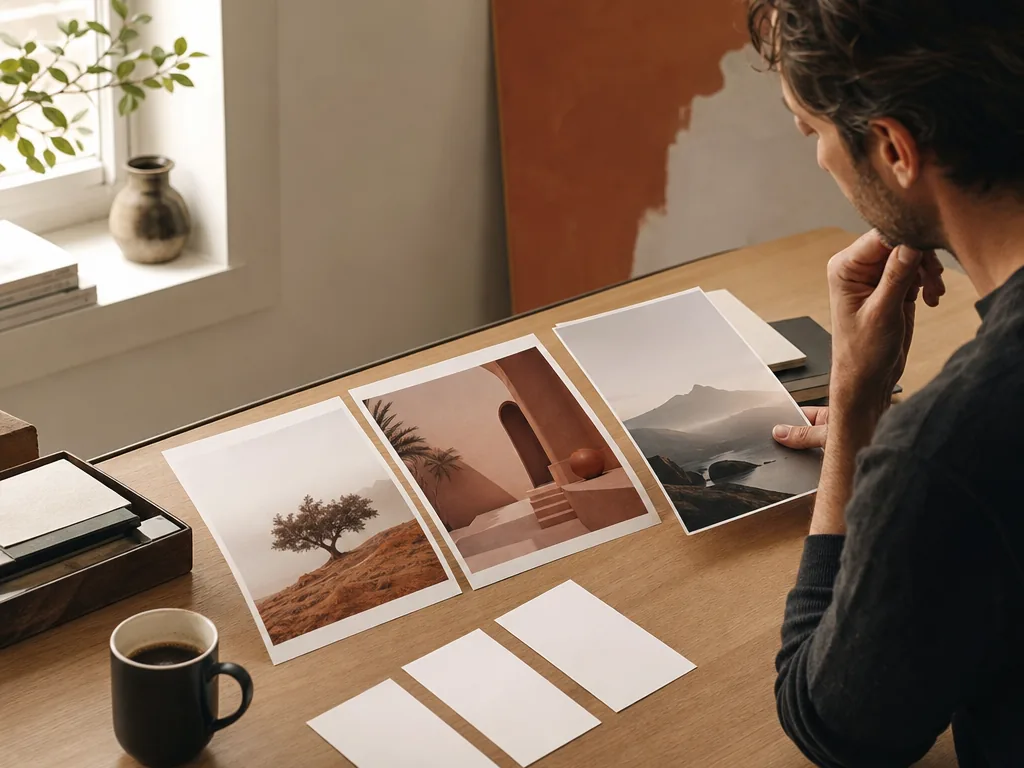
Use a free text-to-image generator as a limited evaluation: write a concrete visual brief, confirm current credits and export limits, test a few controlled variants, and inspect the result and usage terms before publishing.
Step-by-step process
- 1
Write the brief before spending the allowance
Define subject, audience, destination, aspect ratio, composition, mood, and negative constraints. A specific brief makes a small free allowance more informative.
- 2
Check the current free plan
Confirm current credits, queue priority, dimensions, watermark, commercial terms, and download options in the account interface. Free plans can change.
- 3
Generate a small controlled set
Create a few variants that change one meaningful variable, such as lighting or palette. Do not spend the entire trial on random prompts.
- 4
Inspect the usable file
Review faces, hands, text, geometry, edges, and repeated patterns at the actual output size. Check the downloaded file, not only the preview.
- 5
Decide whether the workflow is worth continuing
Continue only when the visual quality, rights, privacy, output size, and expected credit cost fit the real project.
Common mistakes to avoid
Treating free as unlimited
Credits, resolution, queues, and terms vary. Verify the current account rather than relying on an old comparison.
Using vague prompts to test quality
Random prompts reveal little about whether the generator can solve the visual job you actually have.
Publishing without checking terms
A pleasing result still needs review for commercial use, likeness, brands, and privacy.
Before you finish
- The brief defines subject, audience, and destination.
- Current free credits and exports were checked.
- Variants change one deliberate variable.
- The downloaded result was inspected at output size.
- Rights, privacy, and future cost are acceptable.