AI Image Generator for Prompts, References, and Photo Workflows
Generate an image from a text prompt, or use a reference photo to guide a new version. Describe the subject and composition, then compare the results.
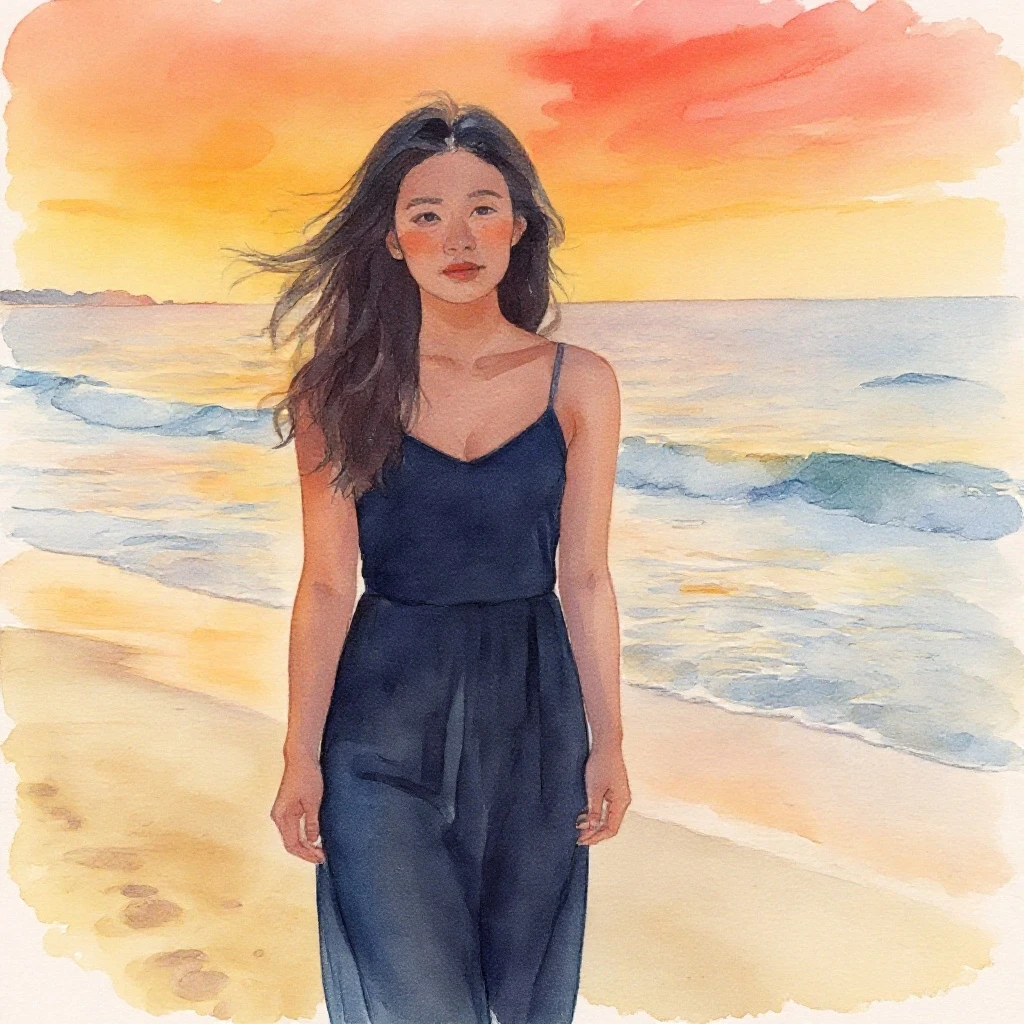
A text-to-image generator is for creating a new visual from a brief. Define the subject, composition, audience, and constraints, test a small set of variants, then review the output for coherence and usage rights.
Step-by-step process
- 1
Write a useful visual brief
Name the subject, setting, intended audience, aspect ratio, mood, and where the image will appear. A brief gives the generator a target beyond a style label.
- 2
Describe composition before decoration
Specify the main subject, camera distance, viewpoint, placement, and empty space for text. Add color or style after the structure is clear.
- 3
Request controlled variation
Change one variable between attempts, such as lighting, crop, or palette. This makes it easier to choose a direction and refine it.
- 4
Inspect the generated details
Check hands, faces, object geometry, logos, text, shadows, and repeated patterns at full size. Generation can look convincing in a thumbnail while failing in use.
- 5
Confirm the publishing boundary
Before using an image commercially, review the service terms, brand requirements, privacy implications, and whether any real person or protected mark is represented.
Common mistakes to avoid
Using only a style keyword
A style name does not define the subject, framing, lighting, or negative constraints needed for a usable visual.
Generating a large set before choosing a direction
Test a few deliberate variants first. A huge batch creates review work without improving the brief.
Treating generated text and logos as reliable
Keep critical typography and brand marks in a controlled editor when possible, then verify the final composition.
Before you finish
- The visual brief names subject, audience, and destination.
- Composition and empty space are specified.
- Variants change one meaningful variable at a time.
- Faces, edges, text, and geometry were inspected.
- Usage and privacy constraints were confirmed.