Generate New Images from an Existing Photo
Use an original photo as visual context for AI image generation, then create variations that keep the subject, style, or composition closer to your intent.
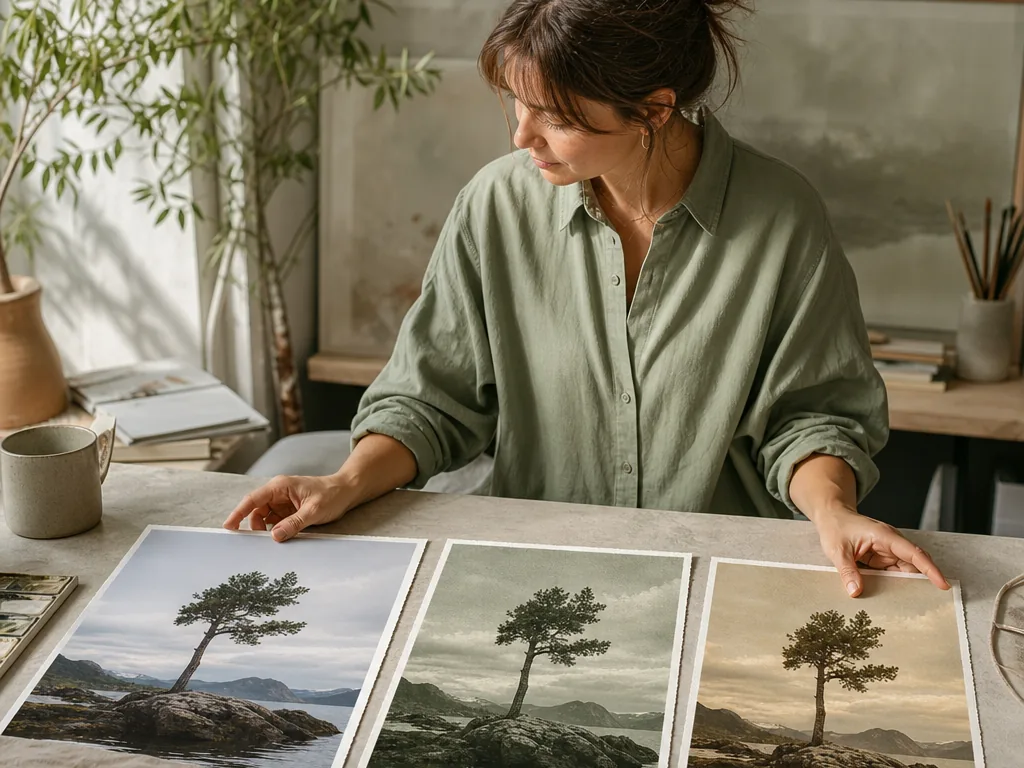
Image-to-image generation works best when the reference has a clear role. State which identity, composition, or product details must stay, which visual qualities may change, and how strongly the new result may depart from the source.
Step-by-step process
- 1
Choose a reference with useful structure
Select a source whose subject, silhouette, camera angle, and composition already support the intended result. A weak reference gives the model conflicting signals.
- 2
Separate protected and editable parts
Name the face, pose, object shape, framing, or text that must remain, then describe the background, lighting, palette, or style that may change.
- 3
Start with a restrained transformation
Test a modest departure from the source before attempting a major style shift. Smaller changes make identity and composition easier to verify.
- 4
Compare several controlled variants
Change one variable at a time, such as lighting or palette, and compare all outputs with the same source crop. This reveals which instruction caused drift.
- 5
Review rights and final use
Confirm permission to use the reference, inspect for unwanted likeness or marks, and export the version at the dimensions required by its destination.
Common mistakes to avoid
Using a reference with no clear role
If the prompt never says what the image should control, the result may copy irrelevant details and lose important ones.
Changing identity and style simultaneously
Large combined changes make it difficult to preserve faces, products, or composition.
Ignoring reference ownership
A technically successful result can still be inappropriate if the reference lacks permission or contains protected branding.
Before you finish
- The reference has a clear structural purpose.
- Protected and editable parts are separated.
- The first transformation is deliberately restrained.
- Variants change one variable at a time.
- Reference rights and final dimensions were checked.