AI Image Editor: Transform a Reference Image Into New Variants
Upload a reference image, describe the change, and generate a controlled new version with AI for style transfer, backgrounds, avatars, product variants, and social visuals.
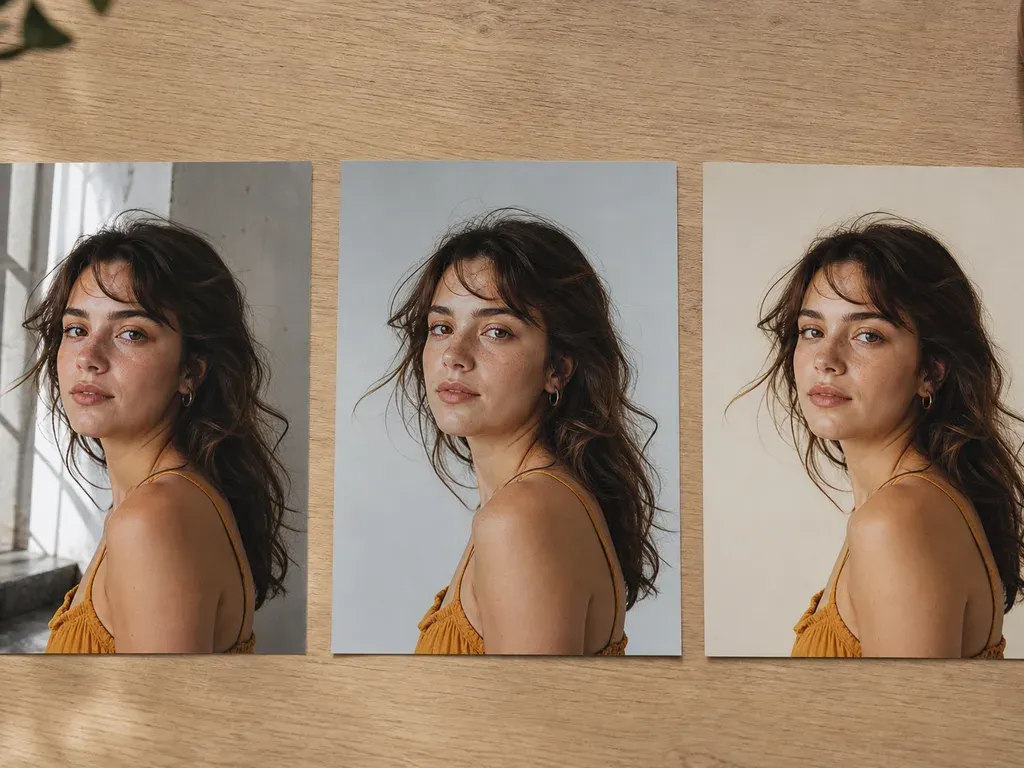
An AI image editor uses your photo as a starting point. Describe what to change and what to keep, then compare the output with the original. Instructions guide the model but do not guarantee exact preservation.
Step-by-step process
- 1
Start with the source and its purpose
State what the image is for and which subject, composition, product shape, face, or text must remain recognizable. A source image gives the edit a boundary.
- 2
Ask for one meaningful change
Describe a single change such as a cleaner background, different light, or a controlled color treatment. Separate unrelated changes so you can tell what worked.
- 3
Add visual constraints
Specify perspective, light direction, skin texture, proportions, and protected details. Concrete constraints reduce pasted-in backgrounds and accidental identity changes.
- 4
Compare at the final use size
Review the output at the size where it will be posted, printed, or delivered. Check faces, hands, edges, fine text, and transitions that a thumbnail hides.
- 5
Save a reversible version
Keep the source, instruction, and output separate. A useful editor lets you refine the instruction without losing the previous result.
Common mistakes to avoid
Using an editor as a blank generator
If the composition and subject can change freely, a text-to-image tool may be the better fit. An editor is valuable when the source matters.
Giving several vague requests at once
A long request such as “make everything better” hides the cause of failure and makes review difficult.
Skipping source comparison
A polished result can still change identity, product geometry, or readable text. Compare before publishing.
Before you finish
- The source image and its purpose are clear.
- Protected details are named.
- There is one primary requested change.
- The result was checked at final-use size.
- Source, instruction, and output remain recoverable.