AI Photo Editor Online for Selected Photos and Creative Edits
Edit photos with AI after you pick the right image: enhance quality, change backgrounds, remove distractions, stylize, or create controlled variants.
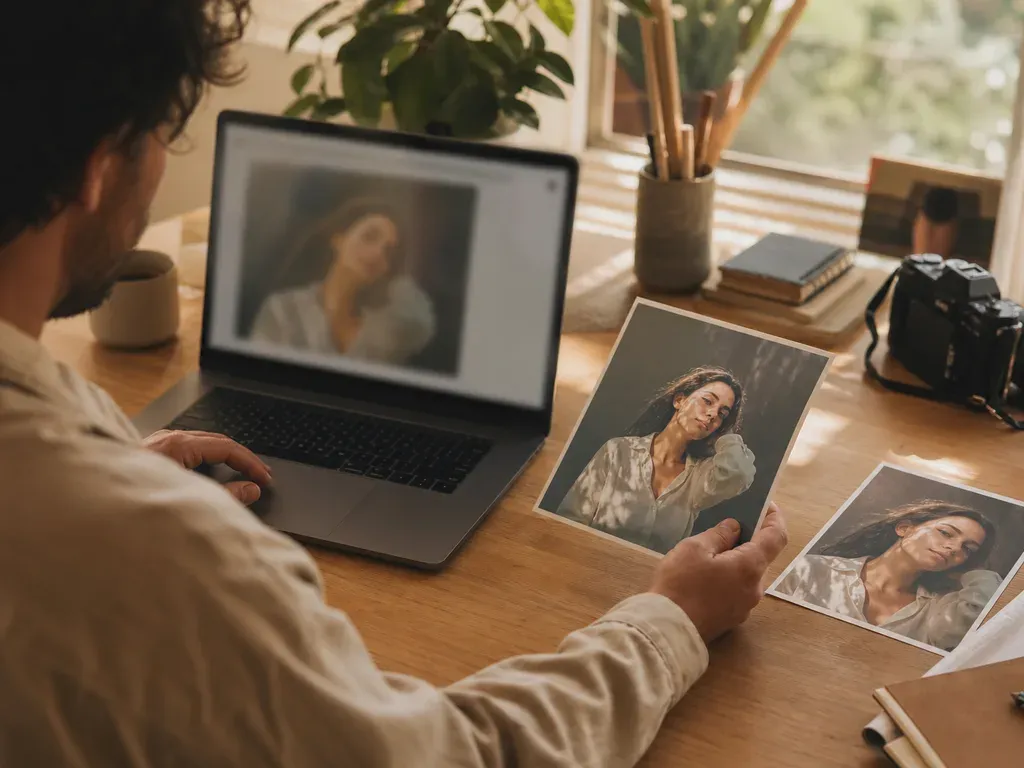
To edit a photo online with AI, start with a photo you want to keep and ask for one change. Compare the result with the original, then check the size and format before downloading.
Step-by-step process
- 1
Start from a keeper, not the whole folder
Culling or manual review should happen before editing. Choose the frame with the strongest expression, composition, or product detail so the edit has a clear purpose.
- 2
Define one change at a time
Separate enhancement, background removal, object cleanup, stylization, and generation. A focused request is easier to review and easier to undo.
- 3
Keep the source and result comparable
Review the output beside the original at the same crop. Look for changed facial features, warped text, missing fingers, halos, or a color shift that changes the intended mood.
- 4
Match the export to its destination
Choose a practical size and format for a post, listing, print, or archive. Do not upscale every image if the destination only needs a small web asset.
- 5
Give the edited file a useful name
Name the result by purpose, such as profile-light or listing-clean, and keep the original source separate. This makes revisions safer than replacing the only copy.
Common mistakes to avoid
Editing before choosing
Enhancing every similar frame multiplies cost and review time. Decide which image deserves attention first.
Combining unrelated requests
A prompt that asks for retouching, a new background, a style change, and text replacement at once is difficult to evaluate.
Judging only the thumbnail
Small previews hide edge artifacts and face changes. Inspect the areas that matter before sharing or printing.
Before you finish
- The source image has a clear purpose.
- The edit request describes one main job.
- Original and result were compared at the same crop.
- The output was checked for artifacts and identity changes.
- The file size and format match the destination.