AI Photo Culling Software: Feature Checklist for Faster Selection
When a folder contains hundreds of near-duplicates, a score is not enough. You need to compare the burst, understand why a frame was flagged, and keep the final decision.
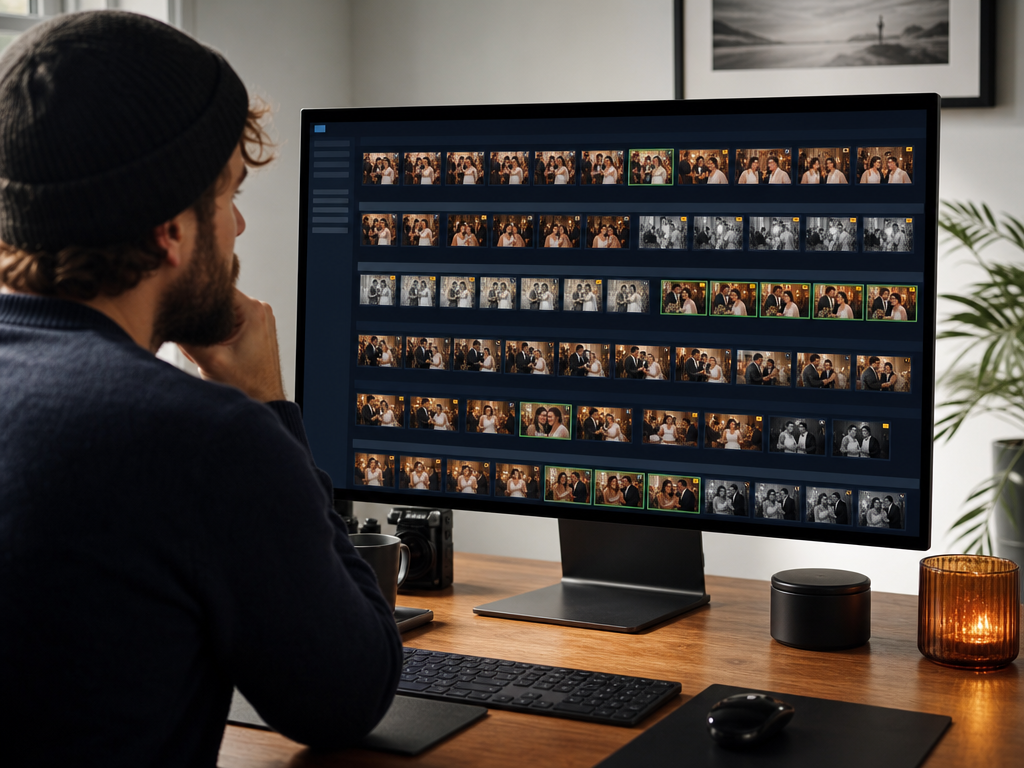
Turn one trip, event, or portrait session into a shortlist you can inspect. MomentSift groups repeated frames and points out blur, closed eyes, or exposure problems; you decide what stays.
How the workflow works
- 01
Pick a batch you can finish
Use one trip, event, portrait session, or monthly folder. You will learn more from finishing 300 related photos than from dropping an entire archive into a new tool.
- 02
Compare one burst at a time
Look at repeated poses and near-identical frames together. Expression, focus, gesture, and background distractions become easier to compare when the rest of the folder is out of view.
- 03
Treat flags as a second opinion
Blur, closed-eye, and exposure flags tell you where to look. Check the image in context before rejecting it; a technically imperfect frame may still be the only record of an important moment.
- 04
Choose for the final use
A client gallery, family album, print, and social post need different keepers. Confirm the shortlist against that purpose instead of accepting a generic score.
- 05
Edit only the confirmed keepers
Send the final shortlist to enhancement, restoration, upscaling, background work, download, or your usual editor. Keep the original batch until the project is closed.
A strong fit when
- You have a real batch with bursts or repeated poses and want a calmer first review.
- You want suggestions you can inspect before editing or exporting anything.
Consider another workflow when
- You want unattended deletion or a system that makes every creative choice for you.
- You need a full offline RAW catalog, metadata migration, or card-ingest replacement.