Photo culling workflow comparison
A FilterPixel alternative for reviewing photos in your browser
A FilterPixel alternative should fit the way you review a shoot. Compare browser access, control over the shortlist, editor handoff, and trial limits before moving a whole job.
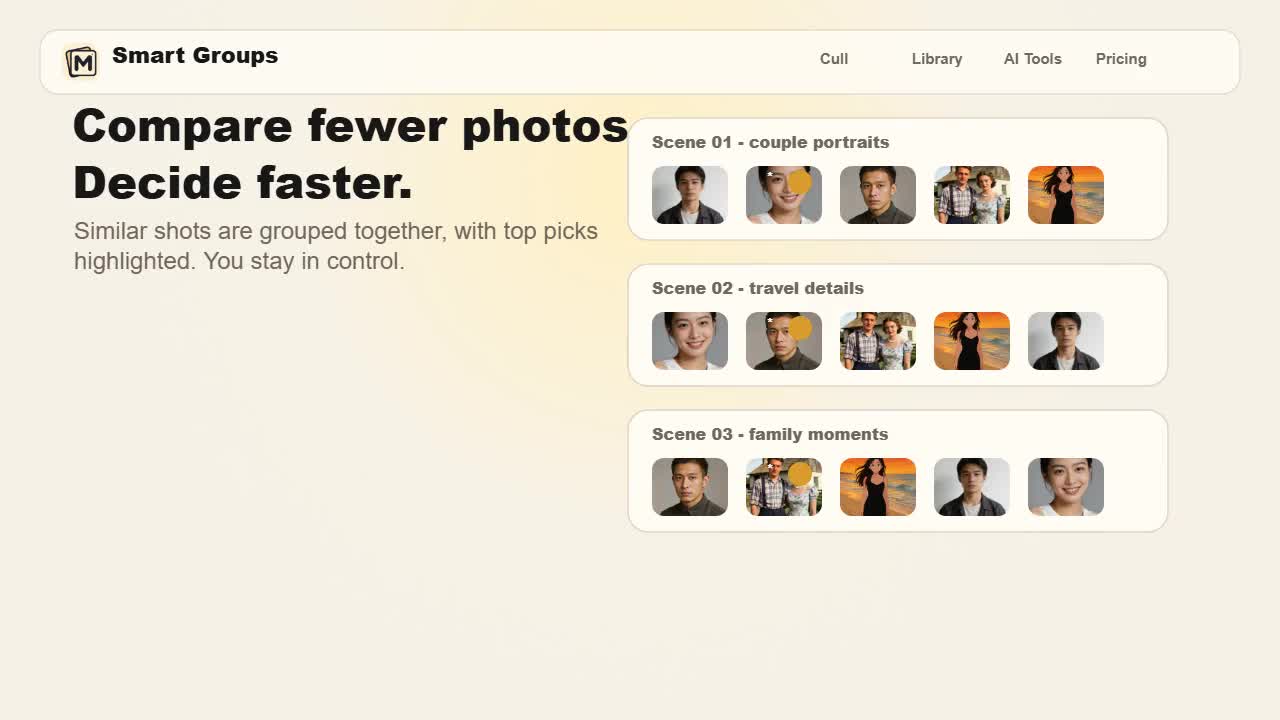
At a glance
Try MomentSift if browser access and a user-reviewed shortlist are enough for the job. FilterPixel is worth evaluating when genre-specific selection and editor integrations matter to your event workflow. This page is written by MomentSift; the linked sources support product descriptions, not a claim that either tool makes better selections.
Compare the features
| Criterion | MomentSift | FilterPixel |
|---|---|---|
| Browser or installed app | Start with a browser photo culler. Test the file formats and folder access available on your own device before importing a complete shoot. | FilterPixel provides downloadable software, including a macOS app. |
| AI culling for event photos | Technical flags and similar-shot groups help you inspect repeated frames. Check coverage yourself: a sharp photo does not prove that the right person or moment was included. | DeepCull offers genre-specific evaluation with scores and explanations. |
| Comparing similar frames | Review the candidates and confirm the keepers. Keep uncertain frames until you have seen the full sequence rather than treating a flag as an instruction to delete. | Survey Mode groups similar images for comparison. |
| Editing after the cull | Use selected-image enhancement or take keepers to your editor. MomentSift does not train a personal editing profile from a Lightroom catalog. | Style DNA learns from an edited Lightroom catalog; ready-made editing profiles are also offered. |
| Handoff to other software | Export selected files and optional XMP ratings. Confirm the result in your editor with a small test; this is not a direct Capture One integration. | The official site lists export to Lightroom, Capture One, and Photo Mechanic. |
| How to compare trial limits | Check the current photo allowance separately from enhancement credits. Test one complete review-and-export cycle instead of judging only the import screen. | Check the current allowance for basic culling and DeepCull separately. The pricing guide distinguishes the two modes. |
Choose MomentSift when
- • You need a browser entry for a small or occasional photo culling workflow. Review the shortlist on your device and check that you can reopen the exported keepers.
- • You already have an editor and only want help reducing repeated frames. Compare how often you correct a selection, not how confidently an AI labels it.
Choose FilterPixel when
- • Genre-specific selection is central to your event work. Try a representative sequence with important people and moments, then judge whether the explanations are useful.
- • You depend on the editor handoffs listed by FilterPixel. Test ratings, file locations, and the final editing stage before replacing that connection.
Sources checked
- FilterPixel — culling, editing and export features · accessed 2026-09-20
- FilterPixel — basic culling and DeepCull pricing guide · accessed 2026-09-20