How to Cull Corporate Event Photos for a Complete Recap
A conference gallery has to cover more than a keynote. Sort by the agenda, protect requested speakers and sponsor moments, and build a useful highlight set before polishing every frame.
By MomentSift
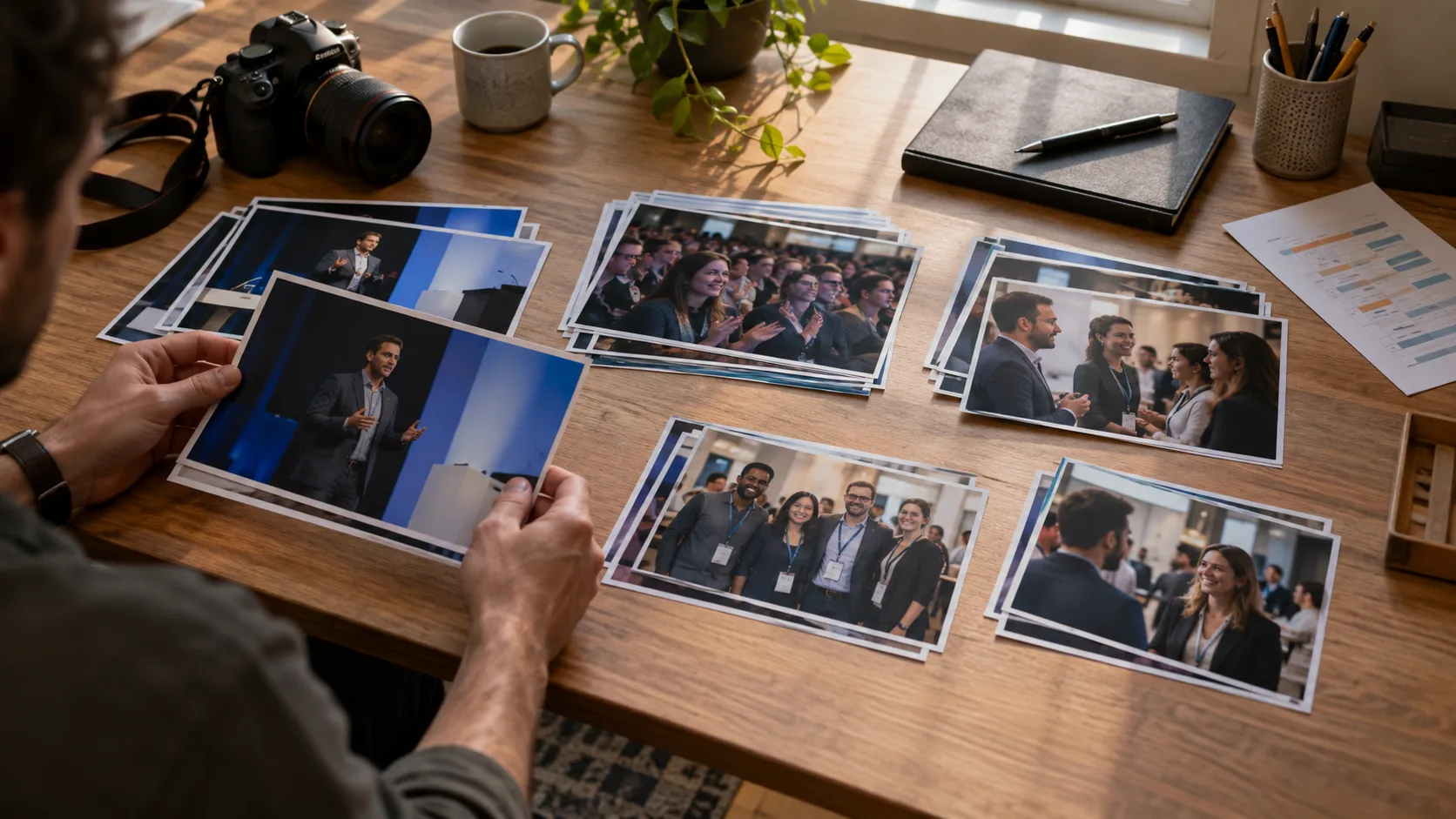
To cull corporate event photos, start with the event brief and agenda, not a global sharpness ranking. Divide the shoot into sessions and requested subjects. Make a fast highlight pass for images needed soon, then a fuller pass for the final gallery. Compare repeated frames within each segment, and check the selected set against speakers, groups, sponsors, and atmosphere before editing or delivery.
Step-by-step process
- 1
Turn the brief into a coverage checklist
Before rejecting photographs, list the people and moments the organizer actually requested: keynote speakers, panels, award presentations, group portraits, sponsor presence, and audience interaction. An agenda is useful, but it is not a substitute for the client brief. Mark must-have subjects separately from nice-to-have atmosphere so a technically polished set does not miss the assignment.
- 2
Separate the shoot by session and purpose
Work through arrivals, talks, breakout rooms, networking, and closing moments as distinct batches. This keeps a weak frame from one keynote from being compared with a strong frame from a different part of the day. Put repeated gestures or group-photo bursts together; those are the photographs that really compete with one another.
- 3
Make a small, time-sensitive highlight pass
If a recap needs images quickly, select a compact set that covers the headline speaker, people engaging, venue context, and the requested brand moments. Do not treat that first set as the final archive. Leave uncertain but potentially important images for the fuller pass, and verify the exported files rather than assuming every selection made it through.
- 4
Cull the final gallery for coverage and usable variety
Now inspect facial expressions, focus, distracting backgrounds, and accidental repeats within each session. Keep the clearer group frame when more people have open eyes, but retain an alternate if someone important is missing. A useful event gallery has enough wide views, close interactions, speakers, and details to tell the story without repeating the same podium angle ten times.
- 5
Check the brief against the exported set
Open the actual export and compare it with the checklist. Are each of the requested speakers, sponsor placements, and groups represented? Are names or captions a separate task that still needs human verification? Confirm file formats and destinations with the client workflow, keep the originals backed up, and only then consider cleanup of rejects.
Common mistakes to avoid
Selecting only the most photogenic room
An attractive keynote sequence cannot replace a missing panel or sponsor photo. Check assignment coverage before polishing the visual rhythm.
Letting a technical score remove a required moment
A slightly imperfect frame may be the only photograph of a requested person or award. Review flagged images against the brief before excluding them.
Treating the quick recap as the final gallery
A small highlight set serves a deadline; the full deliverable may need broader session and attendee coverage. Name and check the two outputs separately.
Before you finish
- Requested people, sessions, and sponsor moments are accounted for.
- A quick highlight set and final gallery are kept distinct when needed.
- Group portraits were checked face by face.
- The final set avoids repeated podium angles and missing event context.
- Exported files, destinations, and originals were verified.