Photo Culling for Client Delivery: A Practical Workflow
Check that the gallery includes the people, moments, and details you promised. Remove unnecessary repeats, then edit and verify the files you will deliver.
By MomentSift
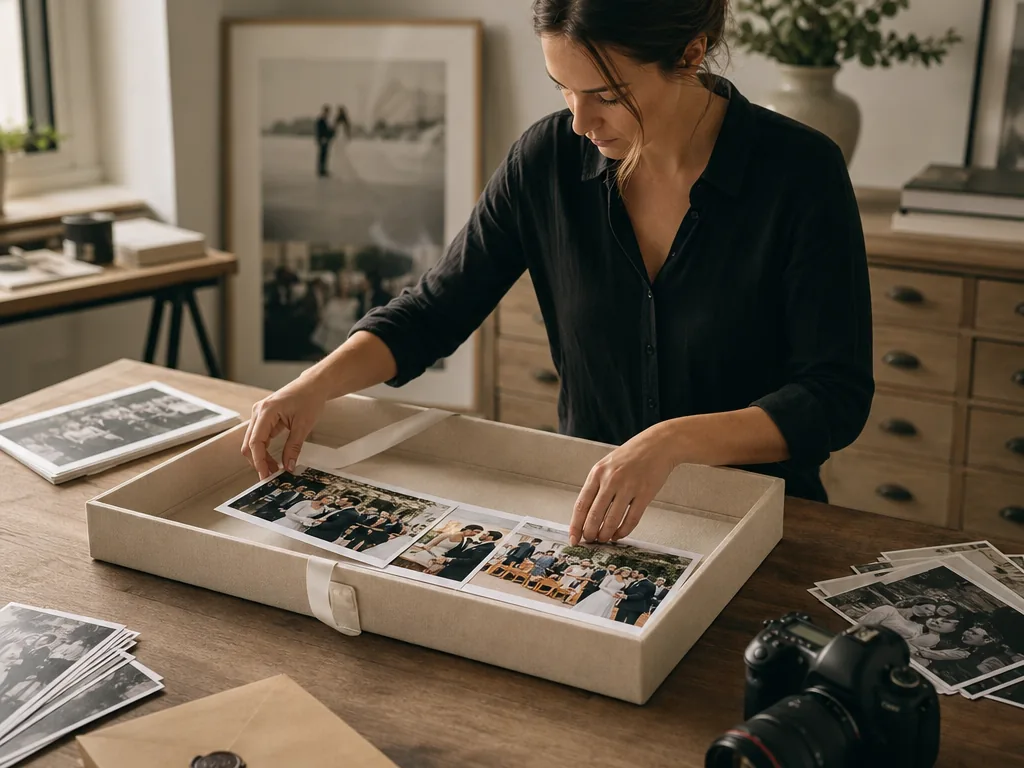
Cull for client delivery by working backward from the promised gallery: protect required moments, remove clear failures, compare repeated scenes, balance variety and consistency, then verify the exported set as the client will receive it.
Step-by-step process
- 1
Translate the promise into a shot checklist
List required people, products, moments, angles, and approximate delivery count. This prevents technically strong photos from crowding out contracted coverage.
- 2
Remove clear failures without losing evidence
Flag severe blur, accidental frames, unusable exposure, or duplicates, while preserving documentary frames and uncertain images until the story pass is complete.
- 3
Choose within repeated scenes
Group bursts, poses, speeches, product angles, or reactions. Select the strongest expression and focus while keeping alternates only when they add a different client value.
- 4
Balance story, people, and visual rhythm
Review representation, sequence, orientation, close and wide views, and emotional pacing. A good gallery is not merely a folder of top technical scores.
- 5
Audit the exact delivery export
Check filenames, order, color consistency, dimensions, privacy exclusions, contractual count, download folder, and backup before sending the gallery.
Common mistakes to avoid
Selecting only by technical score
The client may value a relationship, product detail, or unique moment that is not the sharpest frame.
Keeping every alternate as insurance
Near-duplicates make the gallery feel unfinished and shift the selection burden back to the client.
Reviewing before export but not after
Ordering, filenames, dimensions, or privacy exclusions can change during export. Audit the actual delivery folder.
Before you finish
- Required coverage and delivery count are defined.
- Technical failures and uncertain story frames are separated.
- Repeated scenes were compared as groups.
- The gallery has balanced people, moments, and visual rhythm.
- The exact exported delivery folder was audited and backed up.