AI Family Photo Organizer for Years of Everyday Memories
Bring phone photos, camera folders, scans, and shared family pictures into a review you can finish without judging every memory by sharpness alone.
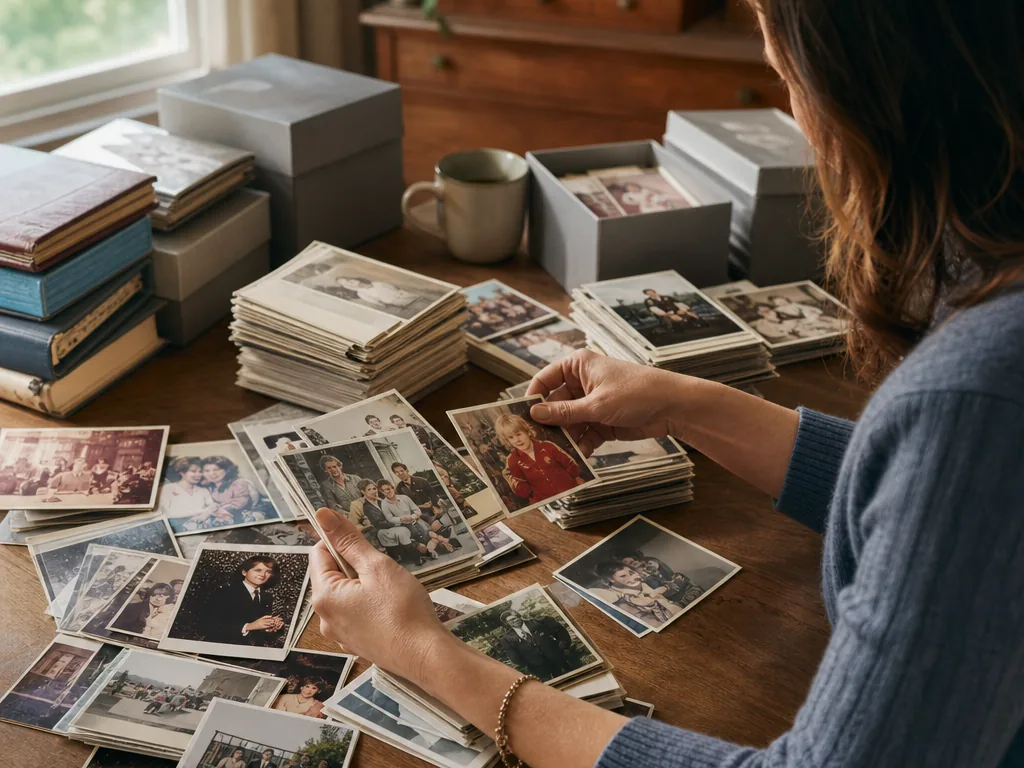
Make a mixed family archive easier to review: phone bursts, camera folders, scans, and screenshots can be considered as one collection while sentimental exceptions stay under human control.
How the workflow works
- 01
A family archive is usually scattered before it is large
Family archives need a different standard from a commercial shoot. Use AI to expose repetition and likely rejects, then keep the images that carry people, places, and memory even when the pixels are not perfect. Baby photos may live on one phone, school events on another, camera folders on a laptop, and older prints in scanned albums. Before choosing keepers, gather copies into batches by year, child, household, or event so nothing disappears between devices. MomentSift can make each batch easier to review by grouping repeated frames and surfacing likely quality problems. It does not identify family relationships or decide which memory matters.
- 02
Review for family coverage, not just technical winners
Family archives need a different standard from a commercial shoot. Use AI to expose repetition and likely rejects, then keep the images that carry people, places, and memory even when the pixels are not perfect. A good family selection should show how people and relationships changed, not simply collect the sharpest image from every burst. Look across a month or event before removing weaker files, especially when one person is rarely photographed.
- 03
Keep originals and sharing copies separate
Family archives need a different standard from a commercial shoot. Use AI to expose repetition and likely rejects, then keep the images that carry people, places, and memory even when the pixels are not perfect. Before uploading or deleting family media, keep an untouched backup and check the privacy rules that apply to children, relatives, and client-like events. For large batches, a desktop browser is usually easier to review, but it is not a replacement for long-term backup storage.
- 04
Organize one bounded family batch before touching the whole archive
Family archives need a different standard from a commercial shoot. Use AI to expose repetition and likely rejects, then keep the images that carry people, places, and memory even when the pixels are not perfect. Start with one year, birthday, school season, or family trip. Make a working copy, review repeated moments together, and create three outcomes: keepers for the private archive, a smaller set for sharing, and files that need restoration or a second look. This keeps an emotional archive from becoming a one-click cleanup project. The tool can shorten the comparison work, but the family context still belongs to the person who knows the people and the story.
A strong fit when
- Your library mixes years, devices, and imperfect personal photos.
- You want a reviewable shortlist before building a long-term archive.
Consider another workflow when
- You need automatic family-tree tagging or archival metadata migration.
- You want sentimental value to be judged only by technical sharpness.