How to Choose the Best Photos From Similar Shots
The best photo is rarely decided by sharpness alone. Compare similar shots in a clear order, keep the frame with the strongest story, and stop second-guessing every burst.
By MomentSift
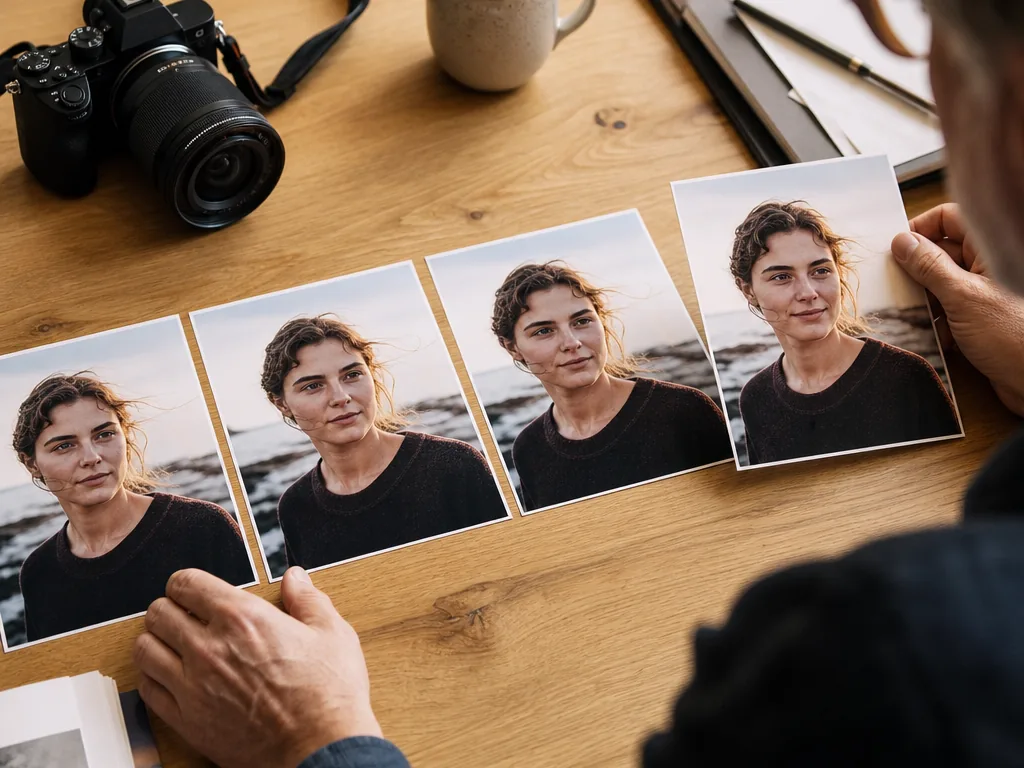
Compare one burst at a time. Choose the expression or action you want to keep, then check focus and exposure at a larger size. Keep an alternate if you need a different expression or crop.
Step-by-step process
- 1
Similar photos are hard because the differences are small
A burst can contain ten technically acceptable frames with tiny changes in expression, focus, gesture, and timing. Looking at the entire folder at once makes those decisions harder, not easier.
- 2
Compare meaning before pixel-level details
Start with expression, connection, and story. Then check sharpness, exposure, and composition. The sharpest photo is not always the best photo if another frame captures the moment, person, or relationship more clearly.
- 3
Review in small groups and choose one clear keeper
Group near-duplicates, review only that small set, and mark the strongest frame before opening the next group. Keep an alternate only when it has a genuinely different use, such as another person, expression, crop, or moment.
- 4
Use AI as a first-pass comparison assistant
AI can surface likely weak frames and group similar images so you are not scanning everything manually. Treat its suggestions as a shorter review list, then make the final call with your own taste and context.
- 5
Zoom-check the finalist
Inspect eyes, hands, focus, and distracting edges only after the frame has won on expression and story.
Common mistakes to avoid
Choosing sharpness alone
The sharpest frame can still be the least meaningful moment.
Keeping every near-duplicate
Keeping every similar frame means comparing the same photos again when you edit or deliver them.
Letting a score end the decision
Review the suggestions against the moment you wanted to capture before choosing a photo.
Before you finish
- Technical failures are out.
- Expression or action was compared.
- Your preferred photo is marked.
- Each alternate adds a different expression, angle, or detail.
- The selected photos are ready to edit or share.